

游戏清单下载
请选择以下任意链接下载游戏清单文件,下载后请参考安装教程进行配置
游戏介绍
How it works
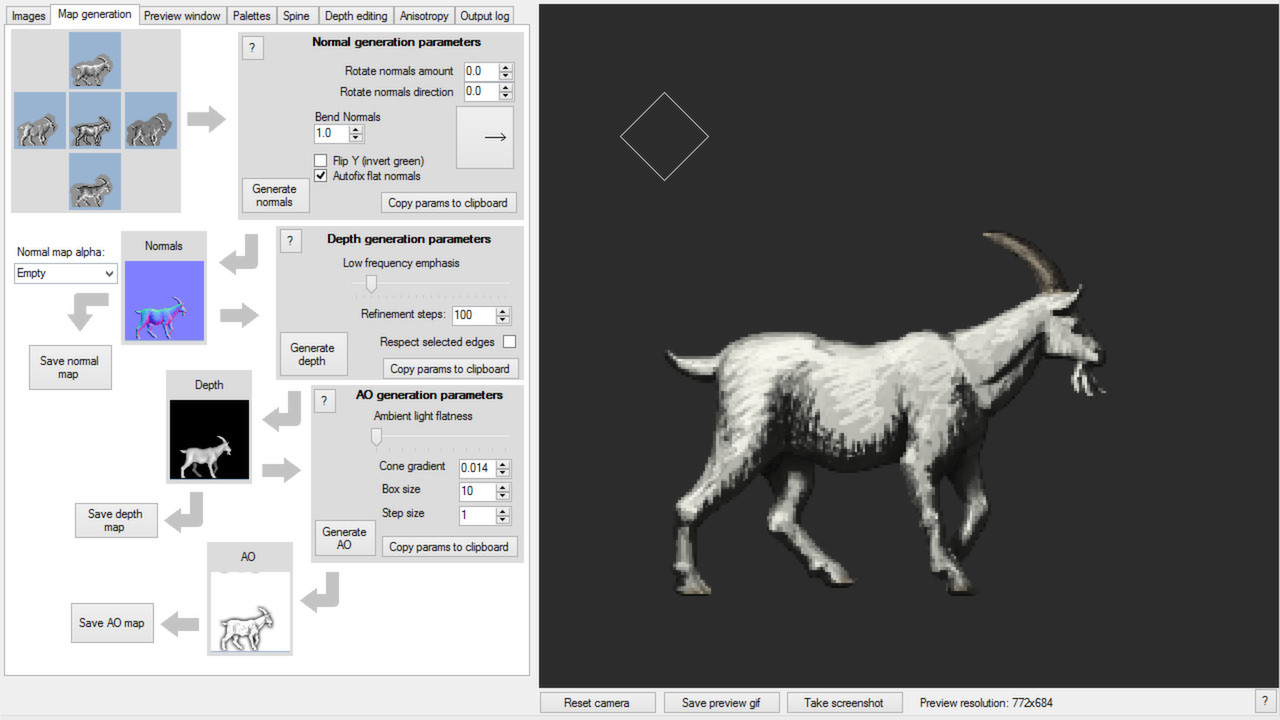
Sprite Lamp is all about letting artists paint images in a form they are familiar with, and using those images to create the more difficult or counterintuitive maps that are required by modern shaders. This primarily takes the form of painting the same subject lit from a few different directions – between two and five – and processing these images to create a normal map and a depth map.
Rendering
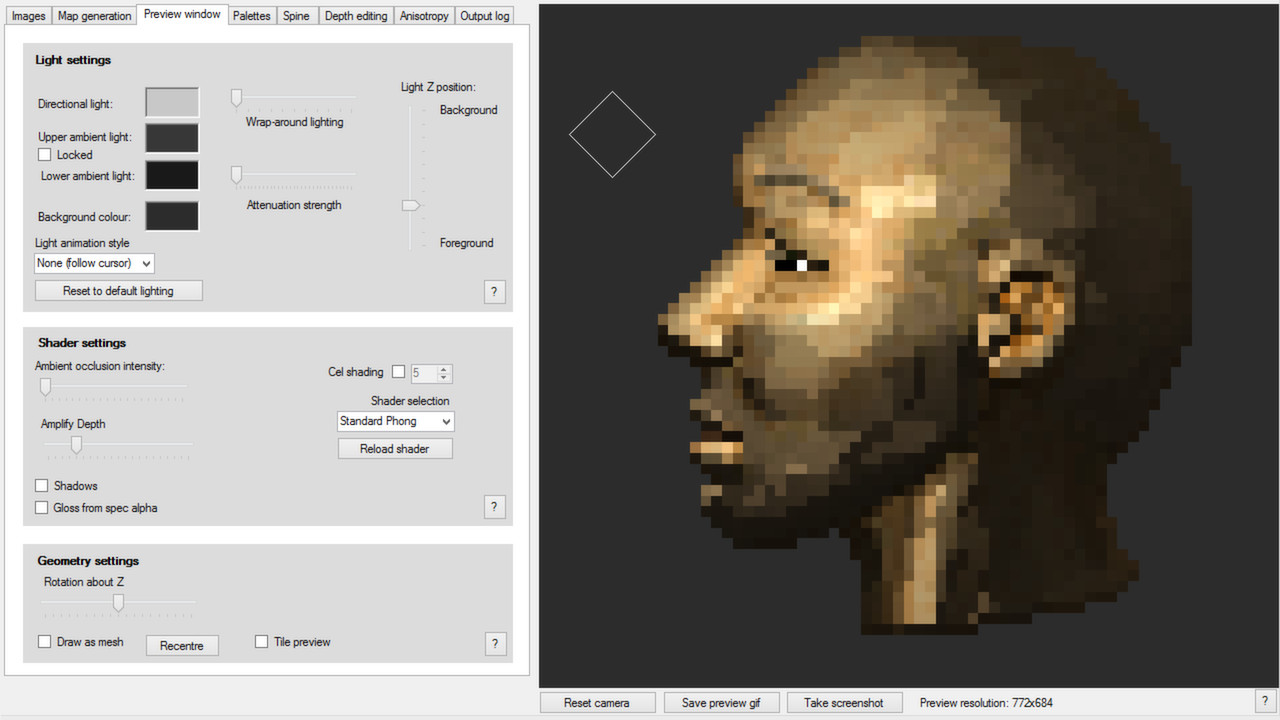
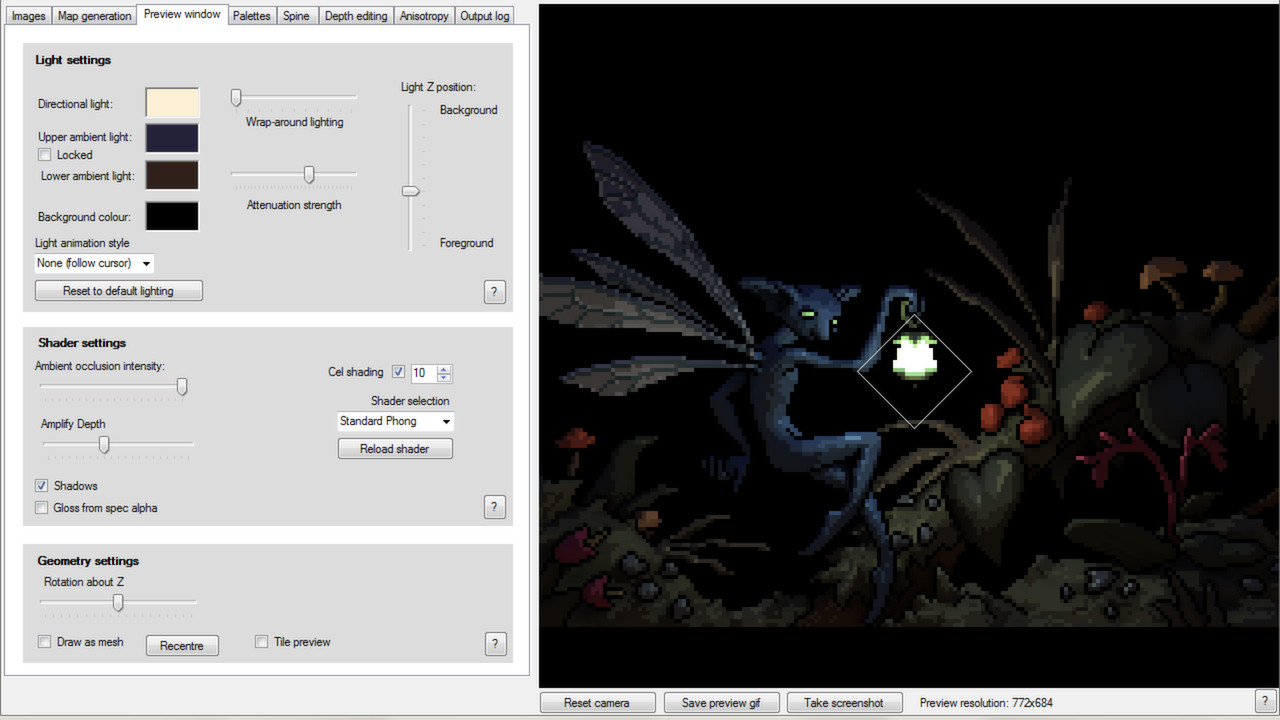
Sprite Lamp includes a preview window and various shader options to let you experiment and find out what looks best with your artwork. Sprite Lamp’s shaders are included in Sprite Lamp in GLSL form, fully commented, and can be used as a base for including them in your own game. A growing list of Sprite Lamp shaders for common game engines is available at . Sprite Lamp’s preview window supports:
- Moveable light source with variable colour, intensity, and attenuation
- Hemispheric ambient lighting
- Cel shading
- Self shadowing with depth maps
- Mapping of specular colour, glossiness, emissive colour, and ambient occlusion
- Rendering of animated characters exported from Spine, by Esoteric Software
Pro version
Upgrading to the pro version of Sprite Lamp gives the user access to a variety of additional features suited to larger studios.
- A full command line interface
- The ability to convert simple-to-paint ‘flow’ maps to anisotropy maps for use with external renderers
- The ability to edit and fine tune the depth maps generated by Sprite Lamp
- The ability to load multiple sets of images, process them all at once, and then animate them in the preview window
系统要求
最低配置:
最低配置:
- 操作系统 *: Windows Vista or later
- 处理器: x86 processor @1.6GHz or greater
- 内存: 512 MB RAM
- 显卡: Shader model 3.0/OpenGL 3.0
- DirectX 版本: 9.0a
- 存储空间: 需要 200 MB 可用空间
游戏截图
游戏共有 6 张截图,这里显示了 4 张


