


游戏清单下载
请选择以下任意链接下载游戏清单文件,下载后请参考安装教程进行配置
游戏介绍
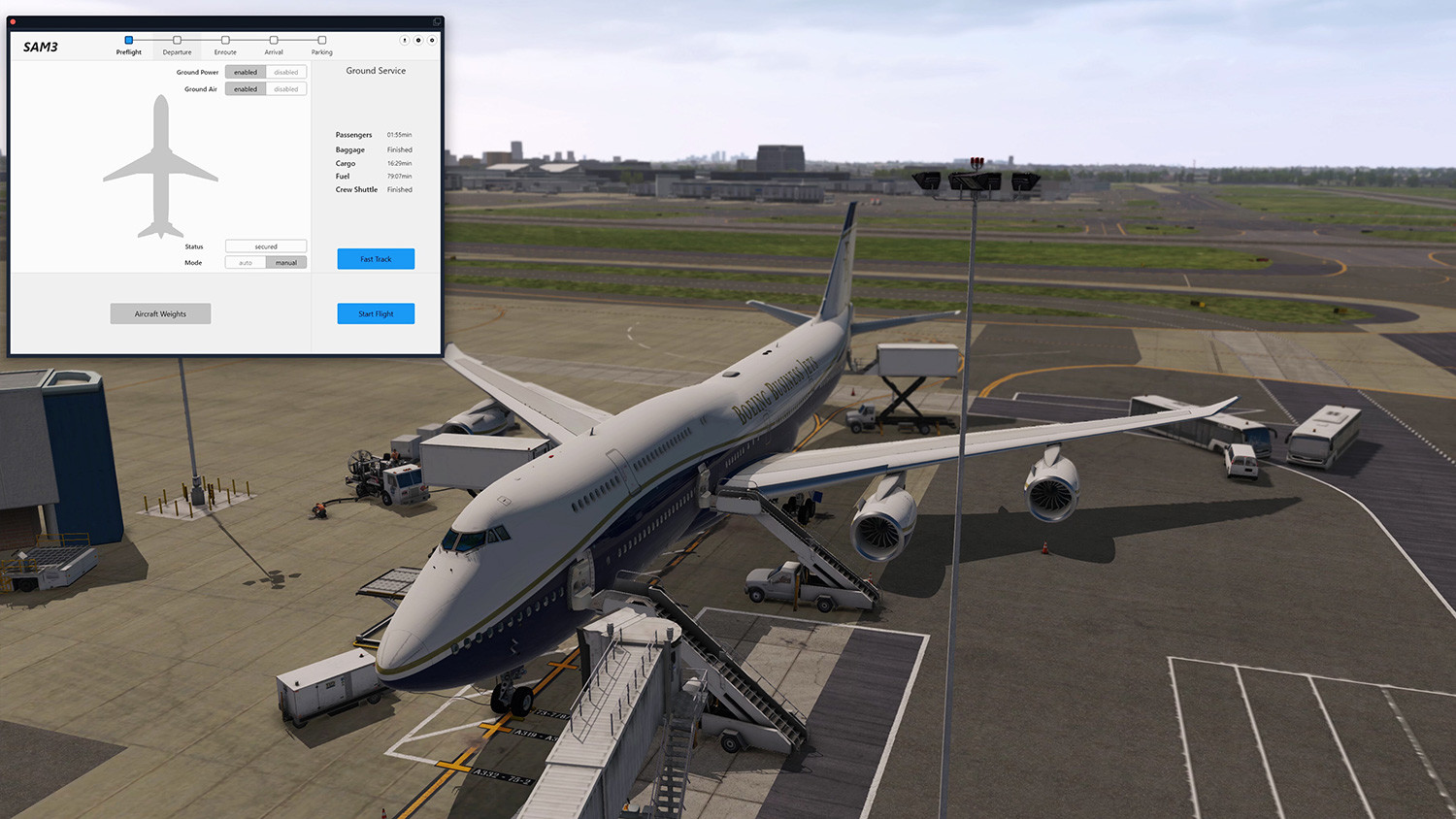
Let the passengers deboard, connect the GPU or refuel the plane. All processes on the ground around the aircraft are simulated and displayed in 3D. From the chocks, loading or unloading of luggage or cargo, to the arrival of the cleaning staff.
As with the previous extensions, all settings can be tuned via the SAM menu. From here you can also import your flight plan from SimBrief, (as an example) or select a fast-loading option if you want it to happen a little faster.
Limitations
Some 3rd party aircrafts don’t allow us to control certain aspects like real-time fueling or ground power support. Whenever this is the case, the corresponding service will be hidden so the native aircraft service can be used.

- Highly detailed animated ground service vehicles done by SFD (aka MisterX)
– 3 different regional sets: North America, Europe, Asia
– Animation of Baggage/Cargo (un)loading
– Static 3D passengers - Individual ground service configurations for several 3rd party aircrafts and XP default aircrafts
– Aircraft Compatibility List - Automatic routing logic for vehicle driving including crash detection and cm-precise docking
- Interactive services that control the aircraft load in real-time
– Securing Service (Chocks, Cones)
– Ground Power
– Passenger (Stair, Bus)
– Baggage (Loader, Cart)
– Catering
– Cargo (Loader, Cart)
– Fueling
– Crew Shuttle
– Cleaning - Load planning via SAM menu
– SimBrief import available
– Instant loading available (fast track)
– Loading and Unloading process feature different service flows - Dependency logic for various services
– Integration of SAM animated jetways including WorldJetways - Feature-full 10min demo via content manager
Compatibility
- X-Plane 11:
– Windows 10/11: compatible
– Linux Ubuntu (latest LTS): compatible
– macOS: compatible from 10.14 to 12.1
系统要求
最低配置:
最低配置:
- 操作系统: Microsoft Windows 10 (64bit)
- 处理器: Multi Core processor with 3,2G Hz or better
- 内存: 12 GB RAM
- 显卡: 6 GB VRAM required
- 存储空间: 需要 3 GB 可用空间
推荐配置:
推荐配置:
- 显卡: 8 GB+ VRAM required
游戏截图



游戏共有 19 张截图,这里显示了 4 张


