

游戏清单下载
请选择以下任意链接下载游戏清单文件,下载后请参考安装教程进行配置
游戏介绍
Features
- Grow as you eat and become the biggest shark
- Starve and shrink when you don’t eat enough
- Eat other sharks
- Eat fish / sea life
- A leaderboard that shows the largest 10 sharks in the current lobby
- Large semi-procedural map
- Explore the beautiful reef and find hidden locations
- Treasure hunting
- Interactable vegetation
- Lots of fish
- First / Third-shark perspectives
- Ultrawide monitor support
- Save settings
Screensaver mode
In screensaver mode the game will be in single player mode, locked in first-person (shark), the HUD will be disabled, and the sharks movement will become more static allowing the player to move around and create beautiful underwater screensavers.

Wallpaper mode
This mode is similar to screensaver mode except the movement controls are now mouse-click driven in order to support the software called "Wallpaper engine" that players have requested / mentioned in the past.
Multiplayer / Matchmaking
To join a random open lobby simply click "Join" on the main screen
To host your own game, click "Host". Other players will be able to join as described above by clicking "Join"
You can invite and join friends using the Steam overlay.
- Press [Esc] on the keyboard
- Host clicks "Invite"
- Host uses invite dialog to invite other player(s)
- Other player(s) start Alpha Shark
- Other player(s) press [Shift]+[Tab] to activate the Steam overlay
- Other player(s) click "Play Game" in the Steam chat window
Note: You will not be able to join games that have a full lobby.
For transparency, multiplayer is tested with 4 players and bots to emulate large lobbies. The game should support up to 250 players per server. You may find that adjusting the max players can improve or degrade your gameplay experience. There is a built in text chat, but no voice chat. If you wish to work as a team it is suggested that you use Discord or Steam Chat.
Controls
Keyboard & mouse
Look: Mouse
Swim: WASD
Fast swim: WASD + Left-Shift
Attack: Left-click
Switch view: v
Free look: Left-ctrl
Menu: Esc
Xbox controller
Look: Right-stick
Swim: Left-stick
Fast swim: Left-stick + Left-trigger
Attack: Right-trigger
Switch view: Y
Free look: Left-bumper
Menu: Start
系统要求
最低配置:
最低配置:
- 操作系统 *: Windows 7 or 10
- 处理器: Intel i3
- 内存: 4 GB RAM
- 显卡: GTX 560
- DirectX 版本: 12
- 存储空间: 需要 3 GB 可用空间
- 声卡: 7.1
- 附注事项: DirectX 11 or 12
游戏截图


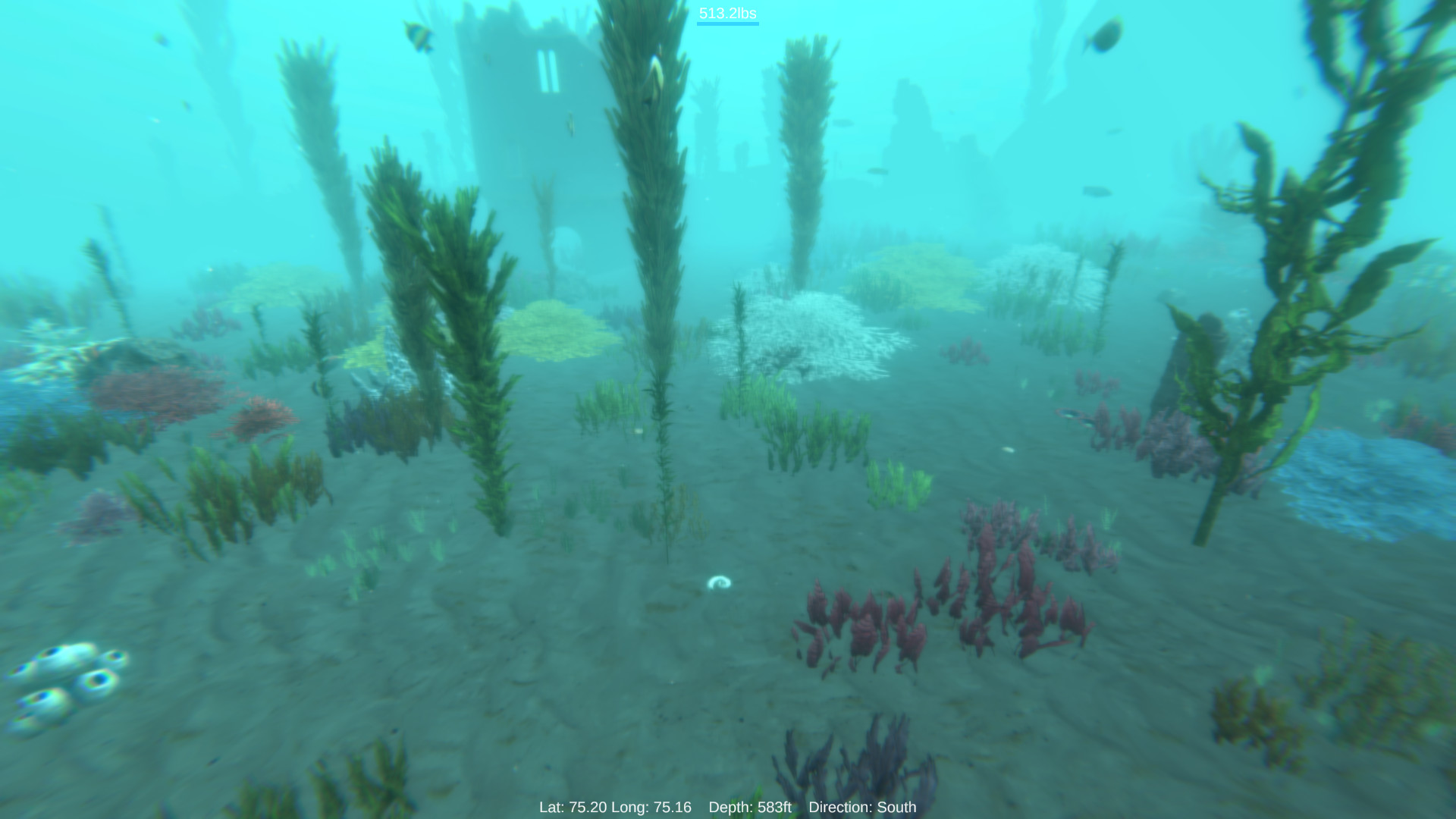
游戏共有 5 张截图,这里显示了 4 张


