


游戏清单下载
请选择以下任意链接下载游戏清单文件,下载后请参考安装教程进行配置
游戏介绍
The New Video Suite 2024 Is Here to Save the Day!
关于软件
Meet Movavi Picverse
– your new AI-based helper that will take your photo editing to the next level. Enhance your photos any way you want: adjust sharpness and color, restore old images, remove unwanted objects, change backgrounds – and do it all in a couple of clicks.
What’s new?
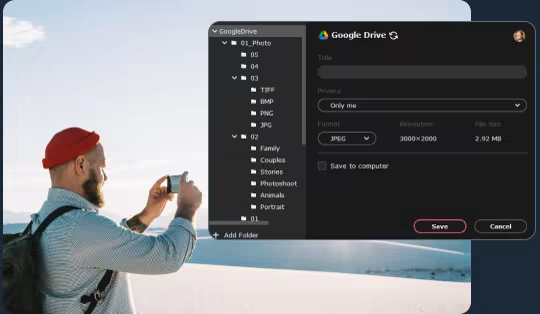
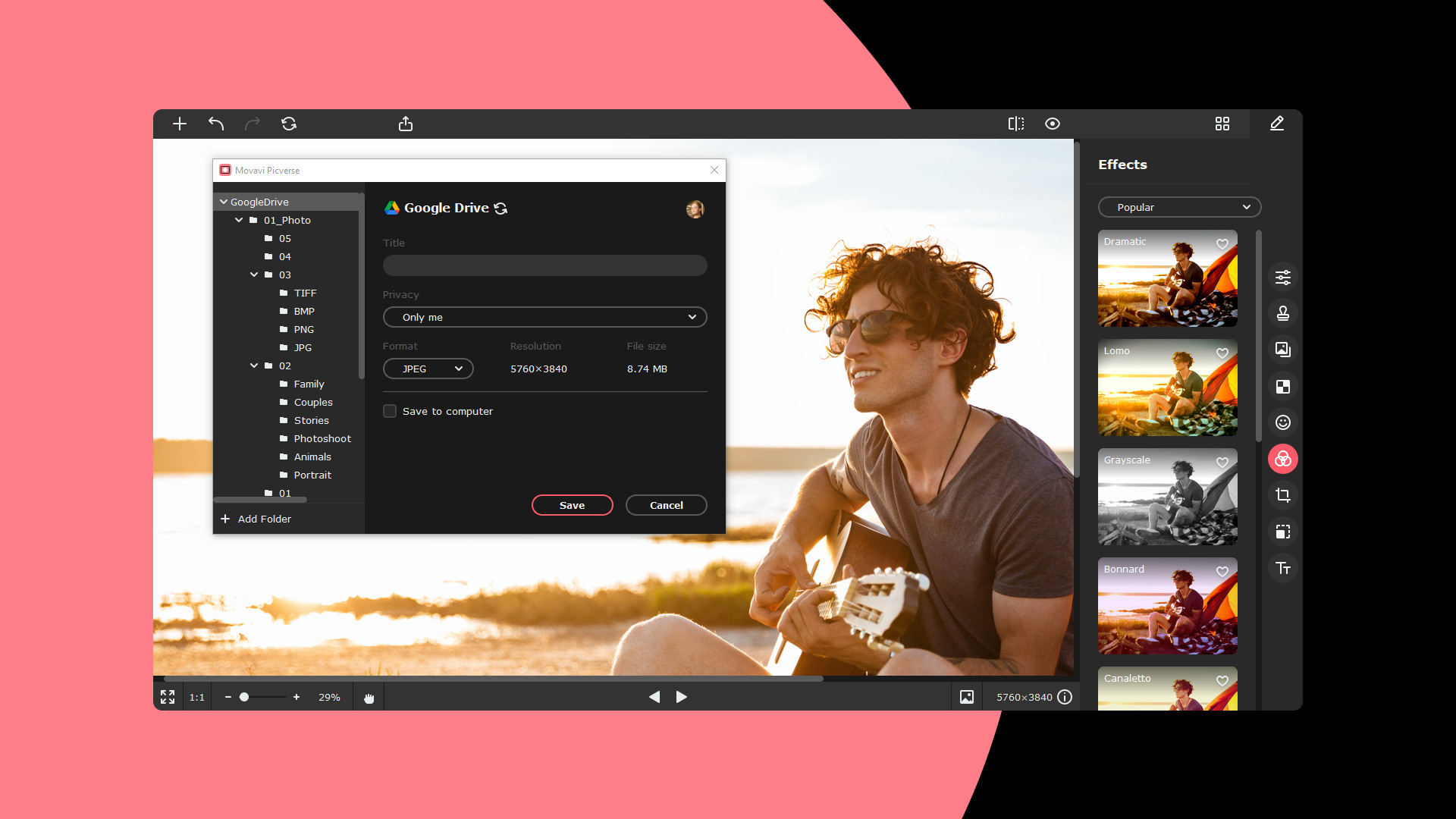
- Share files on Google Drive
- Overlay images on other images
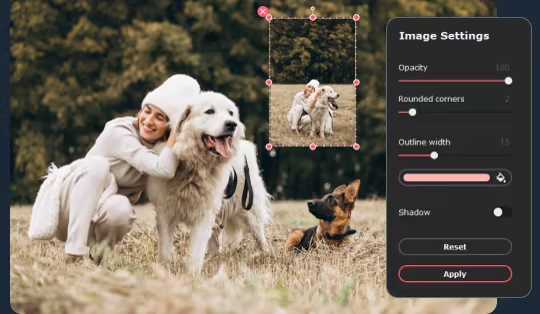
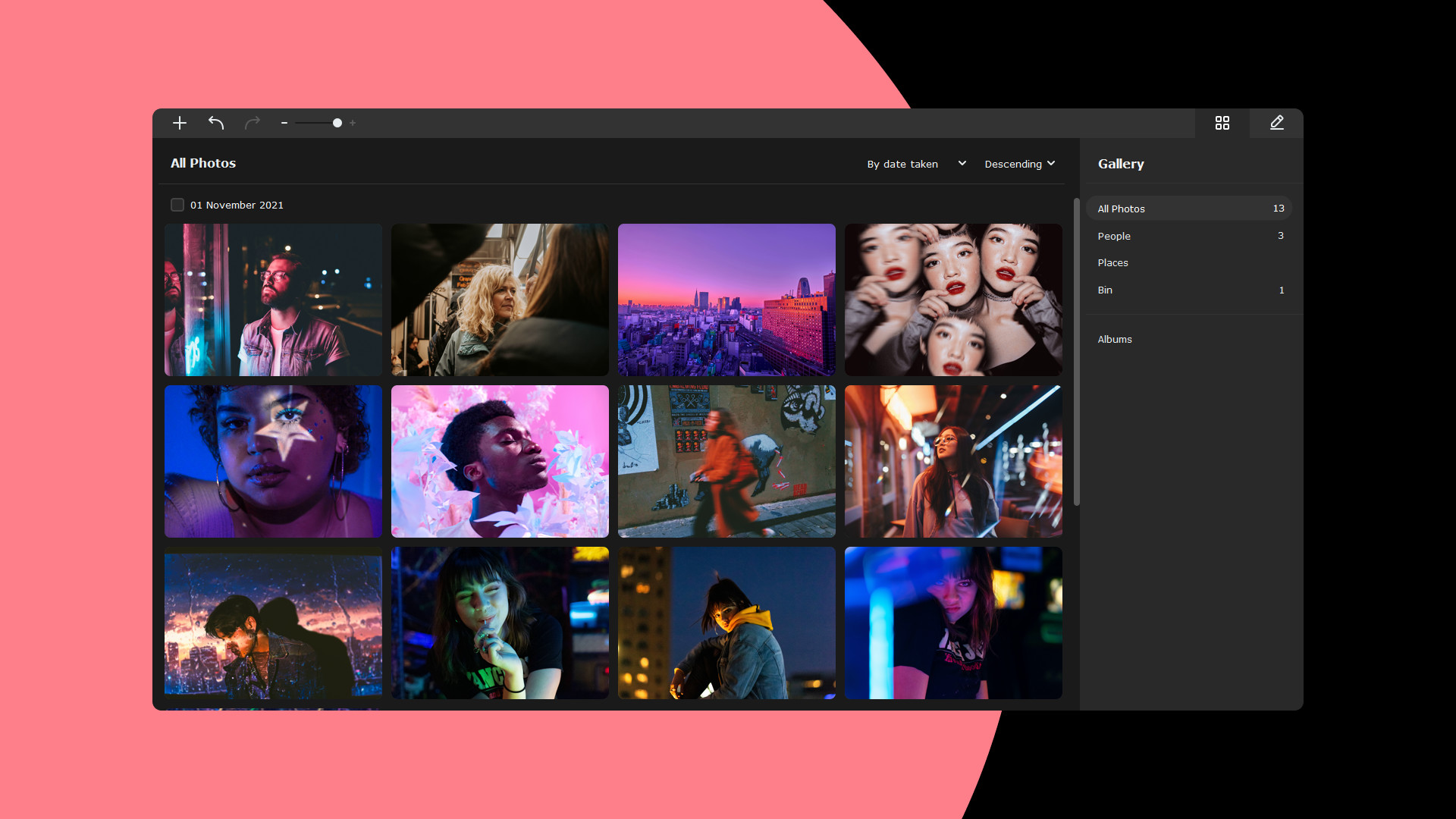
- Sort photos on your computer
- Use the upgraded background change tool and portrait retouch
AI-Powered Toolkit
Movavi Picverse uses artificial intelligence to edit your photos, and that is why it is so fast.
Here’s what you can do:
- Adjust colors automatically with Magic Enhance or use manual controls
- Apply HDR lighting to balance contrast and emphasize details
- Remove digital noise caused by inadequate lighting conditions
- Restore old photos: remove scratches and revive colors
Smart Resizing Algorithms
Whether you need to compress or scale up an image, you can do it without losing image quality. Choose the size you need, and AI will take care of the rest.
One-Click Retouching
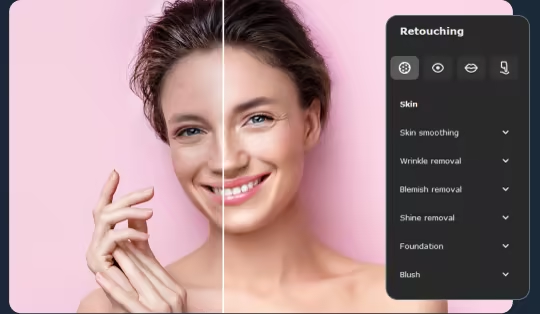
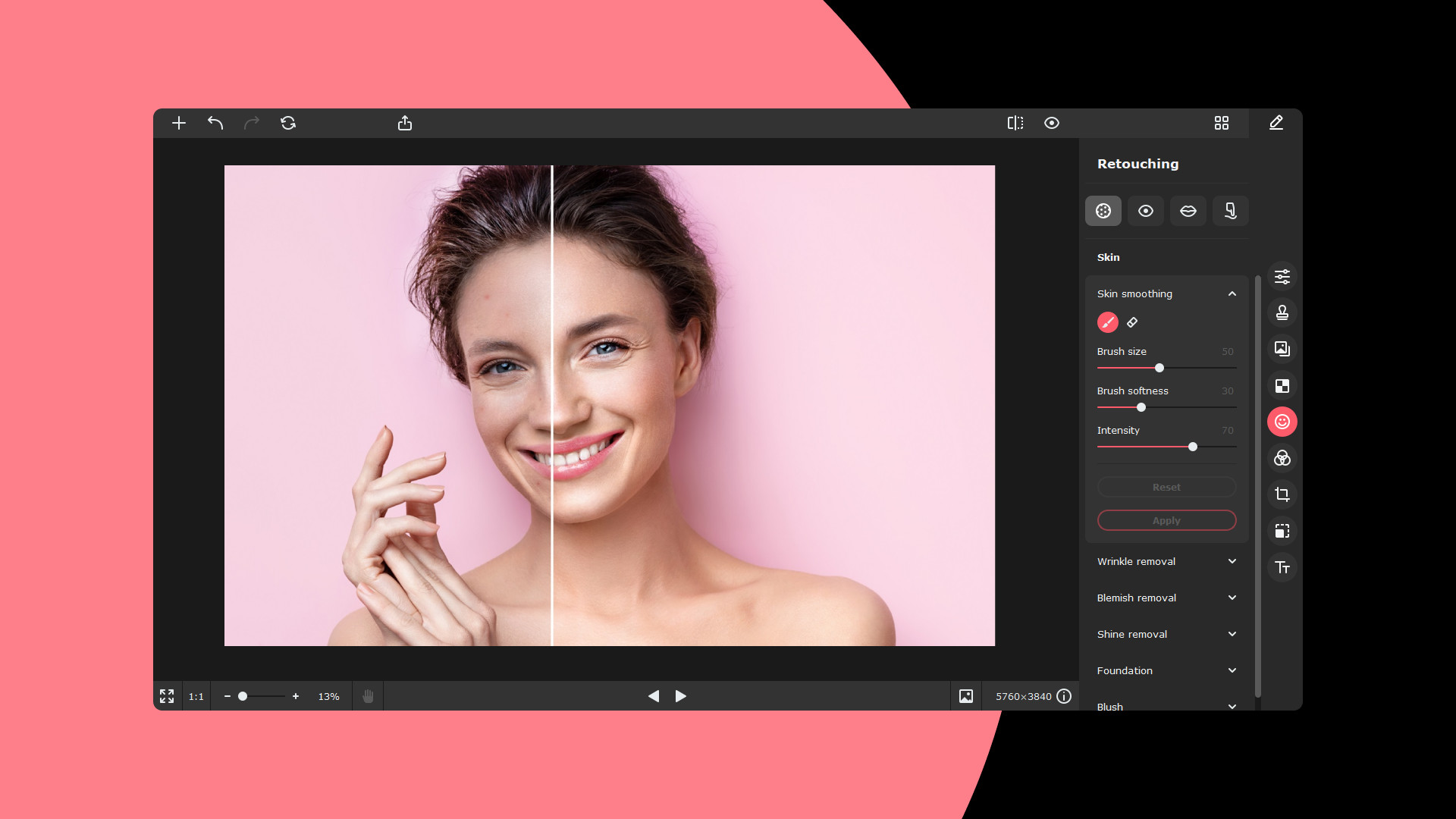
Give portraits and selfies a total makeover using image retouching tools:
- Reshape faces and bodies
- Remove red-eye
- Whiten teeth
- Smooth out skin, remove shine, wrinkles, and other blemishes
Object Removal
Delete unwanted stuff from your pictures using the handy Stamp tool. Copy “clean” areas to paint over problematic ones.
Background Removal
Replace the original background with a different picture or remove the background altogether. AI identifies people in photographs and selects their silhouettes automatically.
Photo management
Sort pictures by name, date, and location. The program can automatically detect people and locations in pictures, so you can quickly sort photos into thematic albums.
More Tools
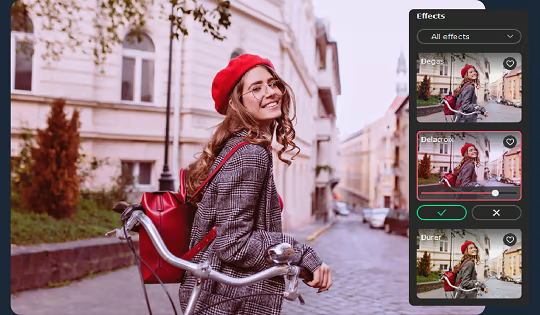
Movavi Picverse also comes in handy for basic editing. You can have fun with dozens of filters and effects, add text, crop and rotate images, and straighten the horizon.
Flexible Formats
You can work with any graphics format, including RAW. When exporting the resulting photo, you can choose the output format and size: JPEG, PNG, BMP, TIFF, DPX, PBM, and more.
Now you can also share pictures on Google Drive to save space on your computer.
系统要求
最低配置:
最低配置:
- 需要 64 位处理器和操作系统
- 操作系统 *: Microsoft® Windows® 7/8/10 64-bit with up-to-date patches and service packs installed
- 处理器: Intel® Core™ i5 or higher
- 内存: 6 GB RAM
- 显卡: Intel® HD Graphics 2000, NVIDIA® GeForce® series 8 and 8M, Quadro FX 4800, Quadro FX 5600, AMD Radeon™ R600, Mobility Radeon™ HD 4330, Mobility FirePro™ series, Radeon™ R5 M230 or higher graphics card with up-to-date drivers
- 存储空间: 需要 500 MB 可用空间
- 附注事项: 500 MB available hard disk space for installation, 5 GB for ongoing operations
推荐配置:
推荐配置:
- 需要 64 位处理器和操作系统
游戏截图

游戏共有 7 张截图,这里显示了 4 张


