


游戏清单下载
请选择以下任意链接下载游戏清单文件,下载后请参考安装教程进行配置
游戏介绍
Supported VR headsets and APIs
About supported headsets and APIs see forum topic "fpsVR Q&A"
Please read before buying!
关于软件
Utility for SteamVR for keeping track of FPS, frame time and other performance metrics in the in-game overlay. Easily change SteamVR settings in the fpsVR settings overlay in the SteamVR dashboard. Headset cable twist tracking and other useful features.
Features include:
-
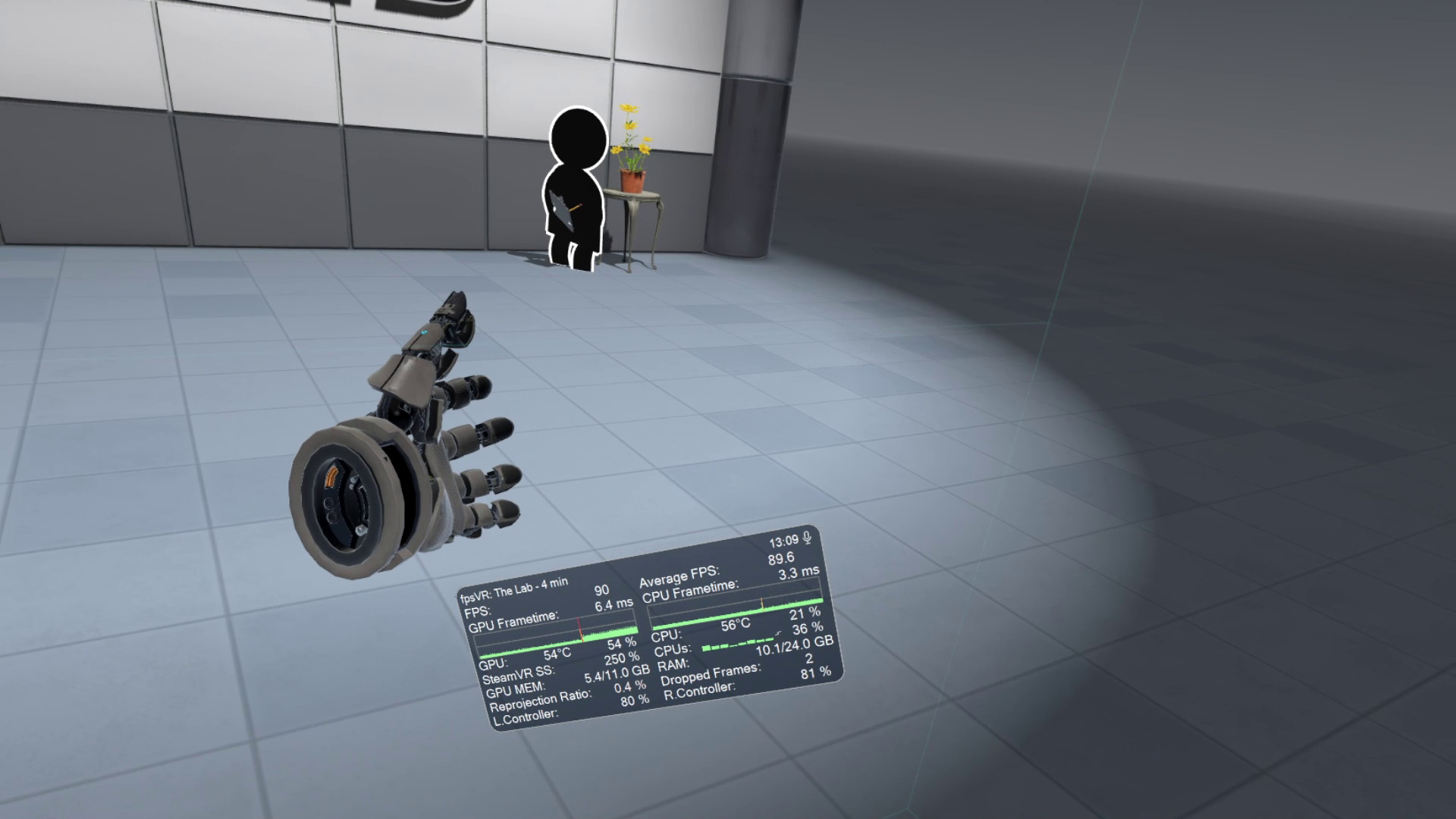
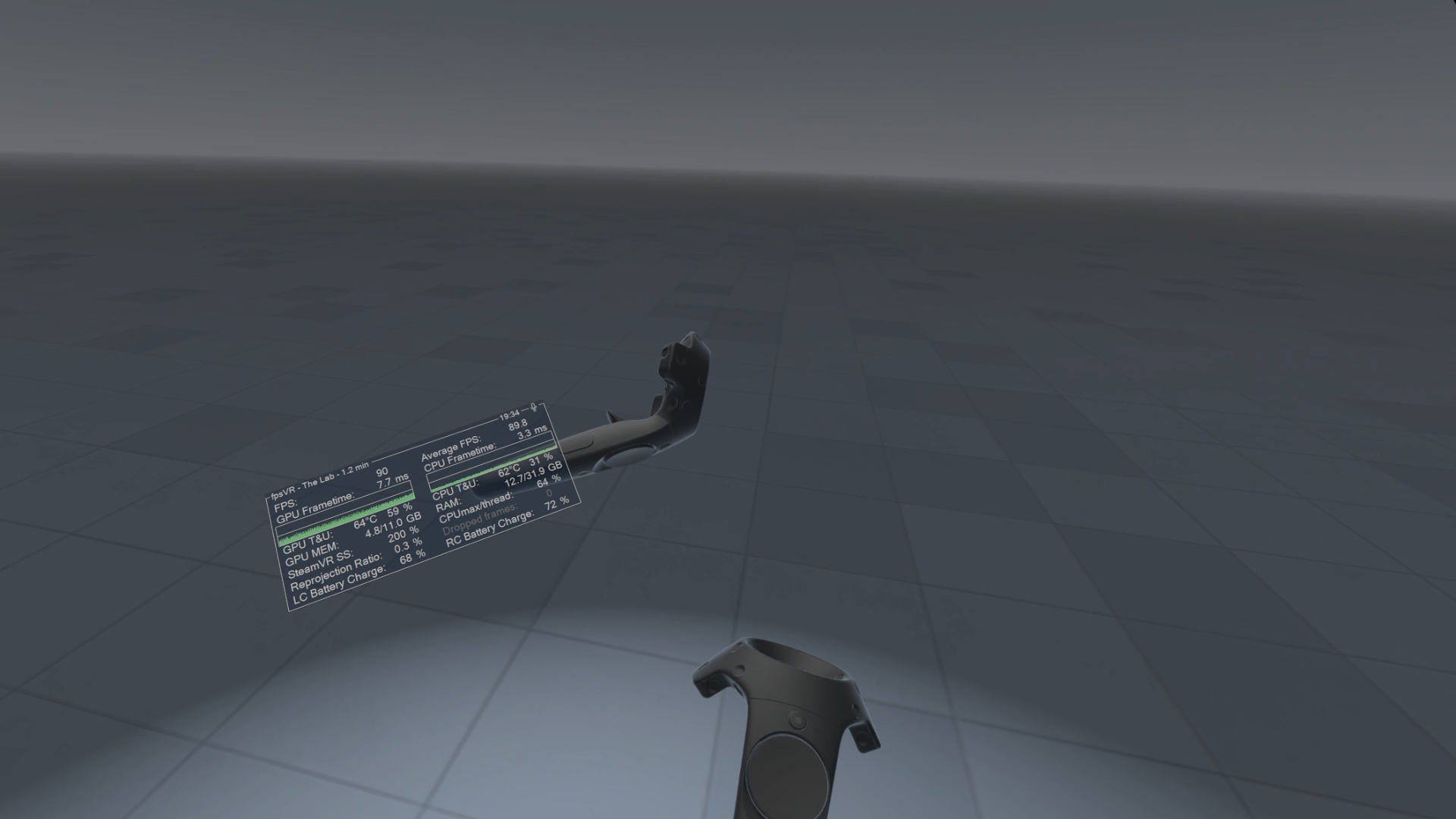
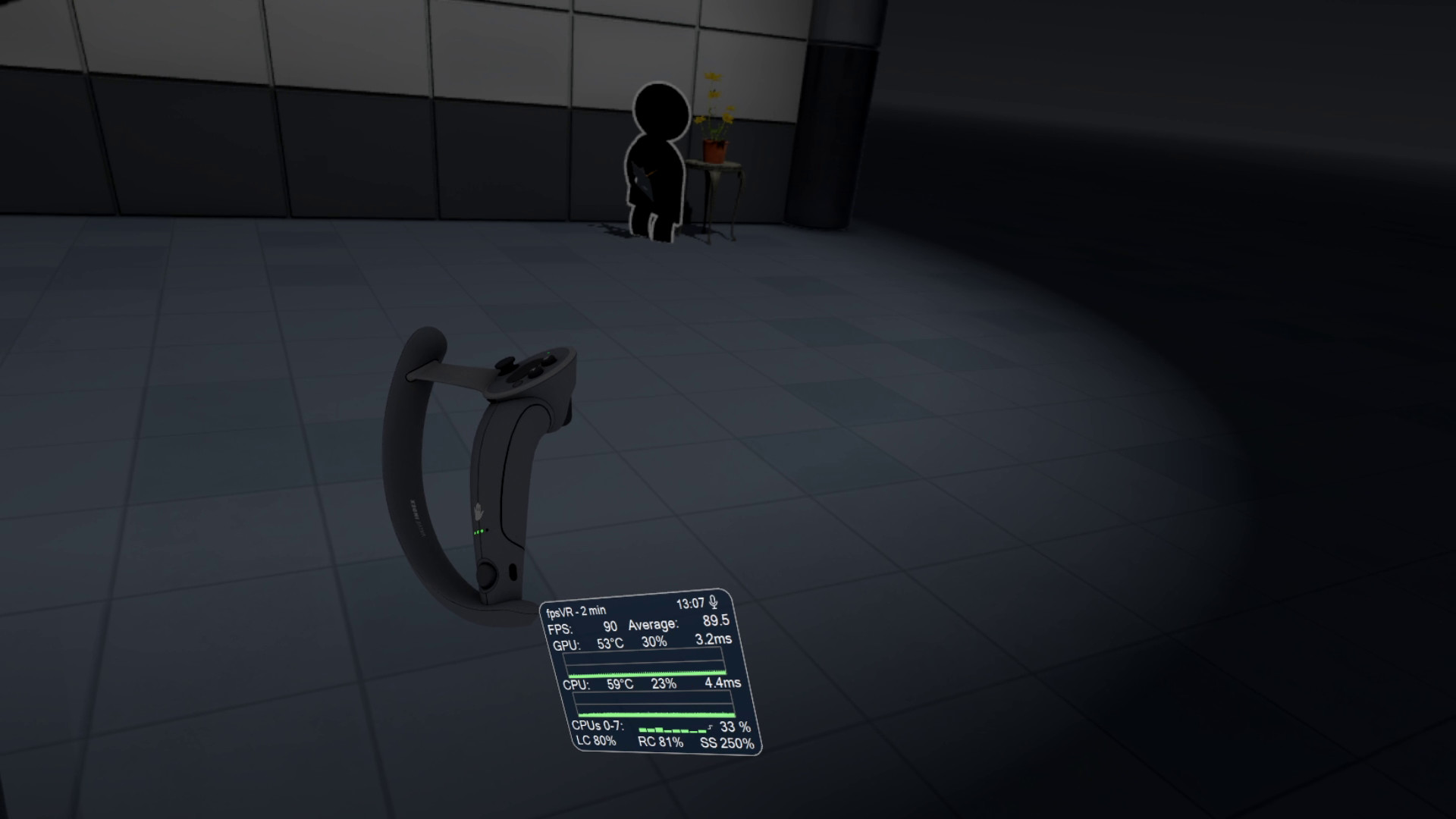
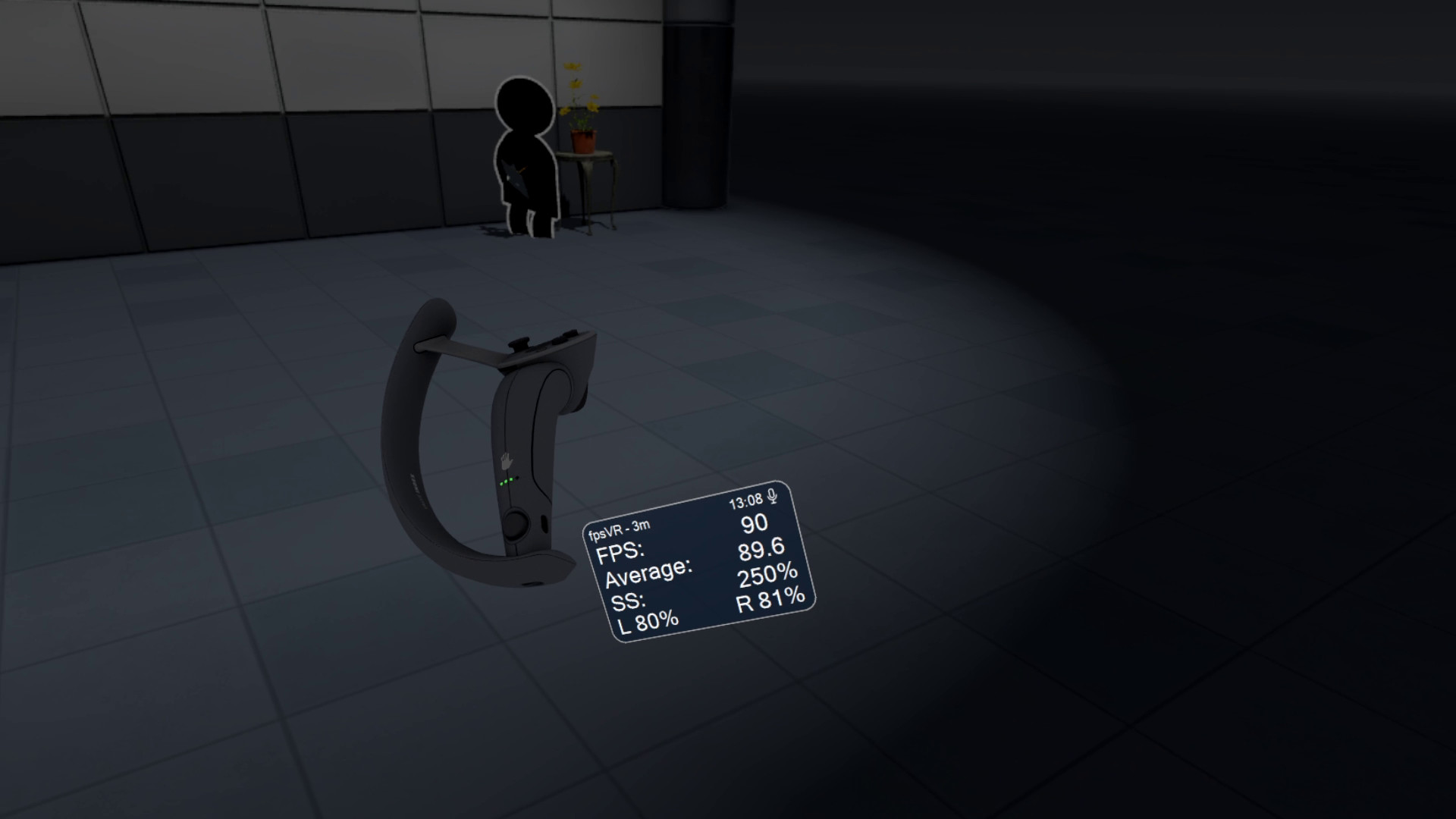
Display of the current FPS and the average FPS for VR session
-
Display of the GPU & CPU usage (and Max CPU/Thread Usage – the maximum instantaneous usage among all threads/cores in the system)
-
Display of the GPU MEM & RAM usage
-
Display of the GPU & CPU frametimes
-
Display of the GPU temperature and CPU temperature (Experimental feature)
-
Display of the Ratio of reprojected frames to presented frames, Display of the number of dropped frames
-
Display of the current time and duration of the VR session
-
Display the batteries charge of the controllers (and Vive trackers) in percentages.
-
Ability to set default playback and record devices, ability to mute/unmute the microphone using VR headset proximity sensor, ability to change Steam VR audio settings
-
SteamVR Supersampling settings & Motion Smoothing settings
-
Сable tracking feature.
-
Display the status of the microphone, microphone control: mute / unmute
-
Ability to change the size and the opacity of the overlay window, Ability to attach the overlay window to the controllers, Ability to hide the overlay window
-
Center marker – displays a marker that represents the center of the playspace.
-
Ability to attach the overlay window for seated positions in seated games/apps (for auto/flight-sims)
-
Automatically start fpsVR when SteamVR starts (optional), Automatically minimize the window after start (optional)
-
Hide the window to Windows tray in minimized state (optional)
-
Ability to reset statistics at any time for benchmarking/testing
-
Ability to save the history of VR sessions and view it in the fpsVR History Viewer (included)
-
Timer, Alarm.
For more information, see the forum topic "fpsVR Q&A"
系统要求
最低配置:
最低配置:
- 需要 64 位处理器和操作系统
- 操作系统: Windows 10/11
- 处理器: Intel® Core™ i5-4590 or AMD FX™ 8350, equivalent or better
- 内存: 4 GB RAM
- 显卡: NVIDIA GeForce GTX 970, AMD Radeon R9 290 equivalent or better
- DirectX 版本: 11
- 存储空间: 需要 100 MB 可用空间
- 支持 VR: SteamVR only (any headset that works with SteamVR, including Meta/Oculus headsets)
推荐配置:
推荐配置:
- 需要 64 位处理器和操作系统
游戏截图
游戏共有 18 张截图,这里显示了 4 张


