

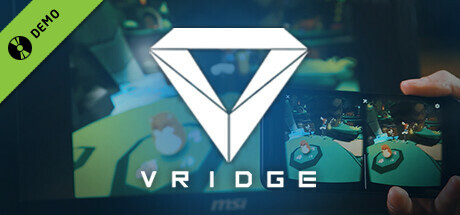
Use VRidge to transform your mobile device into a powerful PC virtual reality headset. Try it with out Demo before purchase.
游戏清单下载
请选择以下任意链接下载游戏清单文件,下载后请参考安装教程进行配置
游戏介绍
VRidge connects your mobile device to your PC, transforming it into a powerful SteamVR-compatible virtual reality headset. It will then stream SteamVR apps to your mobile device as a high-performance video with full head and controller tracking. All you need is a mobile or cardboard VR viewer to enjoy the experience!
Play with limited session time to try out VRidge before purchase with this demo.
Getting started
- Install RiftCat client application on your computer via Steam.
- Install VRidge on your mobile device and place it inside your mobile VR viewer.
- Launch both apps.
- Follow the built-in instructions in the RiftCat application to connect them via WiFi.
- Enjoy!


