

游戏清单下载
请选择以下任意链接下载游戏清单文件,下载后请参考安装教程进行配置
游戏介绍
Zenkcraft is a modern spellcraft templating program for MMORPG’s. Zenkcraft was originally made back in March of 2019 and previously existed as a free to download software, but the application has been rebuilt from the ground up adding many customizations and enhancements.
Zenkcraft allows you to completely customize your character’s template to see all skills, stats, resists, and all other info in a comprehensive and interactive program. Easily add items to your template from several different methods and build your report for a spellcrafter to use. Several features such as Auto Template allow Zenkcraft to calculate and complete your template for you, with many other features such as the powerful ROGify tool. All changes are kept in the patch notes.
Core Zenkcraft Features
-
Modern, interactive Spellcrafting tool with a very user-friendly UI that is tuned to all the settings of the Eden server.
-
All expected functionality such as exporting/importing, template guidance, and a variety of settings.
-
Ability to add items directly from DAoC into Zenkcraft by delving an item with shift+i. Includes all stats, procs/changes, quality, etc.
-
Add Spellcrafting gems directly into DAoC with a very easy interface.
-
Upload and download templates from a public online database with a few clicks, showing all kinds of information.
-
Full screen and windowed mode available as well as adjustable resolution.
Recent Updates:
-
Completed transition to a modern version of the Unity Engine. This will improve overall performance and stability.
-
Added a Vault feature to store items between templates (See Vault Tab).
-
Made Zenkcraft server selectable so that you can use different settings, templates, and vault items based on your selected server.
-
ToA classes and information has been added to make Zenkcraft compatible with ToA servers.
-
Added a Properties Tab to track armor/weapon types, speed, and other information. This was a necessity in order to finish development of the Vault.
-
Changed save directory to the "My Documents" folder as opposed to the Zenkcraft directory (in addition to Vault items). This means you can delete Zenkcraft and add a new version, with all templates and Vault items being retained.
-
Several changes to Zenkcraft to align with the Eden server.
-
Several performance enhancements across multiple functionalities (I’m a better programmer than I was 3 years ago).
-
Completion of Auto Template.
-
Added ROGify, which uses items in the Vault to build a template. There is a lot of information on this in Zenkcraft and this is a very powerful tool, so please check out the Notes and ROGify tabs within Zenkcraft for more info.
-
Added the Spellcrafting Gem reagents (material cost) for all gems and added the info to the Spellcrafting report.
系统要求
最低配置:
最低配置:
- 操作系统 *: Windows 7
- 处理器: .6 GHz single core processor
- 内存: 1 GB RAM
- 显卡: GTX 760 or better
- 存储空间: 需要 100 MB 可用空间
推荐配置:
推荐配置:
- 操作系统: Windows 10, 11
- 处理器: 1.0 GHz single core processor
- 内存: 2 GB RAM
- 显卡: GTX 960 or better
- 网络: 宽带互联网连接
- 存储空间: 需要 200 MB 可用空间
游戏截图
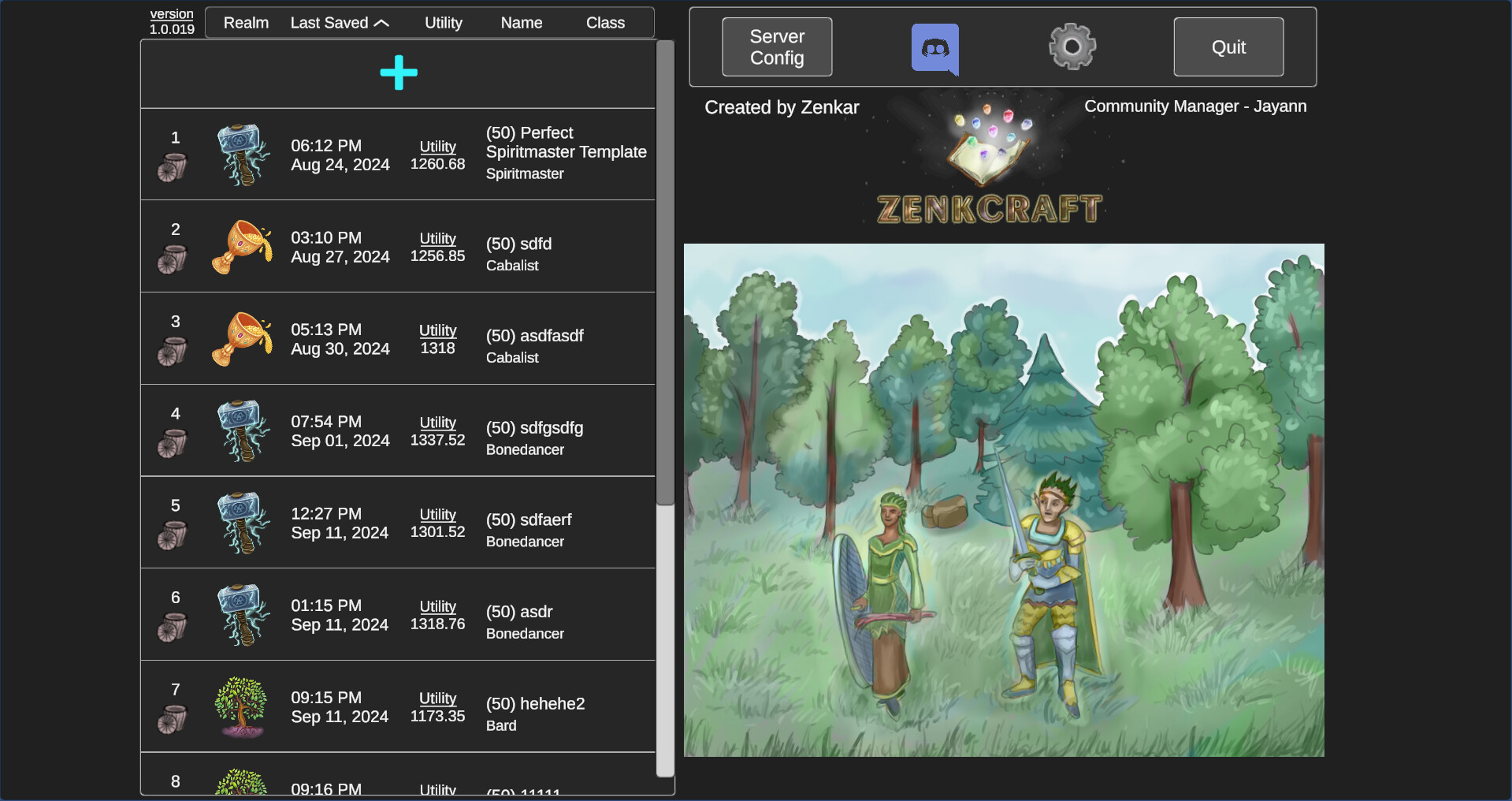
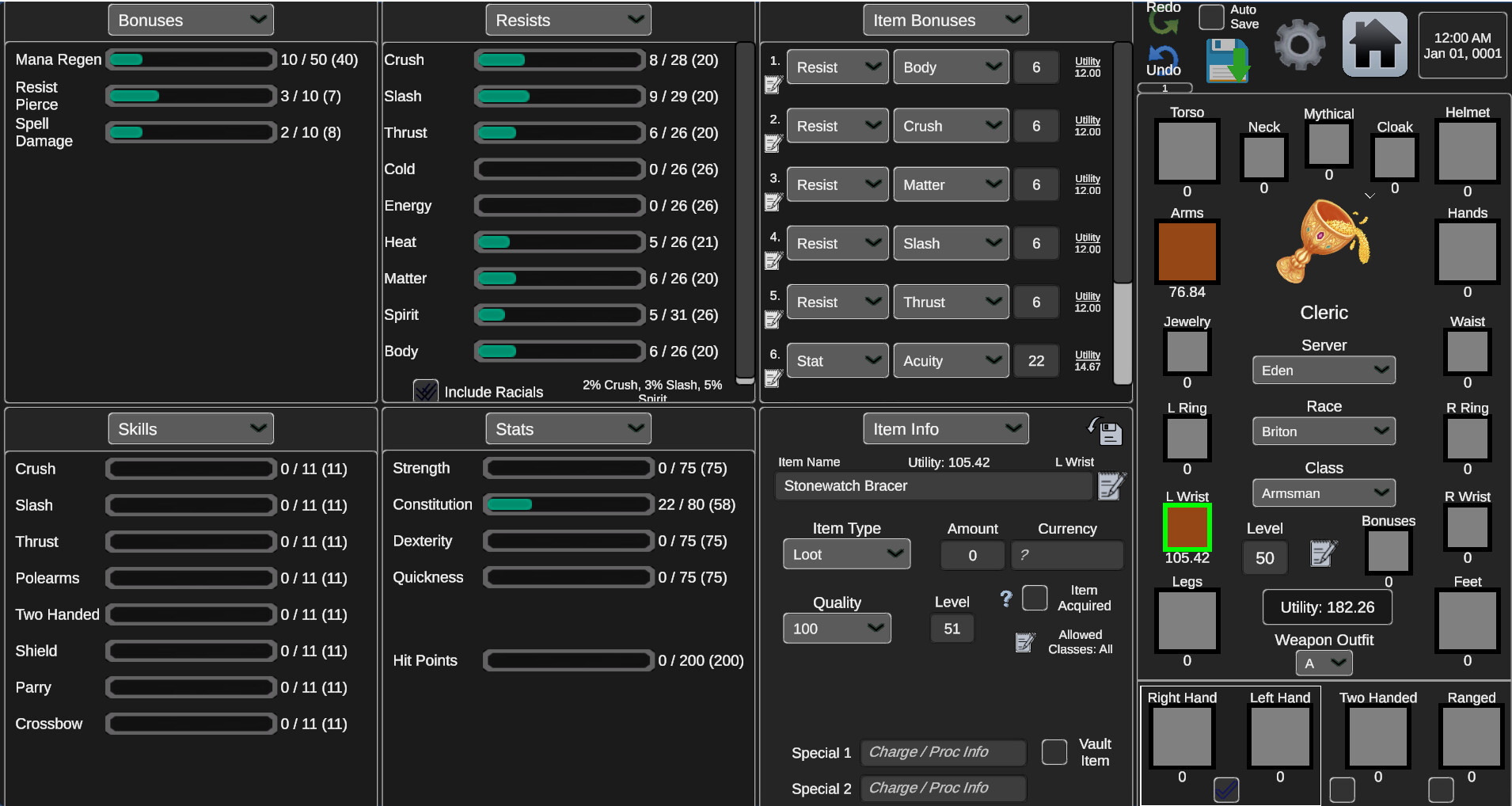
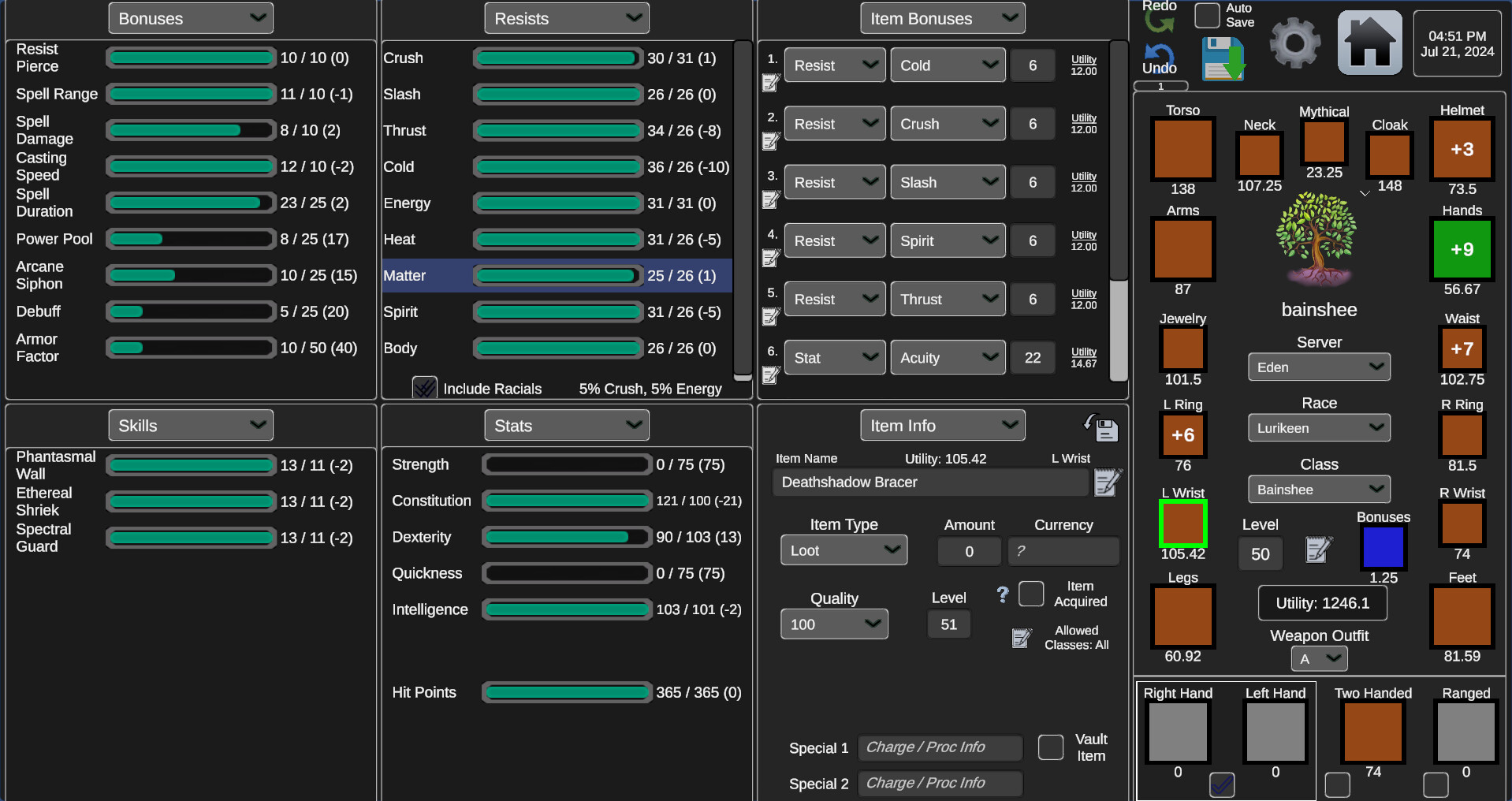
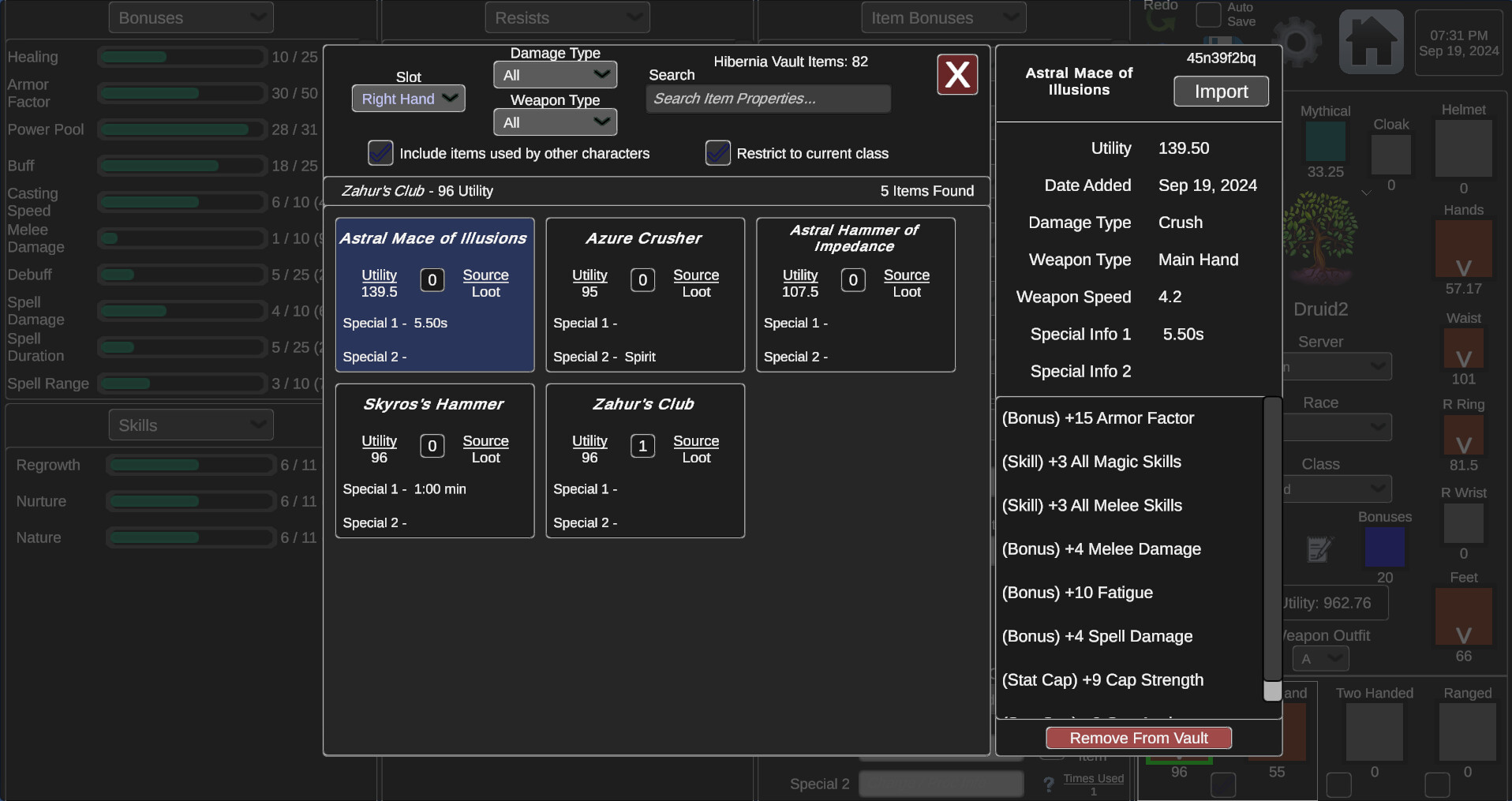
游戏共有 9 张截图,这里显示了 4 张


