


游戏清单下载
请选择以下任意链接下载游戏清单文件,下载后请参考安装教程进行配置
游戏介绍
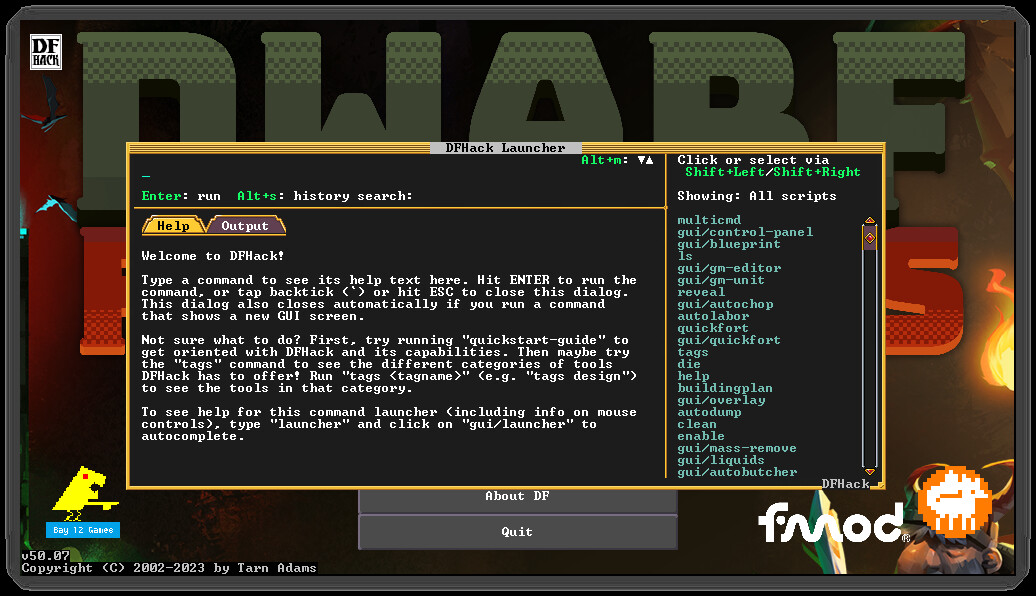
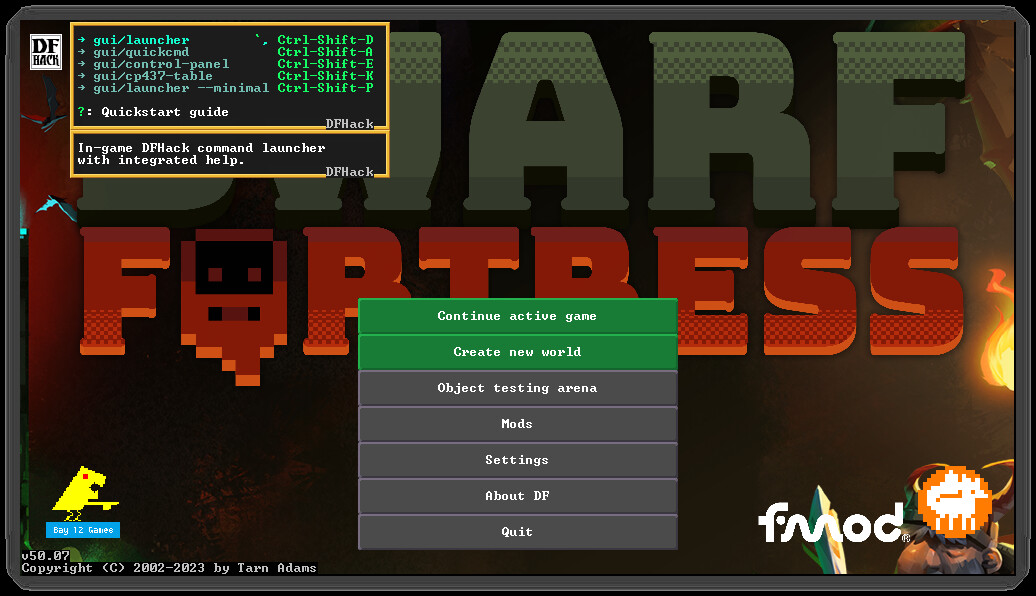
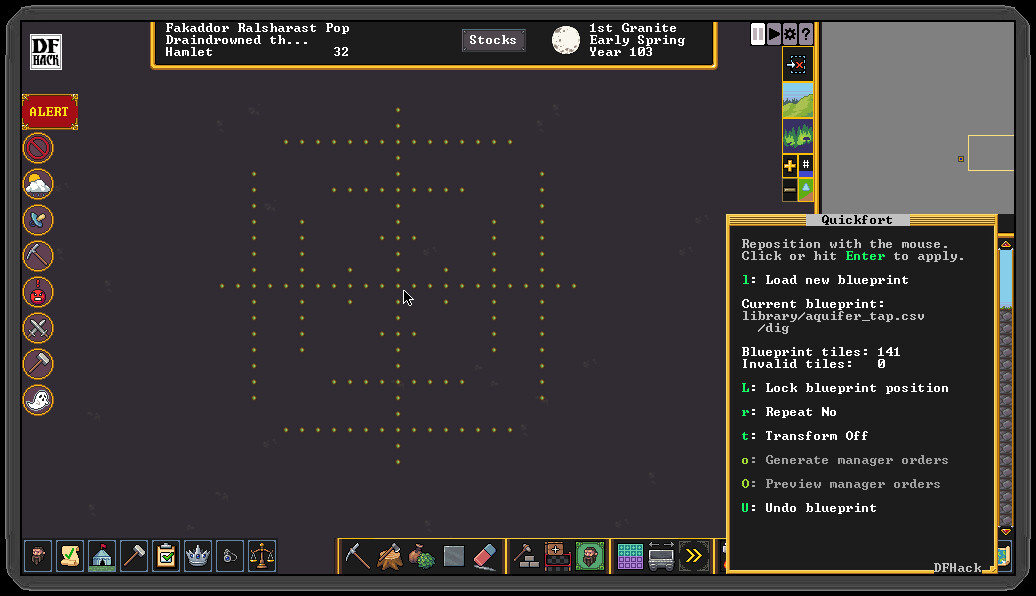
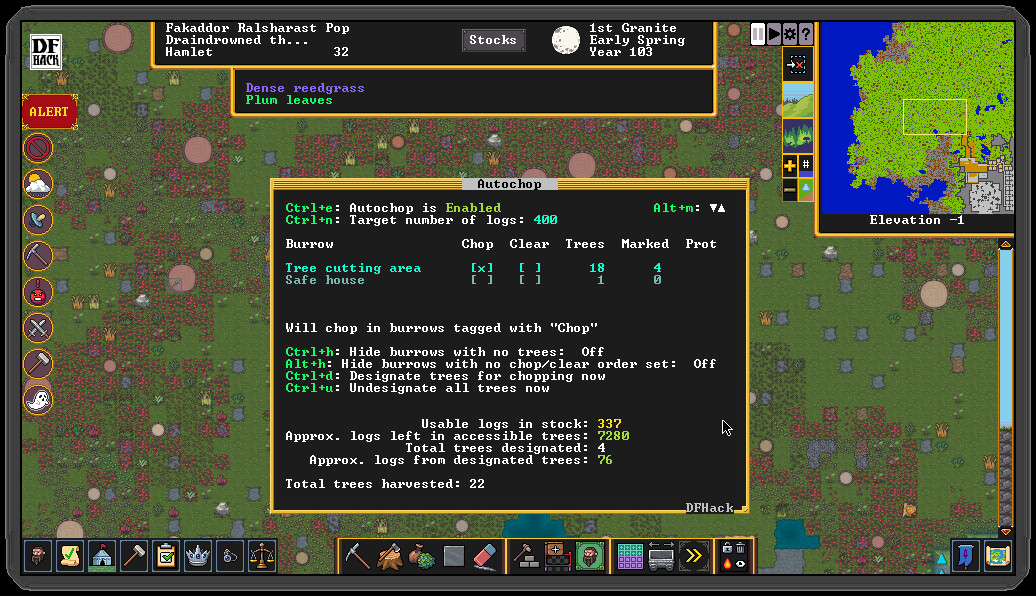
DFHack’s mission is to provide tools and interfaces for players and modders to:
- expand the bounds of what is possible in Dwarf Fortress
- reduce the impact of game bugs
- give the player more agency and control over the game
- provide alternatives to toilsome or frustrating aspects of gameplay
- make the game more fun
Our online Quickstart Guide (see the "View the website" link in the sidebar) will help you get up to speed with how to use DFHack. It’s also available in-game via the quickstart-guide command.
The best way to make feature requests or report problems is to open an Issue on our GitHub issue tracker (see the "Stats" link in the sidebar).
When reporting problems, links to your zipped, uploaded savegame and mods are immensely helpful, and issues with attached savegames and mods get fixed faster. We need a zip of your mods because we can’t load your savegame without them.
DFHack installs directly into your Dwarf Fortress directory, so be sure to install it to the same Steam library and drive as Dwarf Fortress. If you are on Linux, both games must also have the same "Compatibility" setting (e.g. "Steam Linux Runtime 1.0 (scout)").
It is not a problem if you already have DFHack manually installed and are switching to Steam. You can subscribe to the Steam version and it will absorb the installed files. Your saved DFHack configuration in the dfhack-config directory is safe. No additional steps are necessary.
系统要求
最低配置:
最低配置:
- 需要 64 位处理器和操作系统
- 操作系统: XP SP3 or later
- 处理器: Dual Core CPU – 2.4GHz+
- 内存: 4 GB RAM
- 显卡: 1GB of VRAM: Intel HD 3000 GPU / AMD HD 5450 / Nvidia 9400 GT
- 存储空间: 需要 50 MB 可用空间
- 附注事项: Must be installed to the same Steam library and drive as Dwarf Fortress
推荐配置:
推荐配置:
- 需要 64 位处理器和操作系统
- 处理器: Dual Core CPU – 4GHz+
- 内存: 16 GB RAM
游戏截图
游戏共有 10 张截图,这里显示了 4 张


