

-40%¥20¥12
An interactive text-based game for learning and practicing how to program in Python.
游戏清单下载
请选择以下任意链接下载游戏清单文件,下载后请参考安装教程进行配置
游戏介绍
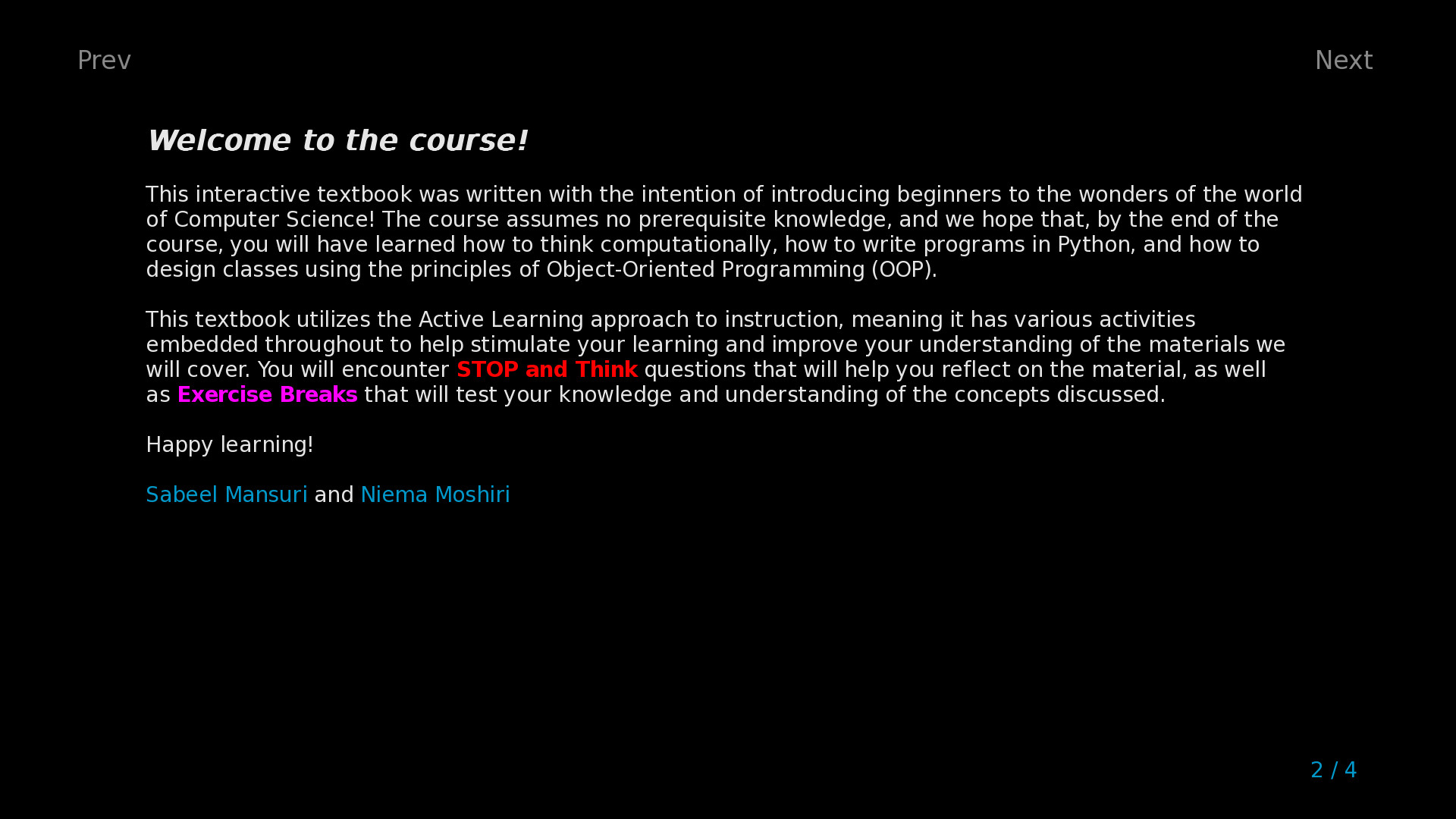
Welcome to Learn Programming: Python – Remake! The goal of this game (more of an interactive course) is to introduce beginners to the wonders of the world of Computer Science! The game has have two core components:
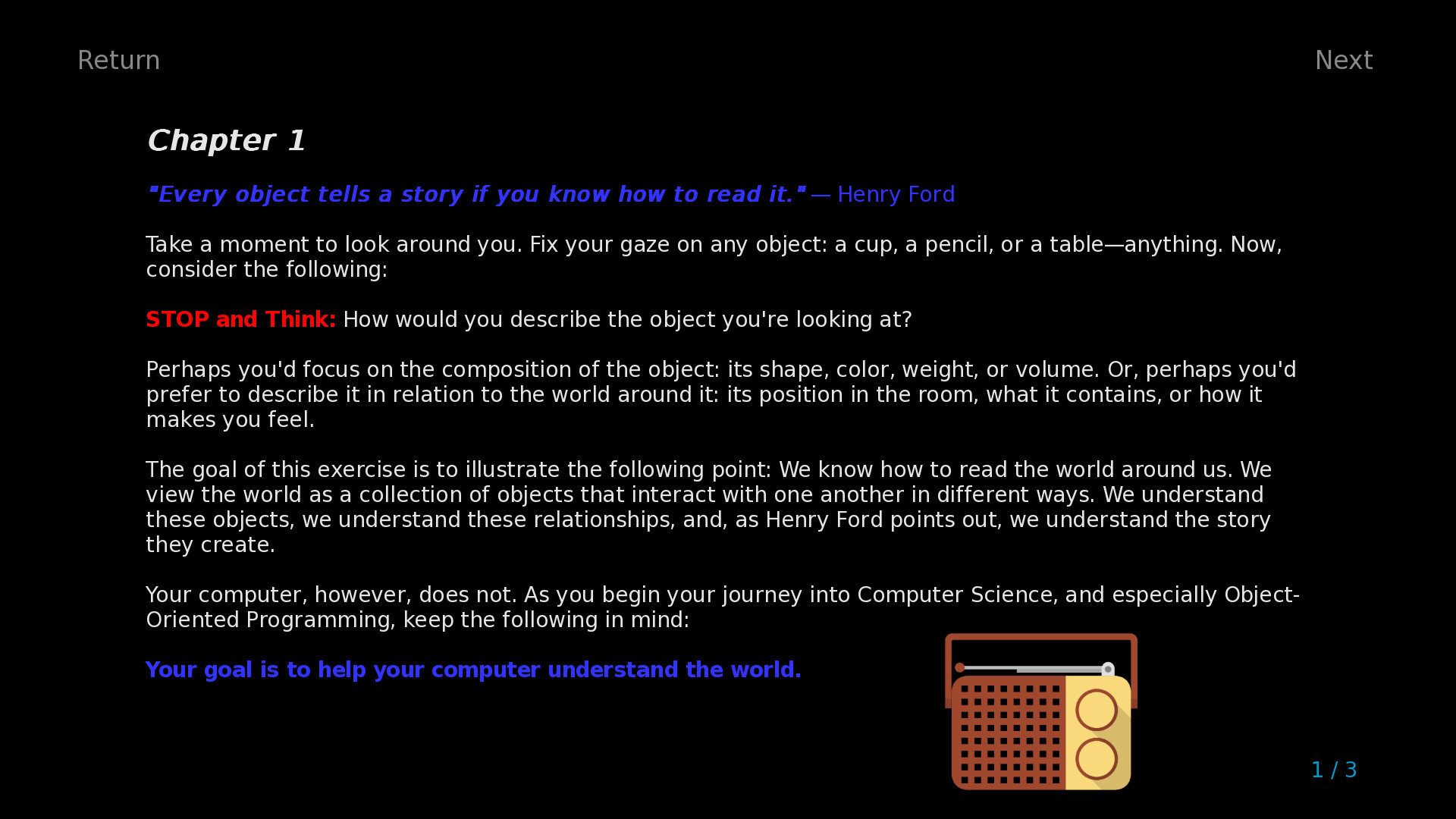
- Lessons: An interactive course to teach you how to think computationally, how to write programs in Python, and how to design classes using the principles of Object-Oriented Programming (OOP).
- Challenges: Multiple choice, short answer, and math problems to test your understanding of Python, computational thinking, and OOP. These challenges are embedded throughout the Lessons, so you can practice your understanding of concepts in real-time under an Active Learning framework.
This game assumes absolutely zero prerequisite background. We hope you will join us as we explore the wonders of Programming in Python!
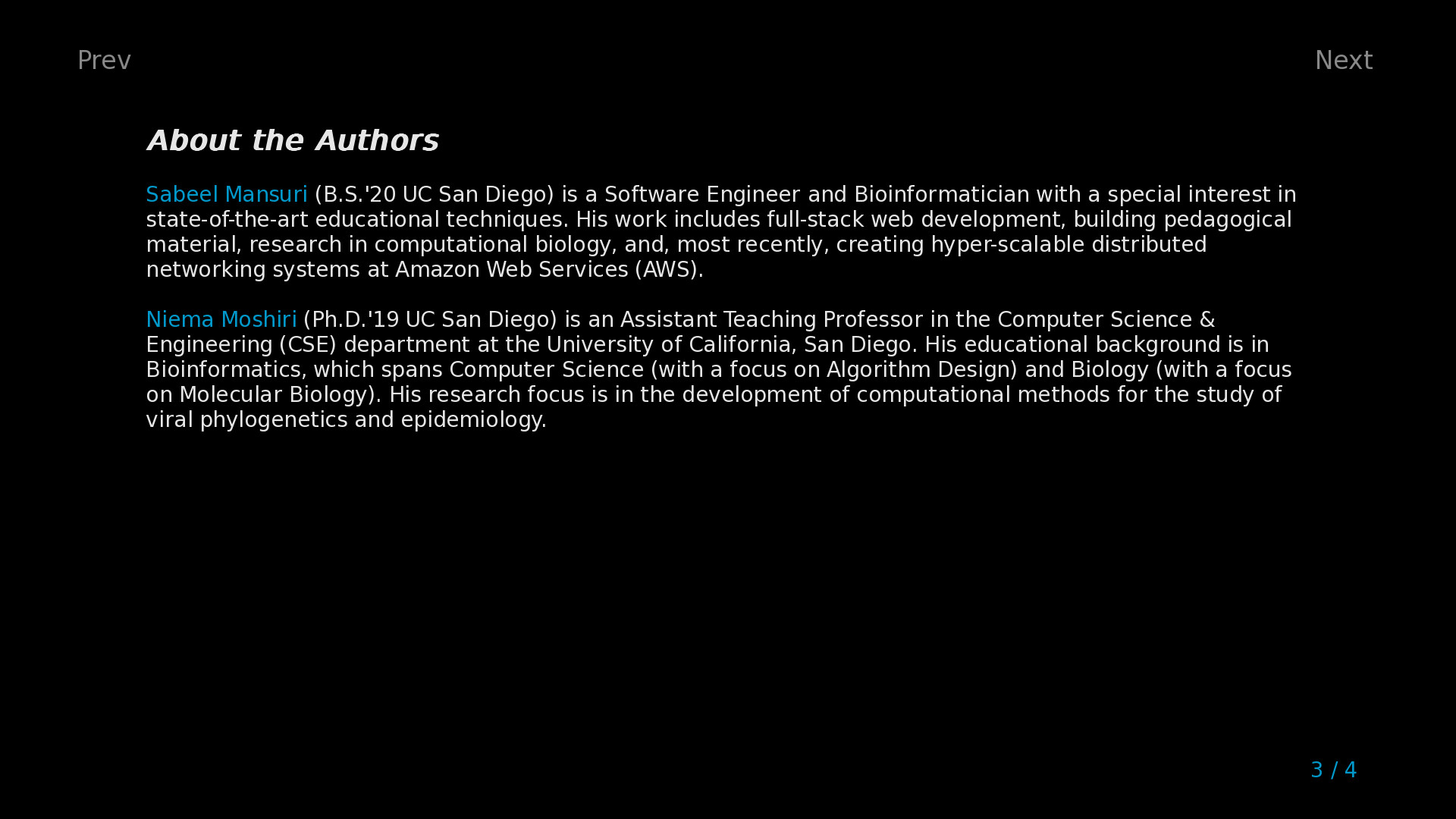
- Game developed by Niema Moshiri
- Lesson content developed by Sabeel Mansuri
Table of Contents
- Chapter 1 – Introduction: The Nuts & Bolts
- Chapter 2 – Conditionals: Ice Cream Isn’t for Breakfast
- Chapter 3 – Loops: Breakfast, Lunch, Dinner, Breakfast, Lunch, Din…
- Chapter 4 – Data Structures: I’ll Have Combo #3, Please!
- Chapter 5 – Functions: How Do I Stop Rewriting Code?
- Chapter 6 – Recursion: Give Me a Minute, I’m Getting a Call from Myself
- Chapter 7 – Objects: Python, Have a Burger
- Chapter 8 – Exceptions: You Can’t Eat an Empty Bag of Chips
- Chapter 9 – File I/O: Here’s a Recipe, Make Me Some Macarons
- Chapter 10 – Libraries: Hasn’t Someone Done This Before?
- Chapter 11 – Epilogue: What Now?
Frequently Asked Questions (FAQs)
- How do I adjust the settings of the game?
- All game settings can be adjusted via the "Preferences" section of the Main Menu, which can be accessed at any time by pressing "Escape" (keyboard) or "Start" (controller)
- How is "Learn Programming: Python – Remake" different from the original "Learn Programming: Python – Retro"?
- The game engine behind "Learn Programming: Python – Retro" was built from scratch by the developers purely out of interest, and as such, it lacked many technical features of modern game engines
- "Learn Programming: Python – Remake" is a ground-up remake of the game using the Ren’Py game engine, which is commonly used to create visual novel games
- There were some lesson text/images that were omitted from "Learn Programming: Python – Retro" due to technical limitations of the game engine which have been readded to "Learn Programming: Python – Remake", but the lesson text is very largely the same
- The key new features in "Learn Programming: Python – Remake" are the following:
- Cleaner modern user interface (e.g. support for up to 4K resolution, nice fonts, images, ambient background music, etc.)
- Steam Achievements
- Ability to skip challenges and track progress
- Support for Steam Community Overlay
- Support for the Steam Link app
- Support for Steam Remote Play
- Because of how it was packaged, "Learn Programming: Python – Retro" had an issue with false positive antivirus flags (see the "Learn Programming: Python – Retro" Store Page FAQs for more info); this is completely fixed in "Learn Programming: Python – Remake" because of its use of Ren’Py
系统要求
最低配置:
最低配置:
- 操作系统 *: Windows 7, 8, 10, or 11
- 处理器: Intel® Core™ i3-4160
- 内存: 4 GB RAM
- 显卡: Intel® HD Graphics 4400
- 存储空间: 需要 1 GB 可用空间
推荐配置:
推荐配置:
- 操作系统: Windows 10 or 11
- 处理器: Intel® Core™ i5-3570
- 内存: 4 GB RAM
- 显卡: NVIDIA® GeForce® GTX 660
- 存储空间: 需要 1 GB 可用空间
游戏截图

游戏共有 5 张截图,这里显示了 4 张


