

游戏清单下载
请选择以下任意链接下载游戏清单文件,下载后请参考安装教程进行配置
游戏介绍
Features
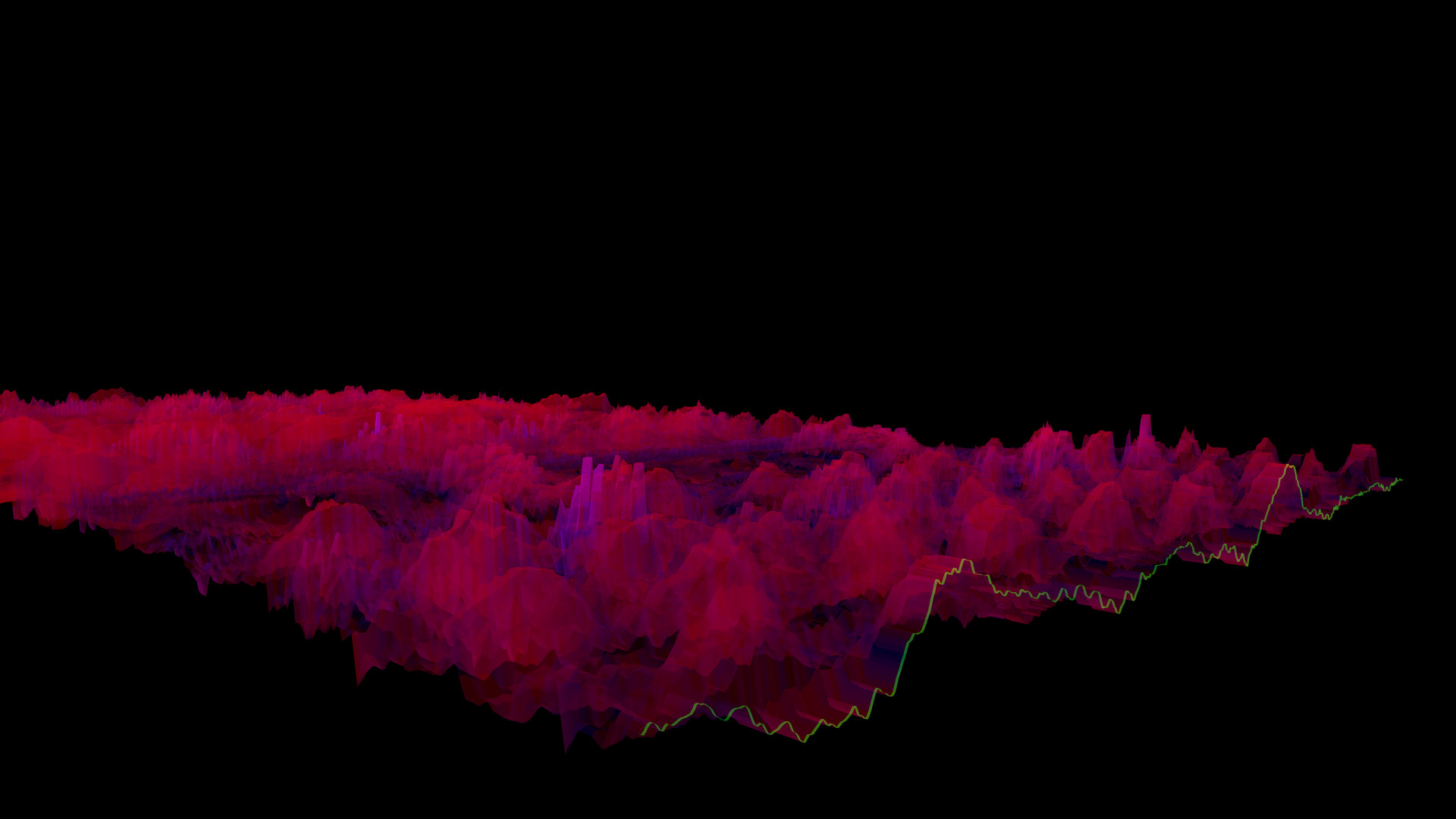
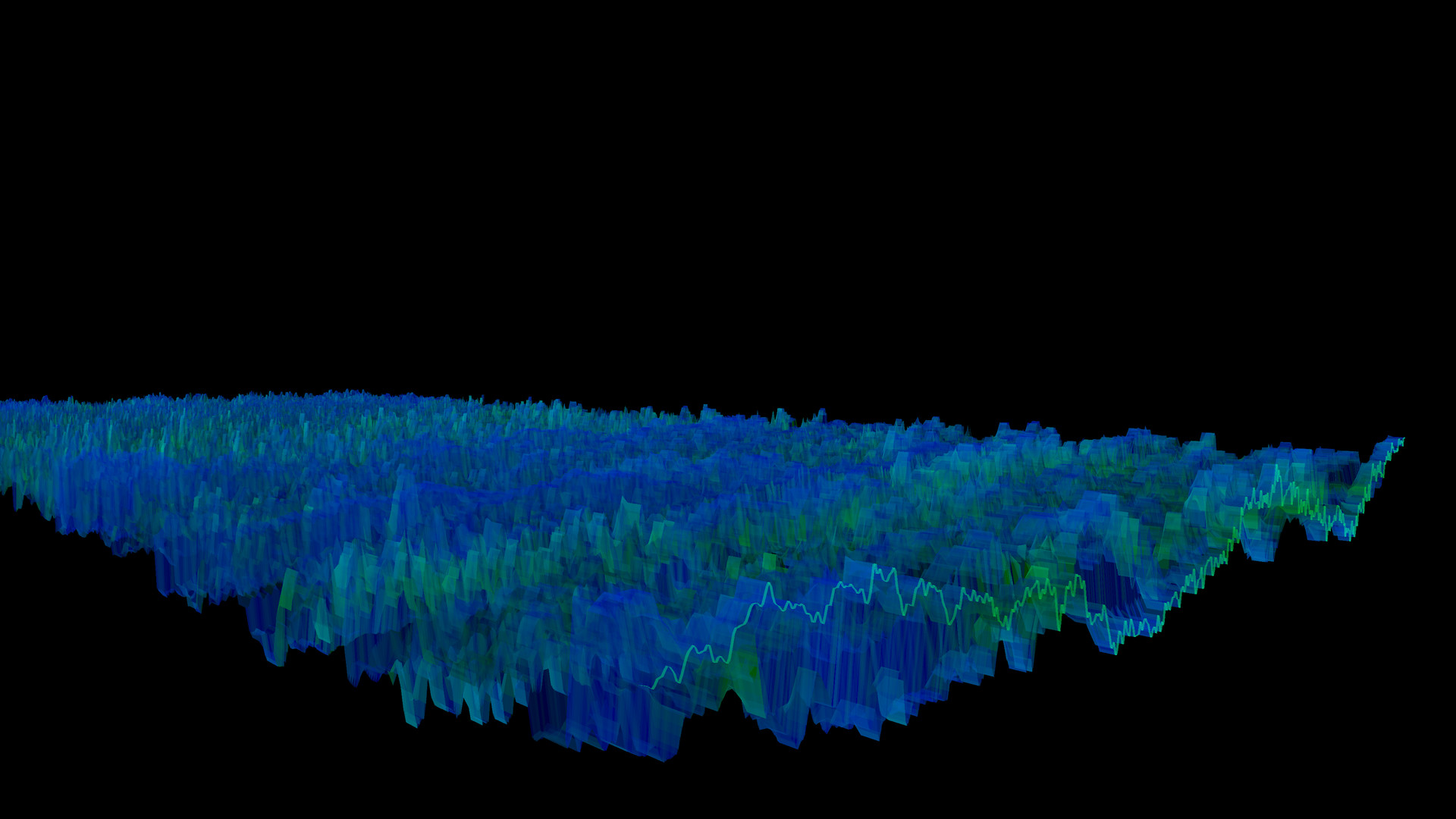
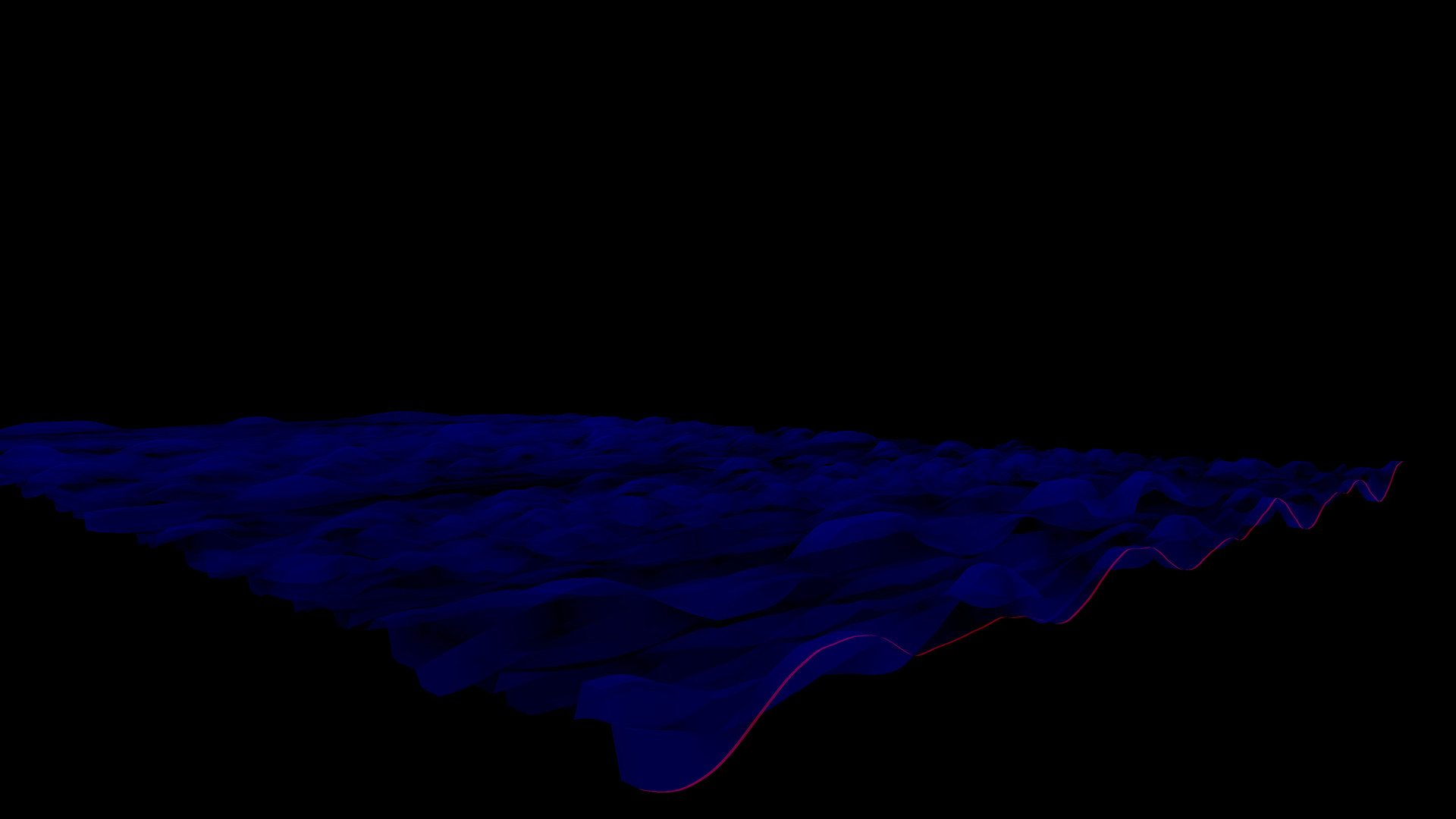
The Bonk’d Audio Visualizer is a 3D audio visualizer written in C/C++ with Vulkan, designed for Linux first, Windows second. It is designed to be lightweight, fast, and low latency. Future planned features include:
-Desktop background rendering
-Customizable colors (can be customized with command line options right now)
-Customizable speed (can be customized with command line options right now)
-Customizable wave heights/sample rate/sample size (also customizable via command line options right now)
Stretch goals depending on reception:
-VR
-Control of viewport
-Gamification of some sort
Usage
Simply start Bonk’d Audio Visualizer and start playing your favorite music and enjoy! Fruther configuration can be changed with launch options, explained in the Manual.txt included with game files, soon to be available through a configuration file, and then potentially a UI to change things live. Hit escape to close the program.
Notes
If you’re running on Linux by default the application uses PipeWire, an option to use straight ALSA is available with -alsa in the launch options, it presently connects to the mic instead of the default output device, a fix is in the works. Testing was completed on Fedora 36, but any linux with Pipewire and proper Vulkan drivers should work with the default settings just fine.
Many features are available through launch parameters, customization of the rendering, swapping starting monitors, switching audio interface, and forcing usage of integrated or dedicated GPUs are just a few of the available options through launch parameters. These features are being moved into a config file, and then later into a GUI application, but have been provided as launch options to give access to them as early as possible.
For convenience, the launch parameters are listed below, and are included in the Manual.txt in the software installation.
Available options:
Option syntax >>>> description
-wh (integer) >>>>> set wave height, default is 25
-a (real number) >>>>> set alpha (transparency) default 0.25
-mt (integer) >>>> set move time default 6
-alsa >>>>> use ALSA instead of PipeWire (linux only)
-window >>>>> run windowed instead of fullscreen
-fi >>>>> force use of integrated GPU*
-fd >>>>> force use of dedicated GPU*
-debug >>>>>> print debug output to bav_log.log
-display >>>>> set which display to render to (fullscreen only)
*Steam appears to "hide" GPUs from Vulkan when multiple GPUs are present on a machine. You can run the program from command line/terminal with the force parameters and they will function as expected, but through Steam you may run into trouble with them. There may be ways to circumvent this with environment variables or how you run steam, but I’ve not found a surefire way to do so, ymmv.
Trailer music graciously provided by NCS, link to song:
系统要求
最低配置:
最低配置:
- 需要 64 位处理器和操作系统
- 操作系统 *: Windows 7
- 处理器: AMD FX-8350
- 内存: 200 MB RAM
- 显卡: HD Radeon 7850
- 存储空间: 需要 10 MB 可用空间
推荐配置:
推荐配置:
- 需要 64 位处理器和操作系统
- 操作系统: Windows 10
- 处理器: AMD Ryzen 1700
- 内存: 300 MB RAM
- 显卡: R9 280X
- 存储空间: 需要 10 MB 可用空间
游戏截图
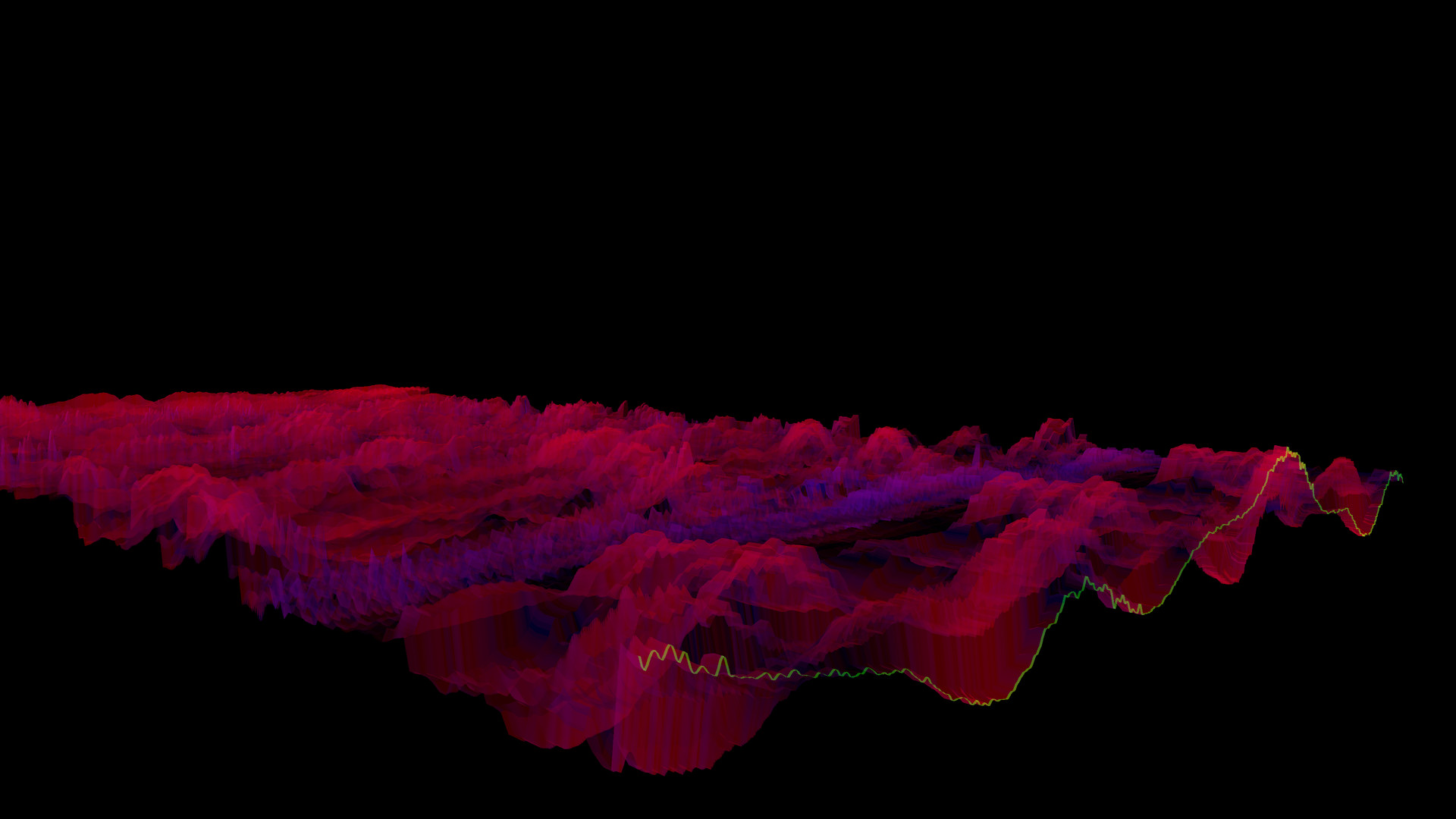
游戏共有 25 张截图,这里显示了 4 张


