

游戏清单下载
请选择以下任意链接下载游戏清单文件,下载后请参考安装教程进行配置
游戏介绍
VIVE Hub: Visually lossless PC VR streaming, spatial workspaces, and full-body tracking setup
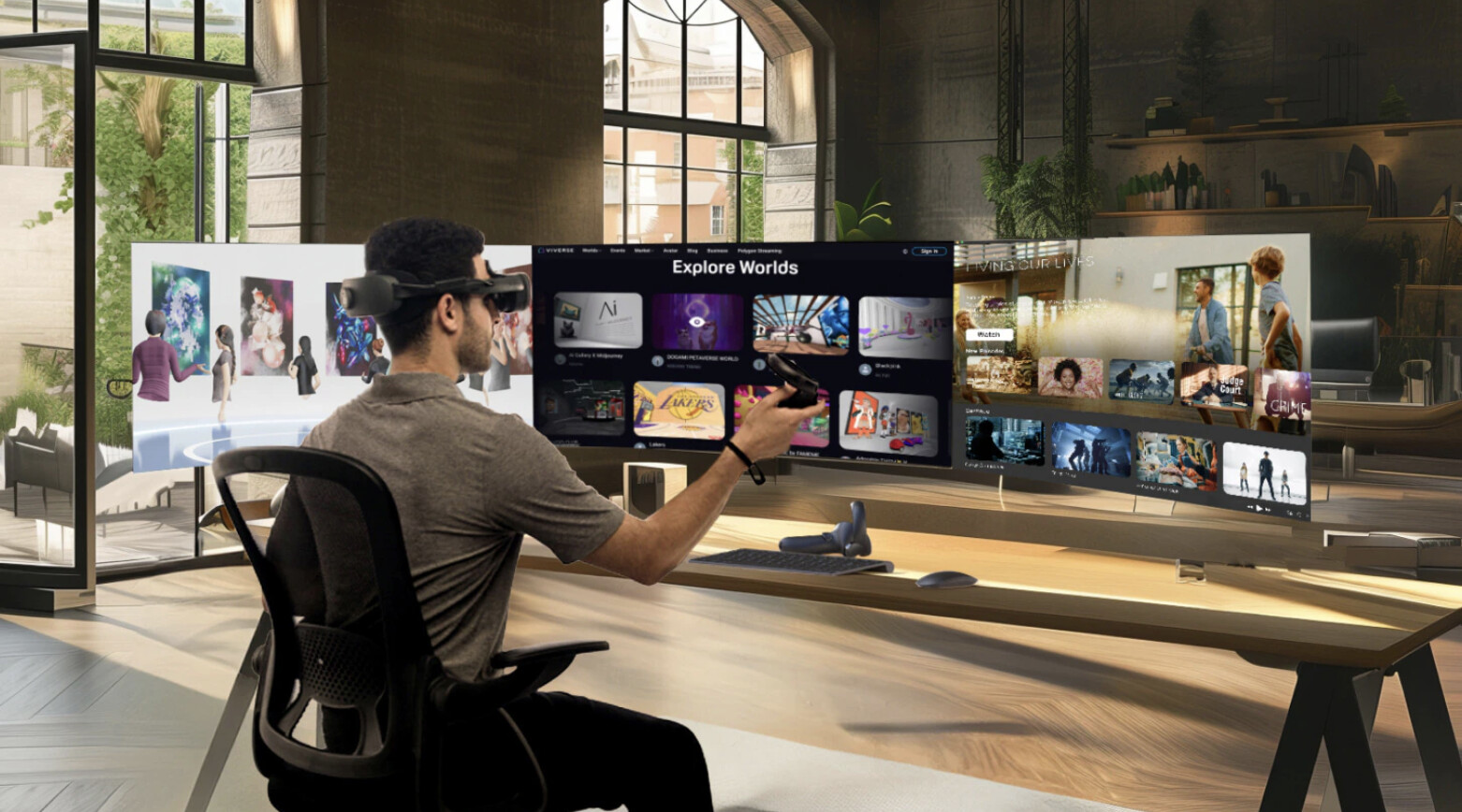
VIVE Hub harnesses the power of VR with immersive applications, high-resolution displays, and versatile tracking features. The application includes VIVE Streaming, VIVE Desk, and VIVE Ultimate Tracker setup.
VIVE Streaming: DisplayPort, USB, and Wi-Fi
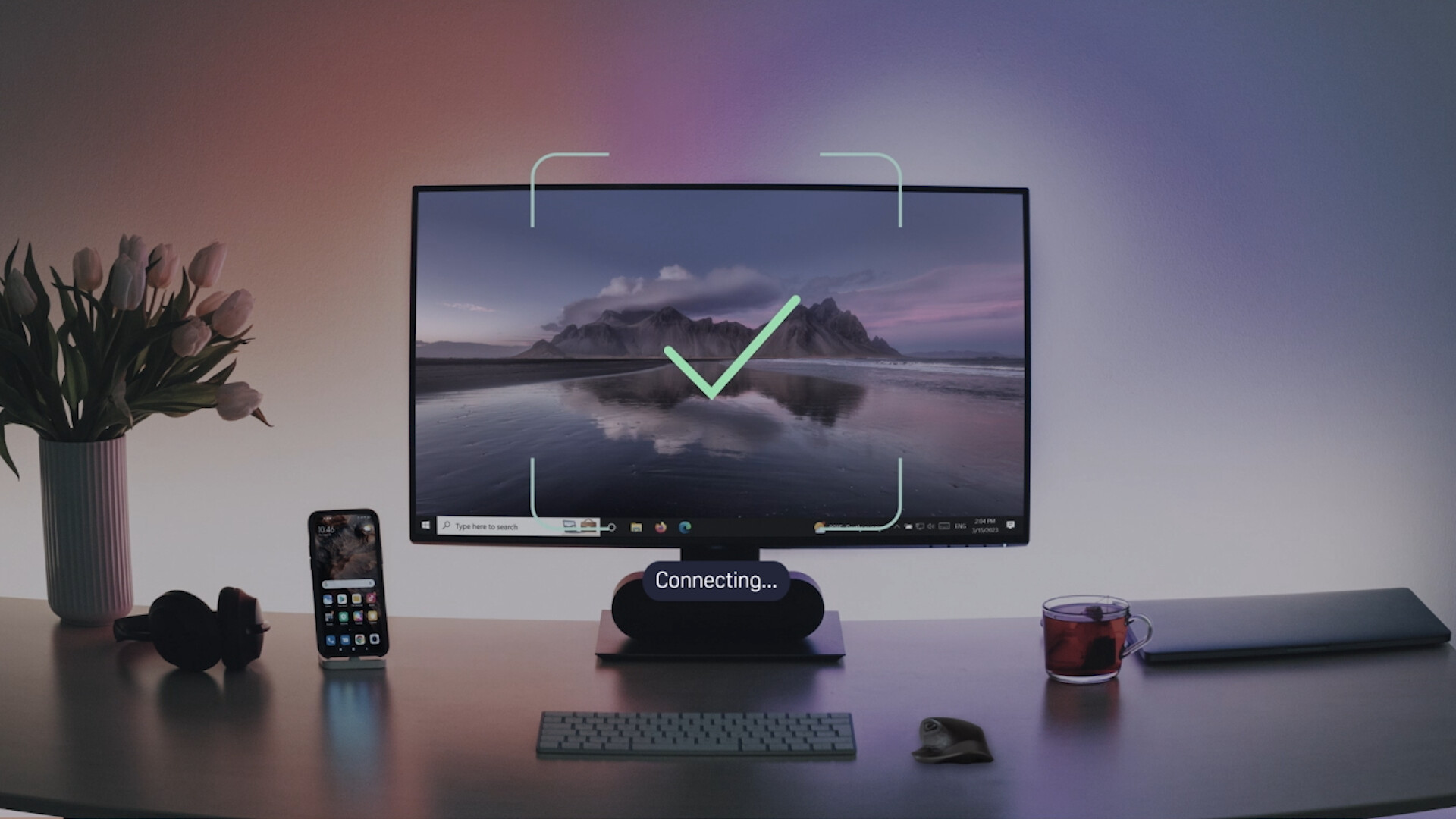
VIVE Streaming offers three ways to connect: DP and USB Type-C for wired streaming and Wi-Fi if you prefer a more mobile experience.
-
DisplayPort: DP provides a large bandwidth, enabling higher resolution and faster refresh rates for video transmission. Most importantly, it connects to the PC’s graphics card, allowing the GPU to process images directly to reduce latency and provide lossless visual quality. Unlike USB data transfer, DP leverages Display Stream Compression (DSC). DP streaming mode is currently exclusive to VIVE Focus Vision via VIVE Wired Streaming Kit, (kit sold separately).
-
USB: Both VIVE Focus Vision and VIVE XR Elite also support USB Type-C data transfer for another option to get PC VR power with standalone headsets.
-
Wi-Fi Streaming: Wi-Fi connectivity allows users to move freely without the constraints of a cable. Streaming quality, however, may be limited by your network setup. Wireless streaming is available on VIVE Focus Vision and VIVE XR Elite.
VIVE Desk: Multiple screens and mixed reality desktop
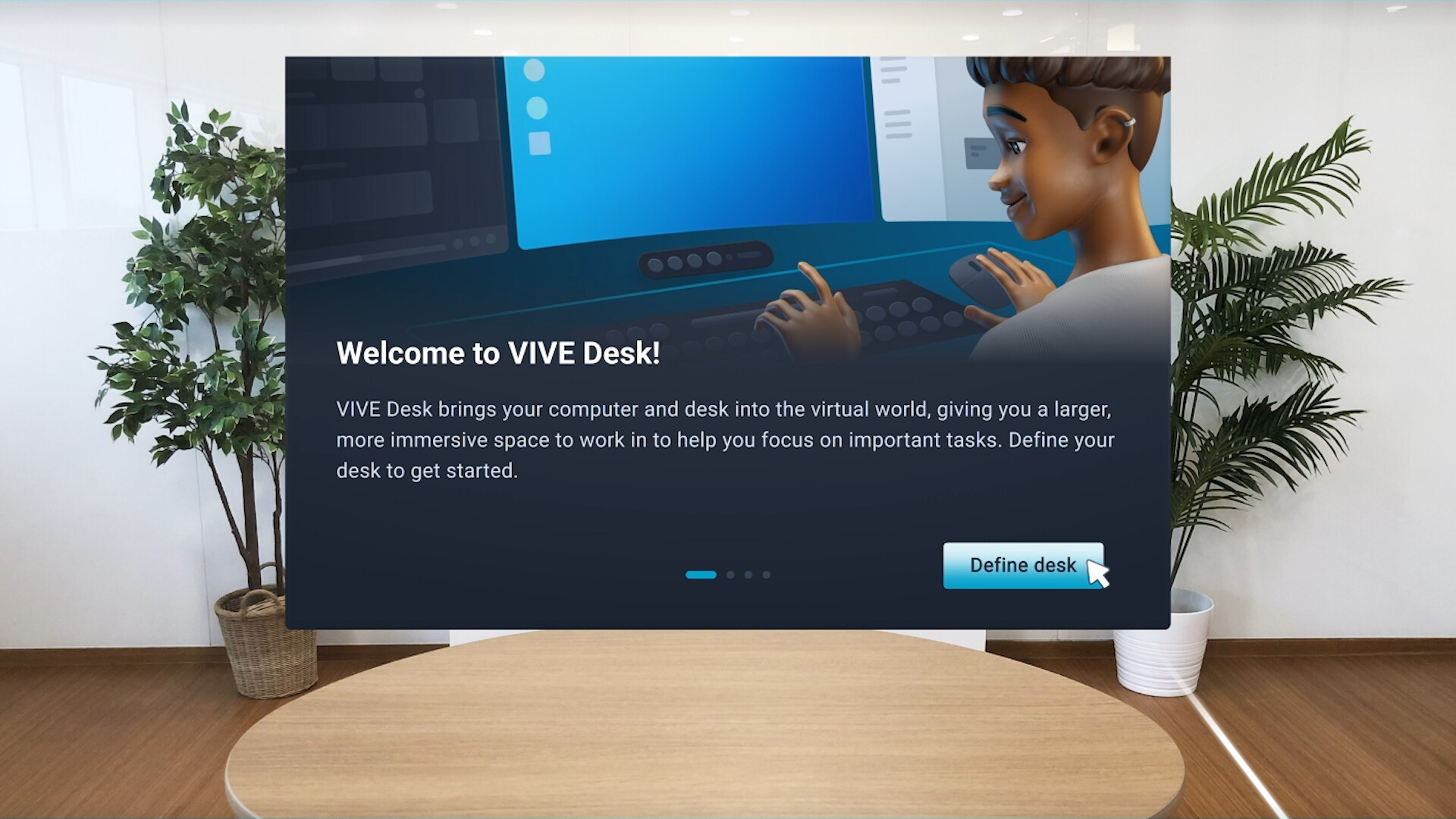
In VR mode, the virtual desktop solution allows you to see your hands, mouse, and keyboard in the real world, while in virtual reality, providing a private workspace with up to three highly customizable screens. VIVE Desk now also supports Mac systems.
VIVE Ultimate Tracker: Easy tracker pairing
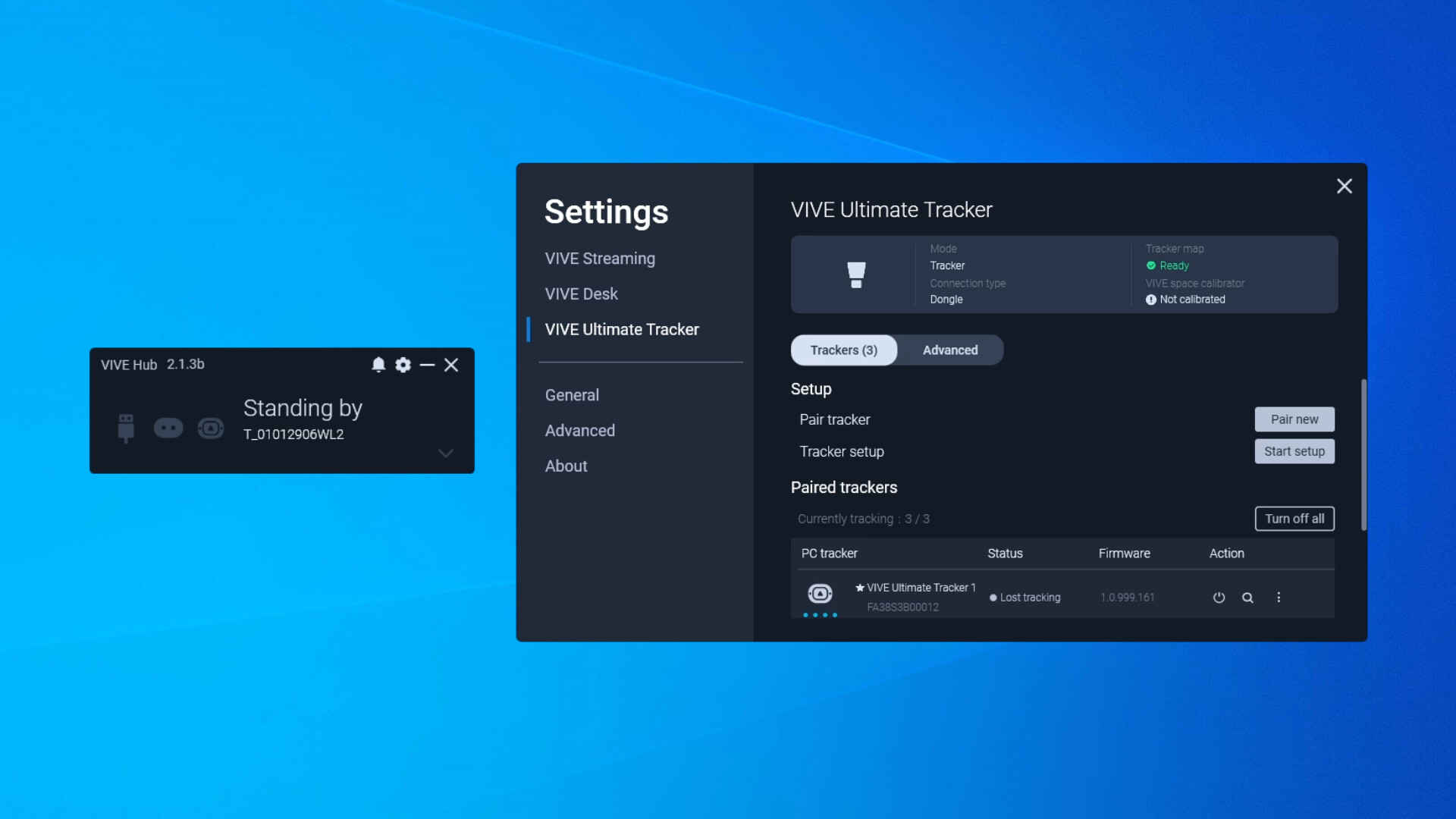
Through VIVE Hub, you can easily pair VIVE Ultimate Trackers with third-party SteamVR-supported headsets, making the connection more intuitive and enabling you to monitor tracker statuses like battery life, firmware versions, and more.
Install VIVE Hub and get the most out of your VIVE Focus Vision, VIVE XR Elite, and VIVE Ultimate Trackers.
系统要求
最低配置:
最低配置:
- 需要 64 位处理器和操作系统
- 操作系统: Windows 10 20H2 or later
- 处理器: Intel Core i5-4590 equivalent or better; AMD Ryzen 5 1500X equivalent or better
- 内存: 8 GB RAM
- 显卡: NVIDIA GeForce GTX 1060 6 GB equivalent or better; AMD Radeon RX 580 equivalent or better; Intel Iris Xe equivalent or better (VIVE Desk only)
- 存储空间: 需要 2 GB 可用空间
- 附注事项: Wireless router (For wireless streaming on VIVE Focus Vision and VIVE XR Elite): Wi-Fi 5, Wi-Fi 6, or Wi-Fi 6E; DisplayPort connection (VIVE Focus Vision only), GPU: NVIDIA GeForce GTX 2060 6 GB equivalent or better (Driver version 560.94 recommended), AMD Radeon RX 5500 series equivalent or better (min. 6 GB VRAM)**AMD GPU support is in beta and currently being optimized. Performance may vary. Computer ports: 1× DisplayPort port, 1× USB 3.0 Type-A port, Connection: VIVE Wired Streaming Kit, VIVE Hub: VIVE Hub version 2.1.x or later
推荐配置:
推荐配置:
- 需要 64 位处理器和操作系统
游戏截图
游戏共有 5 张截图,这里显示了 4 张


