

游戏清单下载
请选择以下任意链接下载游戏清单文件,下载后请参考安装教程进行配置
游戏介绍
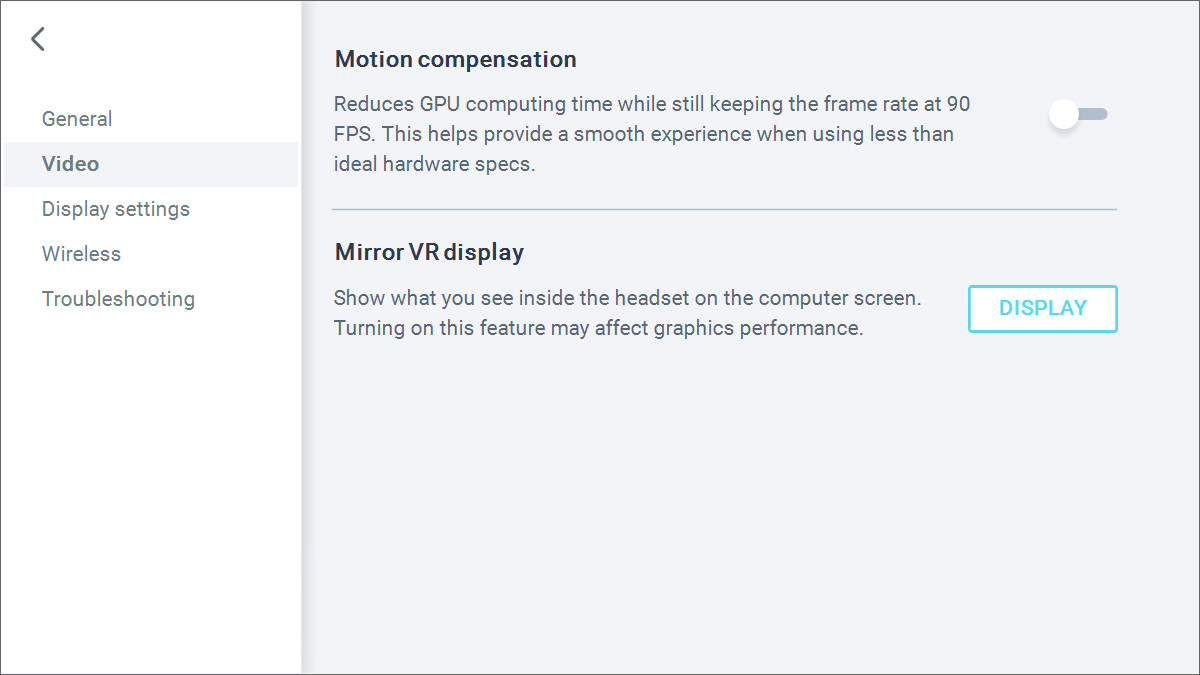
Video settings feature motion compensation which reduces computing time while still keeping the frame rate at 90Hz. This helps provide a smooth experience when using less than ideal hardware specs. Turn on mirror VR to show what you see inside the headset on your computer screen.
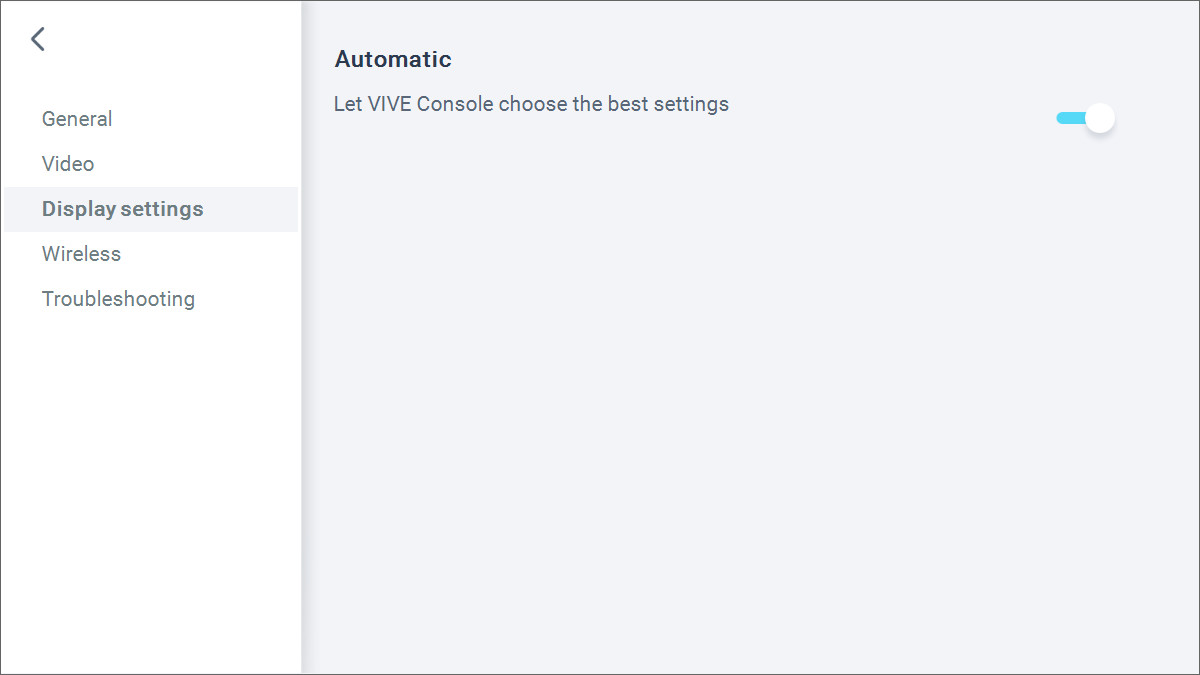
Select automatic in the display settings to let VIVE Console choose the best setting based on your hardware or manually set the resolution and frame rate you want.
Join the Beta program to be eligible to receive preview builds and provide feedback.
VIVE Console has troubleshooting options to remove and reinstall drivers used by your VR hardware. It also lets you report an issue or send feedback directly from the app.
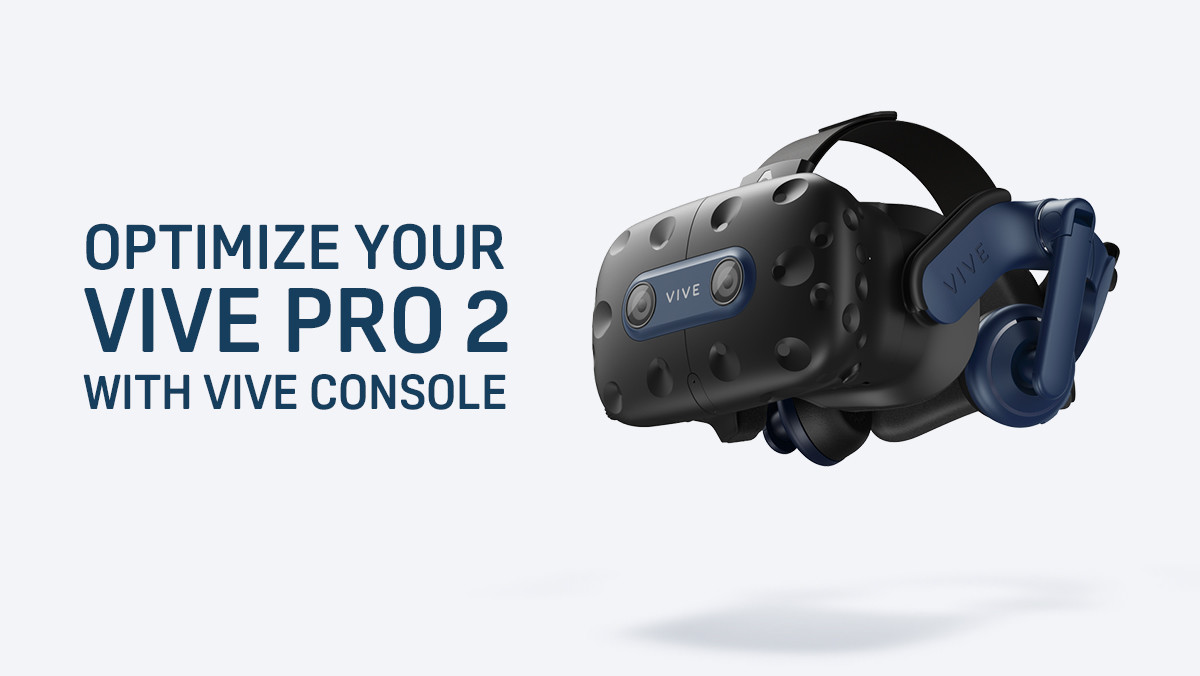
Install VIVE Console and get the best performance for your VIVE Pro 2.
系统要求
最低配置:
最低配置:
- 需要 64 位处理器和操作系统
- 操作系统: Windows 10
- 处理器: Intel® Core™ i5-4590 / AMD Ryzen™ 1500 equivalent or better
- 内存: 8 GB RAM
- 显卡: NVIDIA GeForce GTX 1060 / AMD Radeon RX 480 equivalent or better
- DirectX 版本: 12
推荐配置:
推荐配置:
- 需要 64 位处理器和操作系统
- 操作系统: Windows 10
- 处理器: Intel® Core™ i5-4590 / AMD Ryzen™ 1500 equivalent or better
- 内存: 8 GB RAM
- 显卡: NVIDIA® GeForce® RTX 2060 / AMD Radeon™ RX 5700 equivalent or better
- DirectX 版本: 12
游戏截图

游戏共有 7 张截图,这里显示了 4 张


