

游戏清单下载
请选择以下任意链接下载游戏清单文件,下载后请参考安装教程进行配置
游戏介绍
This looks fun, what is it?
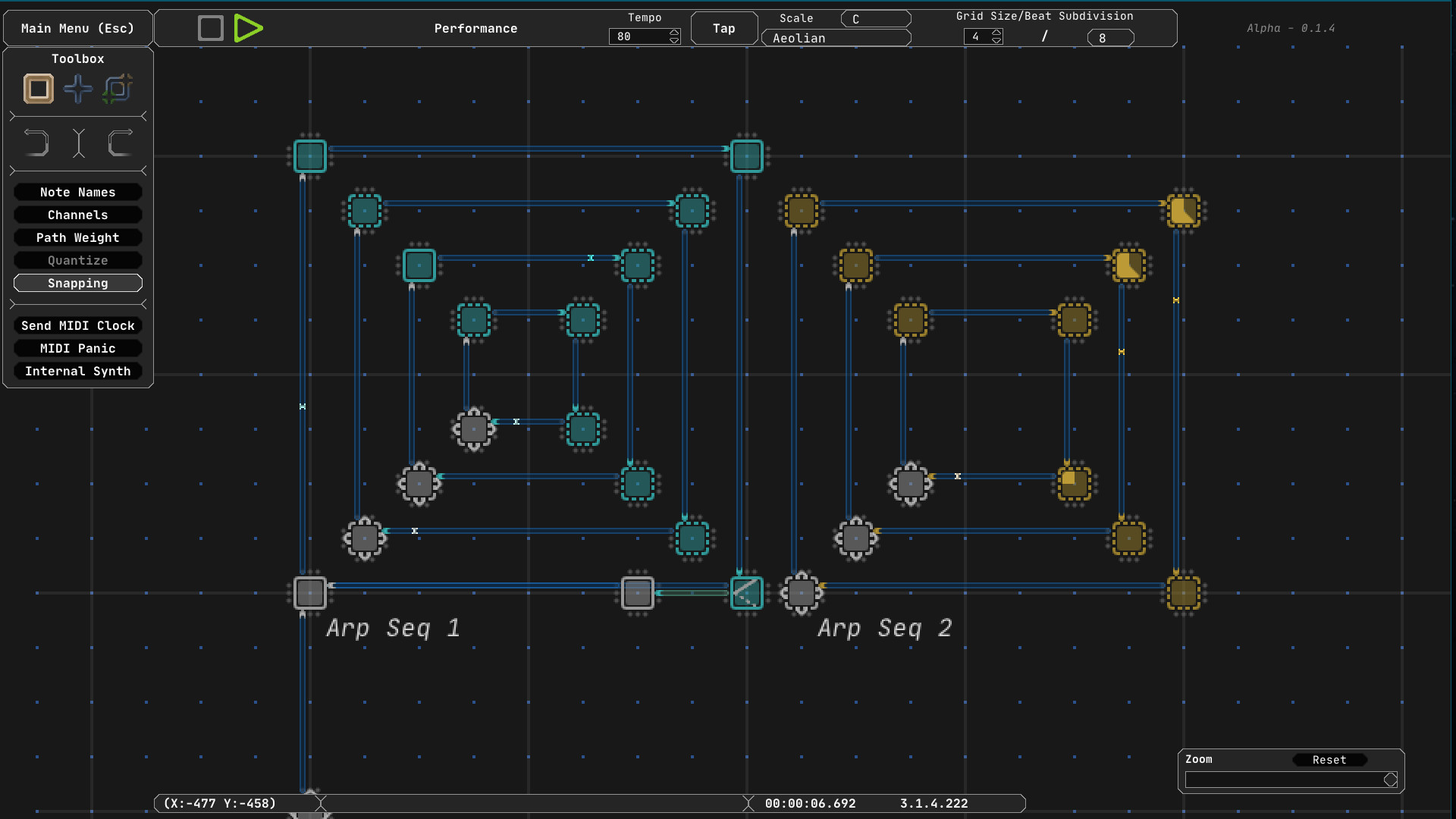
Midinous is a non-linear MIDI sequencer (directly viewable as a MIDI input in your DAW) allowing users to create expansive looping complex sequences which don’t subscribe to a definite timeline. Rhythm is determined only by a user’s imagination. Midinous can, however, still send MIDI clock messages to sync up devices and software. It’s not a DAW, nor can it make more than simple sounds using basic waveforms (sine, square, triangle, etc) with its "Internal Synth" option, but it generates MIDI data meant to be sent to other applications. Midinous sends transport, Note, and CC messages on its automatically-created MIDI ports, allowing up to 16 channels of data to be sent simultaneously.
If you are unsure if Midinous is right for you, try the free demo!
That sounds confusing. How does it work, really?
Seamlessly! Open Midinous, find it as a MIDI input device in your DAW and start creating.
Midinous emulates a hardware MIDI controller by creating its own MIDI Input/Output port on a computer, throwing away the need for any 3rd party software. Launch Midinous, and it can start sending MIDI data within seconds!
Still lost. MIDI?
Musical Instrument Digital Interface (MIDI) is the technical standard Midinous adopts to send data to other applications (usually, but not limited to, Digital Audio Workstations (DAWs)). Although Midinous can make simple sounds on its own, it is best used with a DAW.
Grid Based Editing
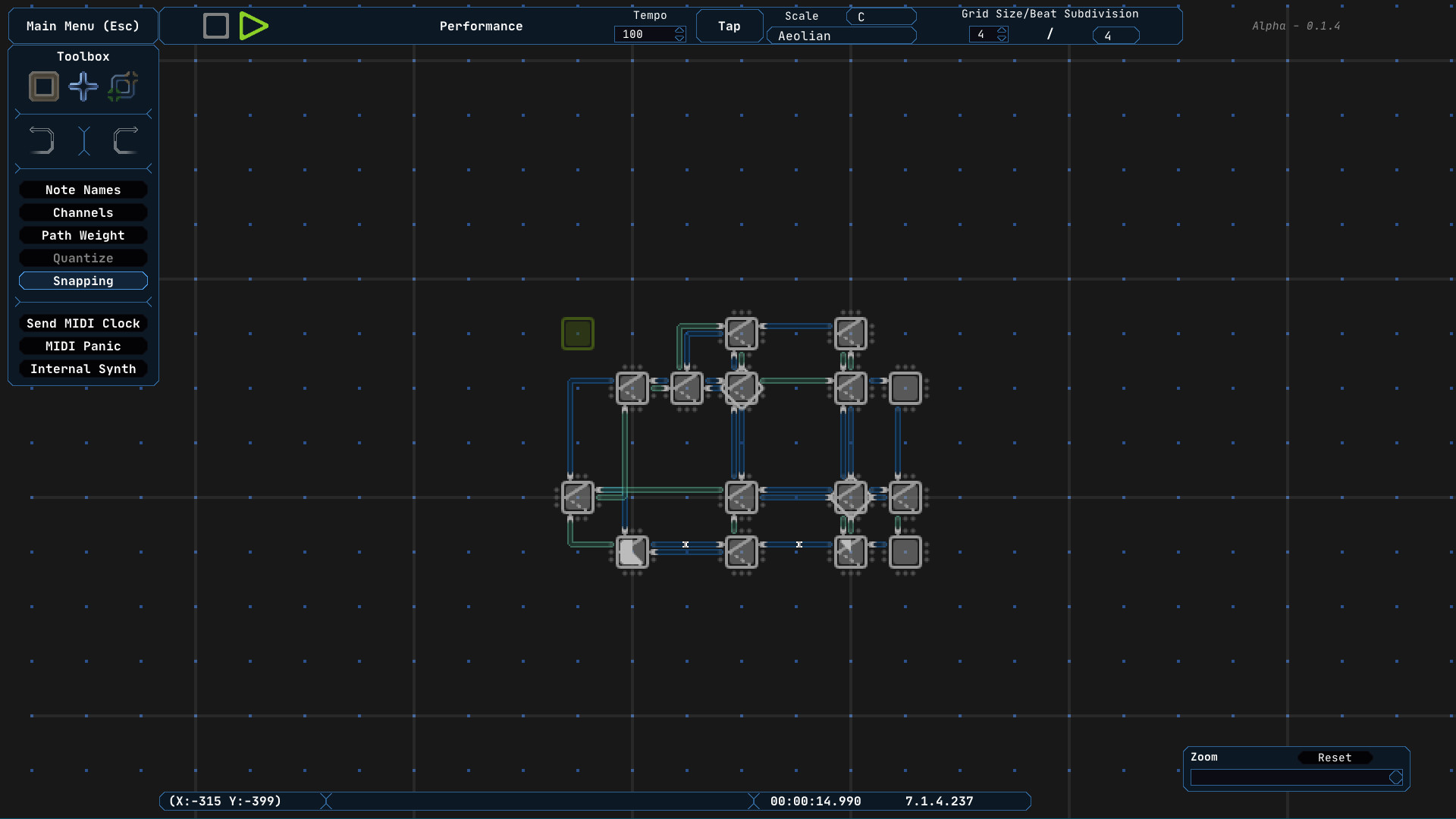
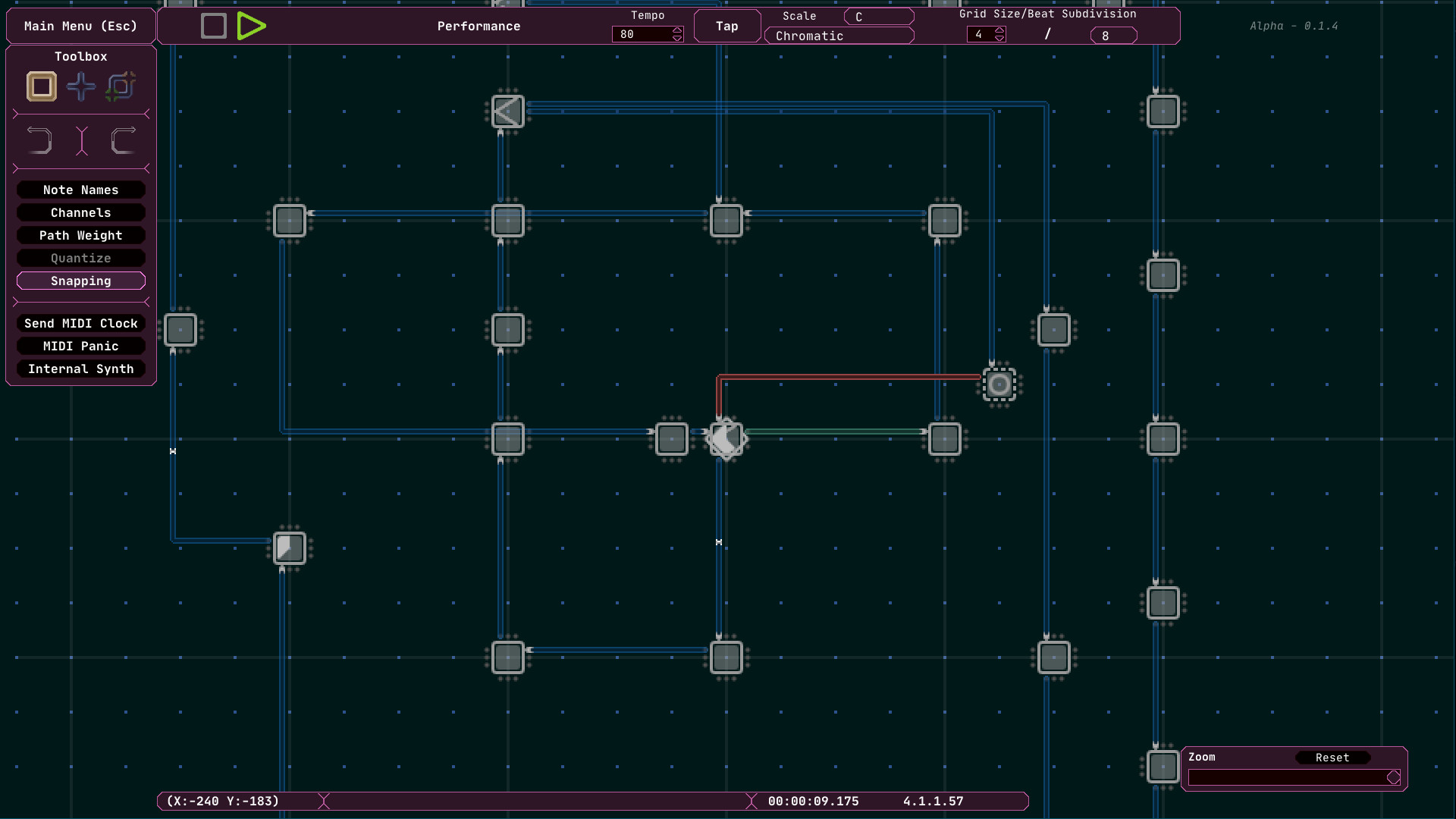
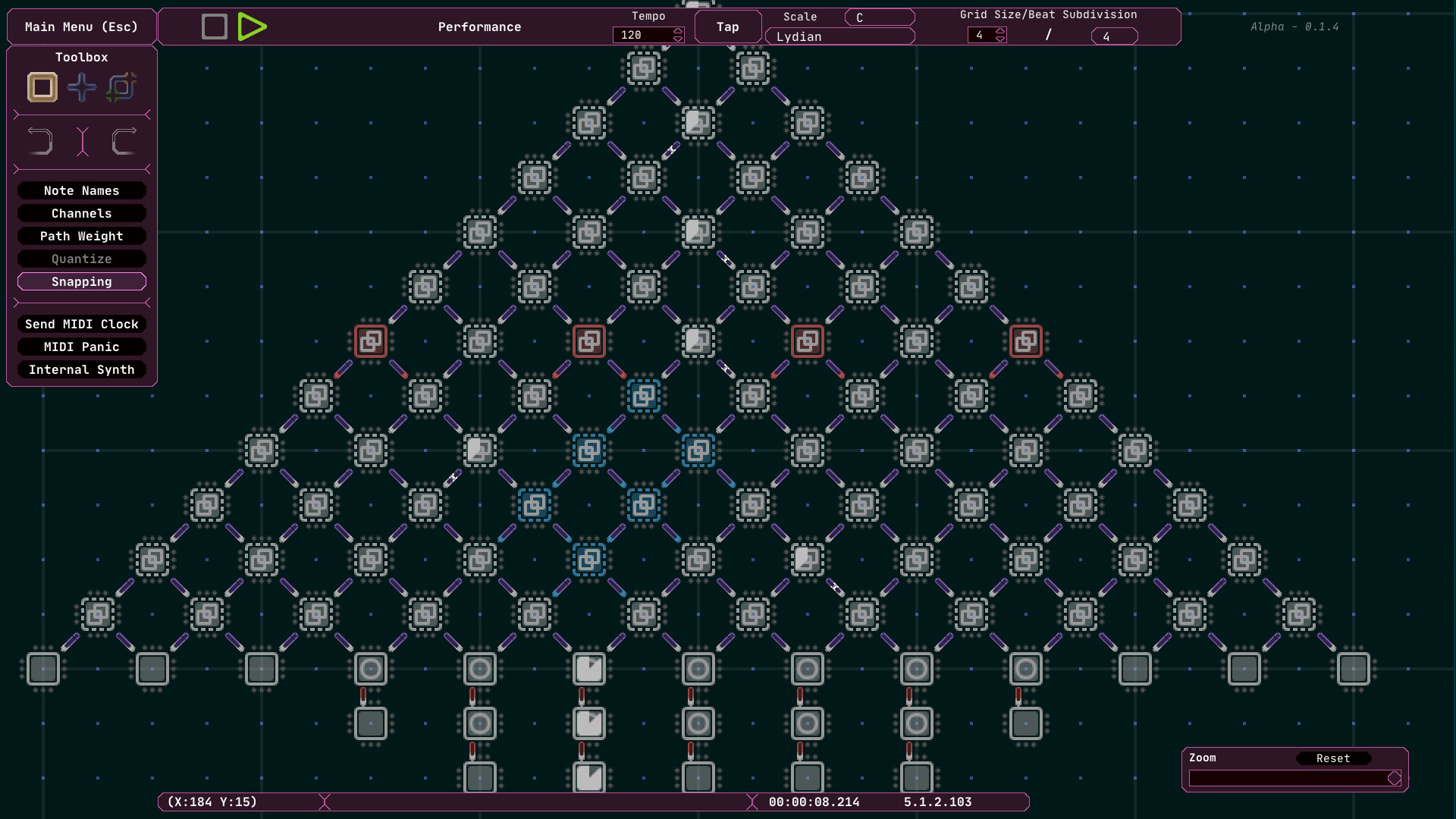
Midinous works on a grid system where the distance between each tile is a quarter note. Arrange objects called ‘Points’ and connect them together with ‘Paths’ to quickly create complex looping or branching sequences of MIDI data. Branch to points randomly or instantly, split signals, or have signals travel in order of Path creation. Turn snapping mode off for complex rhythms and odd timing!
Customization and Accessibility
Most keyboard controls have been made accessible by way of remapping, and the interface can be recolored as desired. Make Midinous as friendly as it needs to be. A left-handed mode is also included.
“Infinite” Canvas
Midinous provides a virtually infinite scrolling canvas for creations. Though technically not limitless, Midinous can support the wildest of creations with full support for scrolling, panning, and zoom. Add thousands of points and connect them for wild sequences.
Scale Snapping
With Midinous’ scale snapping functionality, set a group of Points to a certain scale, or ensure the entire project aligns with a desired mode. Choose a key and a scale to quickly change the way a sequence sounds.
Relative Signals
Carry MIDI data across multiple pathways with relative assignments for every attribute a Point object may have, such as MIDI Note, CC, Channel, Velocity, Duration, and more. Good for ascending sequences and arpeggios.
Support For Other Operating Systems
Midinous is being developed in a cross-platform framework that allows it to run on Mac, Linux, and Windows.
Please note! If you don’t hear anything in the program while a sequence is running, that is normal. Midinous can generate simple tones using the program’s "Internal Synth" option, but its main function is outputting MIDI data for use in other programs like Digital Audio Workstations (DAWs).
系统要求
最低配置:
最低配置:
- 需要 64 位处理器和操作系统
- 操作系统 *: Windows 7 / Windows 8 / Windows 10 (64 bit) or newer
- 处理器: Any multicore x64 CPU faster than 2.5 GHz
- 内存: 256 MB RAM
- 显卡: Any OpenGL compatible Video Card
- 存储空间: 需要 300 MB 可用空间
- 声卡: Any
- 附注事项: Midinous generates its own sounds, but the best experience will be had through a Digital Audio Workstation or other external sound equipment which accepts MIDI messages.
推荐配置:
推荐配置:
- 需要 64 位处理器和操作系统
游戏截图
游戏共有 5 张截图,这里显示了 4 张


