


游戏清单下载
请选择以下任意链接下载游戏清单文件,下载后请参考安装教程进行配置
游戏介绍
Classic Solitaire
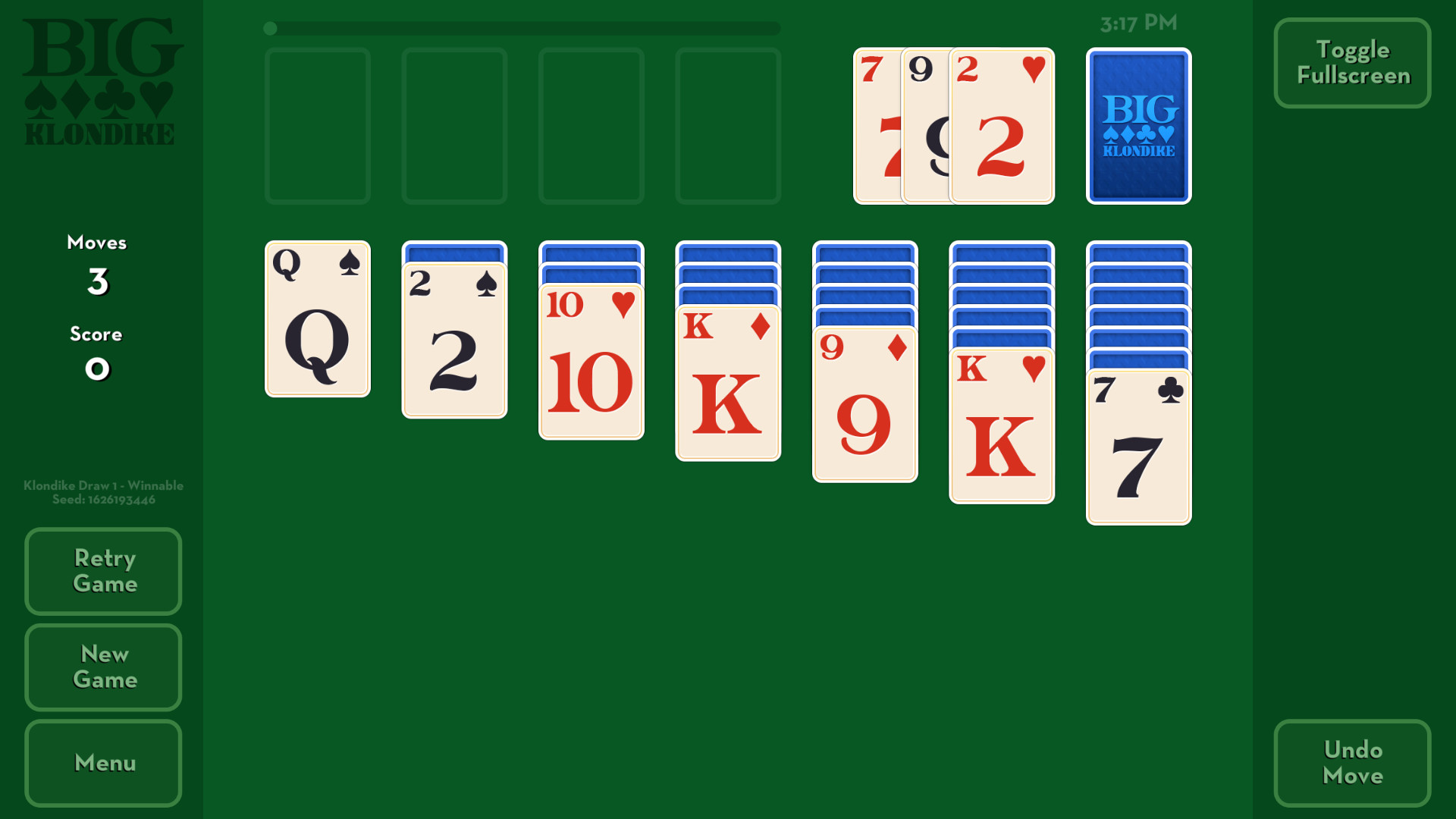
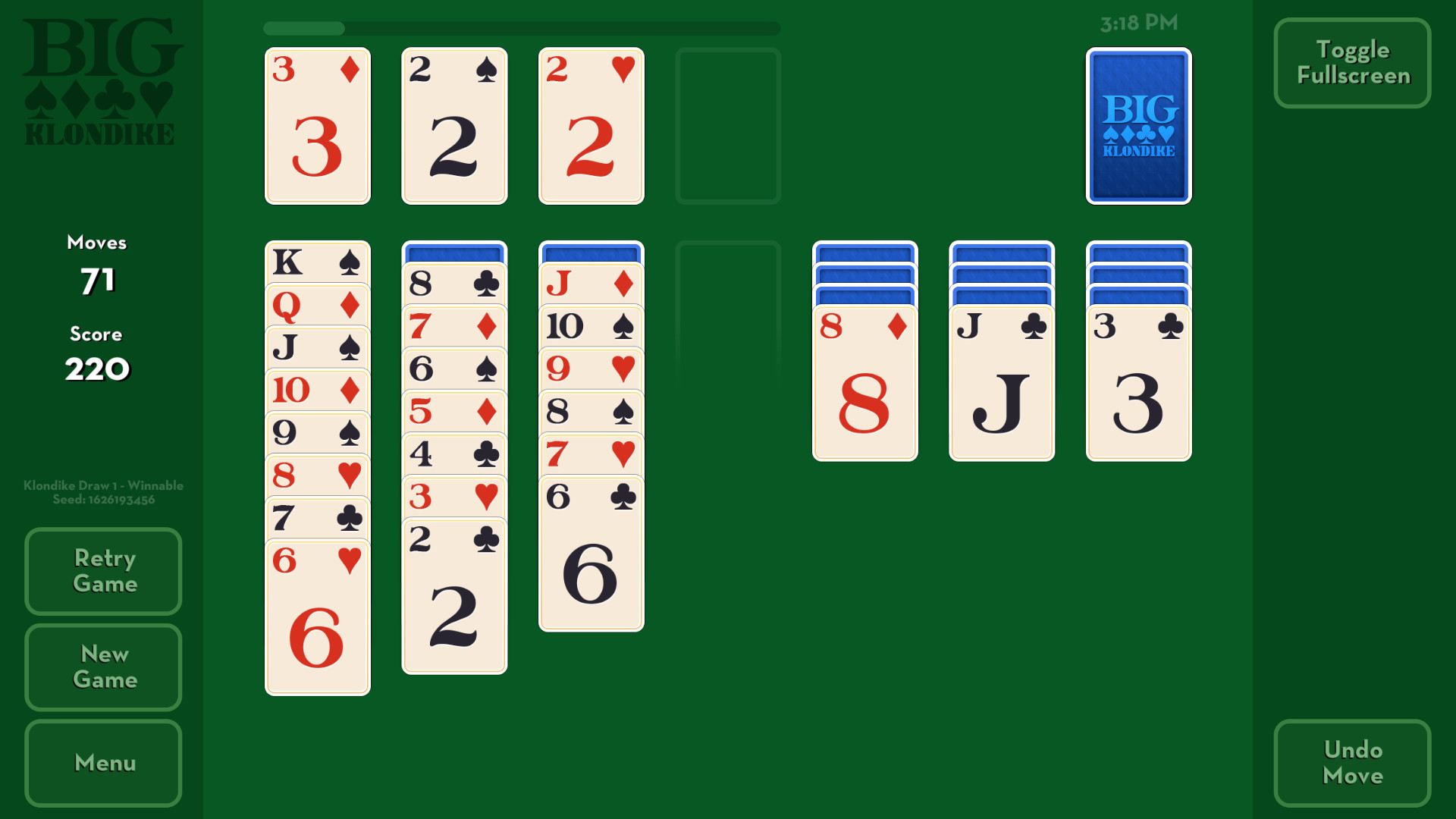
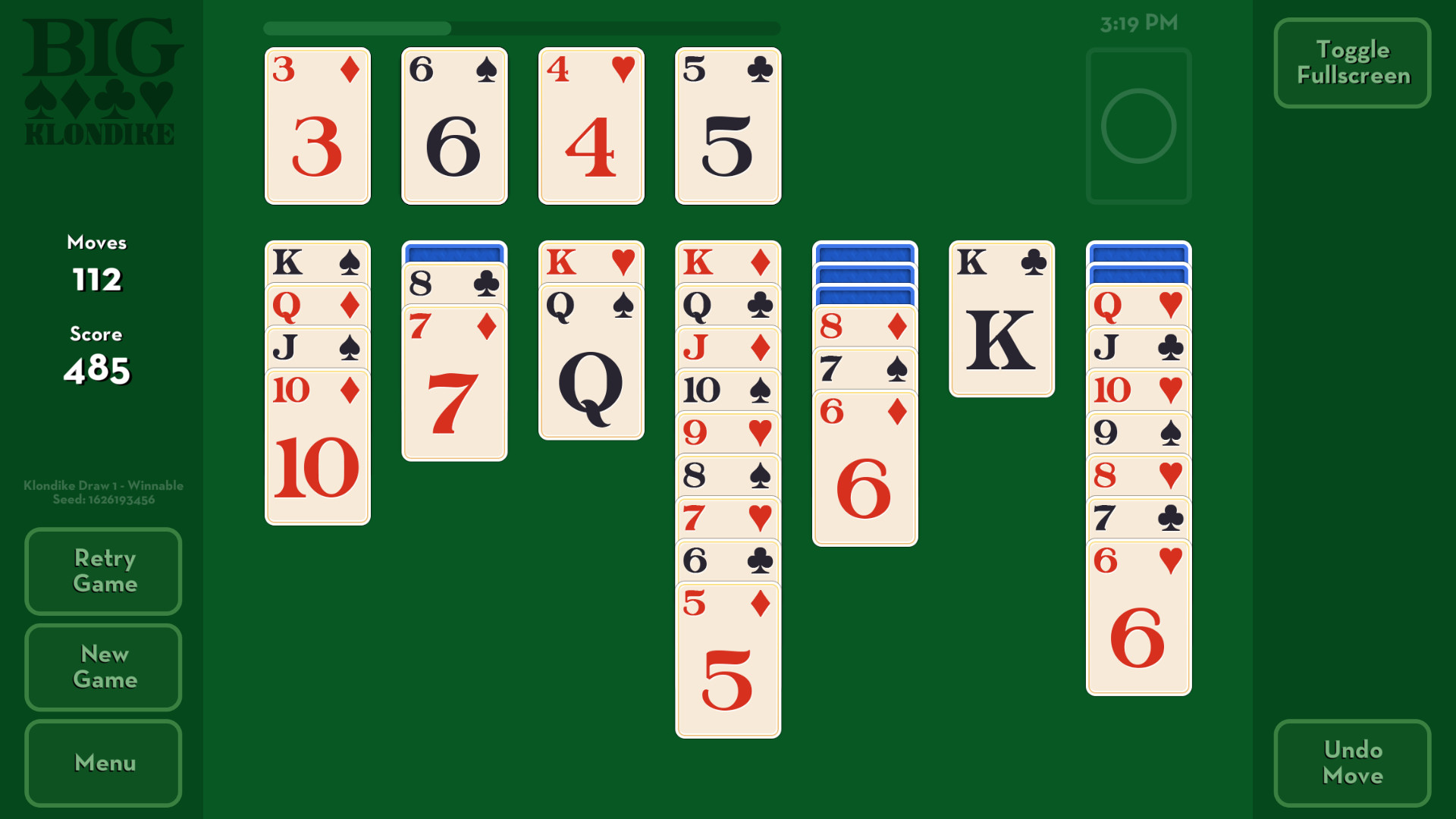
Big Klondike is a version of the very popular Klondike variation of solitaire. This version of solitaire is what generally is called Windows Solitaire, or what some people think Solitaire just is as a general term (when the truth is that Solitaire is a huge genre of games just as wide as FPS is).
Big Klondike features 1 Draw, 3 Draw, Random shuffles and Winnable shuffles. You can choose to have the Timer enabled or not if you prefer a relaxing experience.
Our Winnable shuffles are originally Random shuffles which our custom coded solitaire bot has play tested to ensure is actually possible. We ship the game with 50,000 known Winnable shuffles for both 1 Draw and 3 Draw variations. The 1.0.0 version of our solitaire bot was made to not be too incredibly clever, so all Winnable shuffles are guaranteed to be possible below 200 moves. Though a Winnable game is guaranteed to be possible, that does not mean you will always win it first time as sometimes moves can be made in ways where the game becomes bricked – impossible to finish in that state. If that happens you can Retry that same game and go for different moves to beat it!
In Big Klondike, cards can be dragged or clicked to move them to possible moves. Right click is also supported.
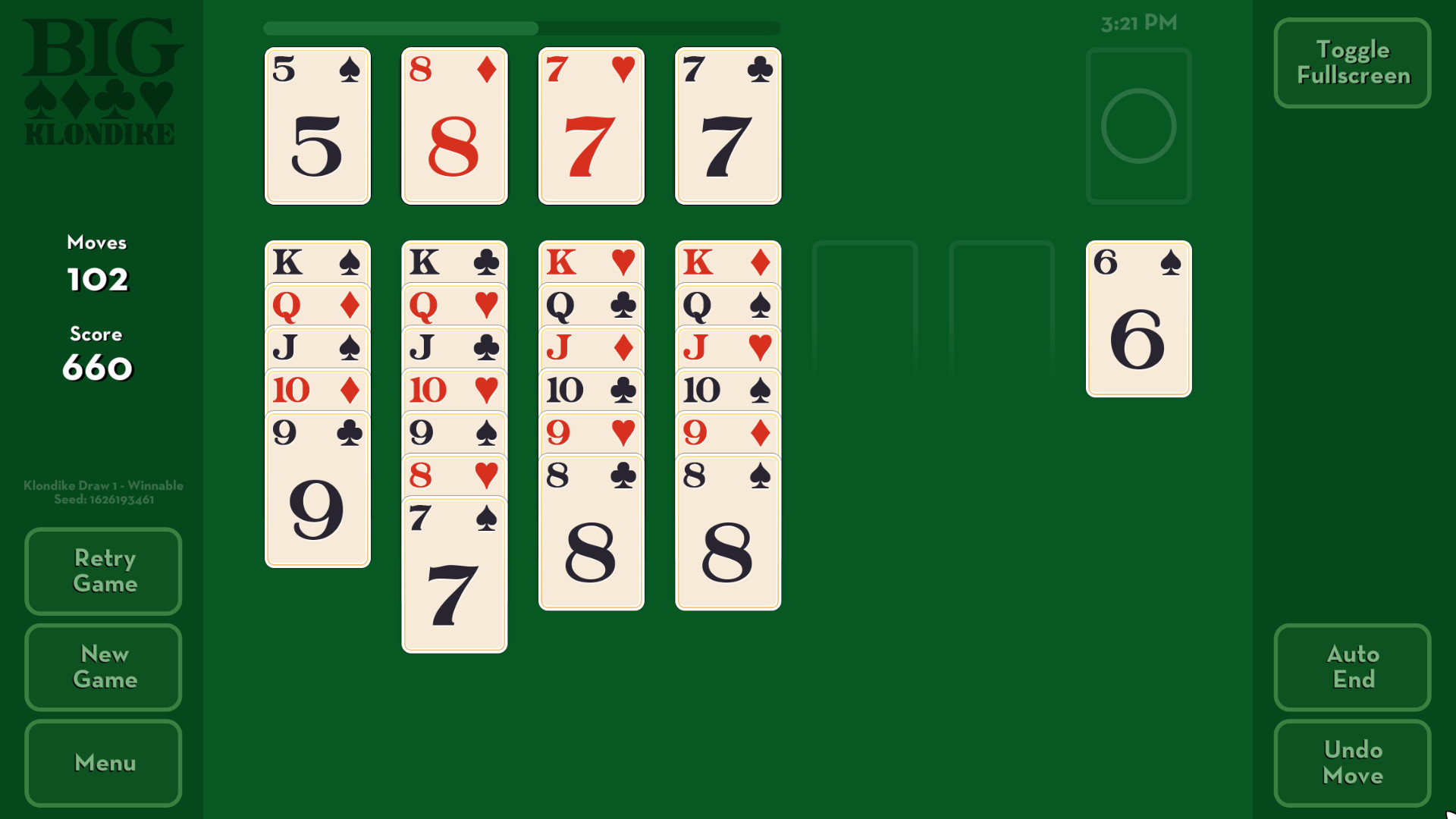
Once a game is deemed as mostly complete, Big Klondike will show a button to Auto Complete the game and move the rest of the cards into place in the foundations.
How to Play
Move cards from pile to pile so that the values of cards go from low to high and alternate between both colors with each card.
Click/Tap cards to move them to valid positions. Top cards in a pile with valid descending values and alternating colors can be moved too.
Kings (K) can be moved to empty spaces.
Click/Tap the deck to draw new cards. Click/Tap the O space of the deck to recycle the deck.
Ace (A) is low and King (K) is high. Aces are the first card to place on the foundations. Kings are the final card to place on foundations.
You win when all four foundations have King (K) on top.
When all cards are face up, you can click/tap the Auto End button to automatically move the rest of the cards in order into the four foundations.
Design Philosophy
Our original goal with Big Klondike was to make a small in size, standalone, clean, customizable, and stable version of the classic Klondike solitaire that was multi-platform (made easy thanks to it being made with Defold), and easy to update.
Part of the design was to keep the design small and size and clean. Due to this, we decided not to include any music with Big Klondike. So you can play your own music while you play.
Another part of the design is in the name, making the game Big. While we have a good start with this, we think we can do better, and so in future iterations will continue to make the game look and feel as Big as possible.
An important personal design goal for me was to make a Klondike solitaire which is enjoyable to as many people as possible. This goal focuses on customization and optional features. For 1.0.0 many of what I have planned is not included, and instead only the basics of customization are included.
系统要求
最低配置:
最低配置:
- 操作系统 *: Windows 7
- 处理器: 800 Mhz
- 内存: 1 GB RAM
- 显卡: 256MB
- 存储空间: 需要 20 MB 可用空间
推荐配置:
推荐配置:
- 操作系统 *: Windows 7
- 处理器: 800 Mhz
- 内存: 1 GB RAM
- 显卡: 256MB
- 存储空间: 需要 20 MB 可用空间
游戏截图
游戏共有 5 张截图,这里显示了 4 张


