

游戏清单下载
请选择以下任意链接下载游戏清单文件,下载后请参考安装教程进行配置
游戏介绍
Apply
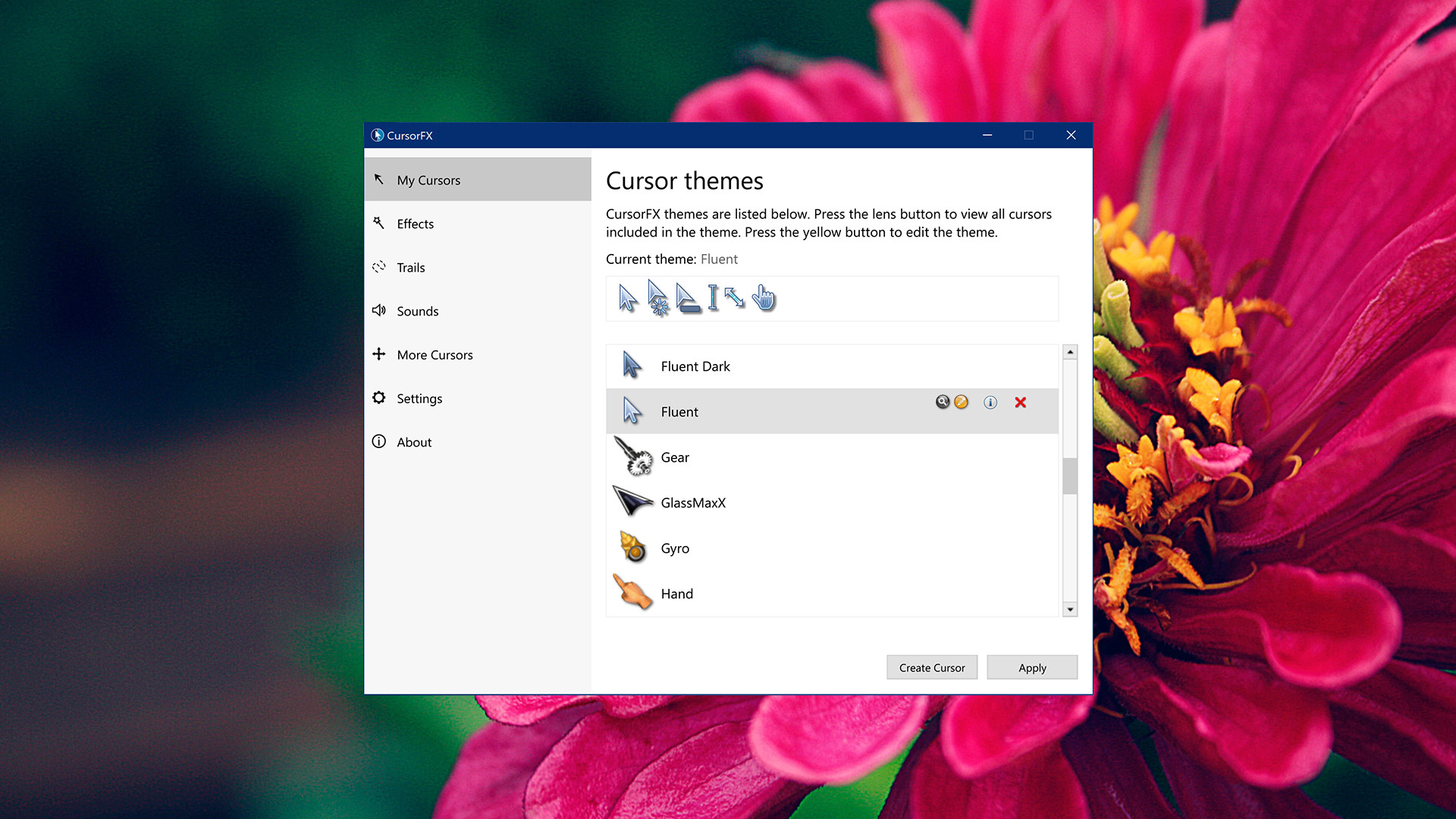
Right from install, CursorFX has several high quality cursor options to choose from! Pick a premade cursor from the preview list and click “apply.” Your new cursor is ready to go, but you can still tweak the colors, motion trails, and other properties to make it just right for you.
Want to return to the default Windows cursor? No problem: just change the option from the control panel or press ctrl+shift+c on your keyboard.
Customize
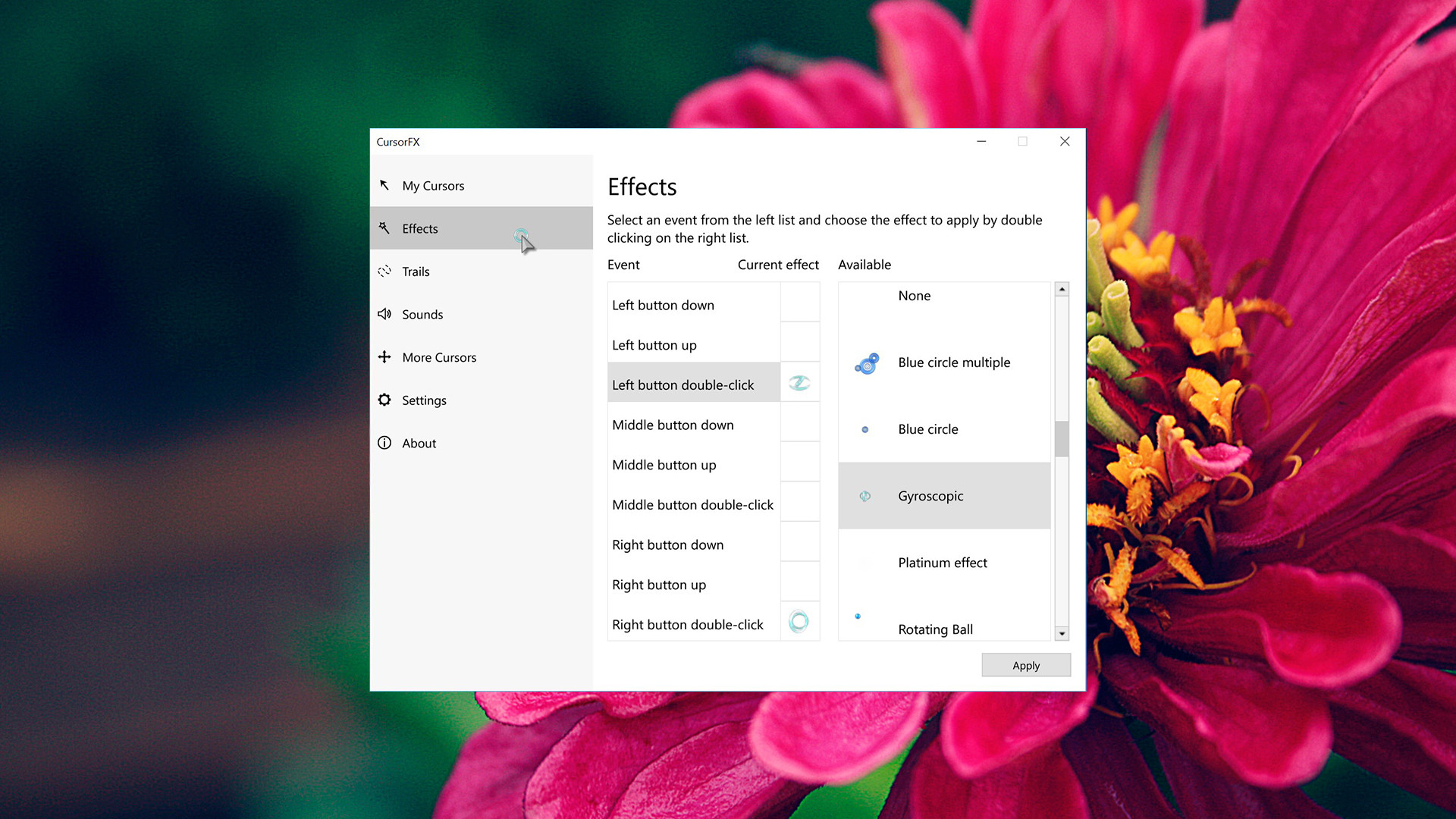
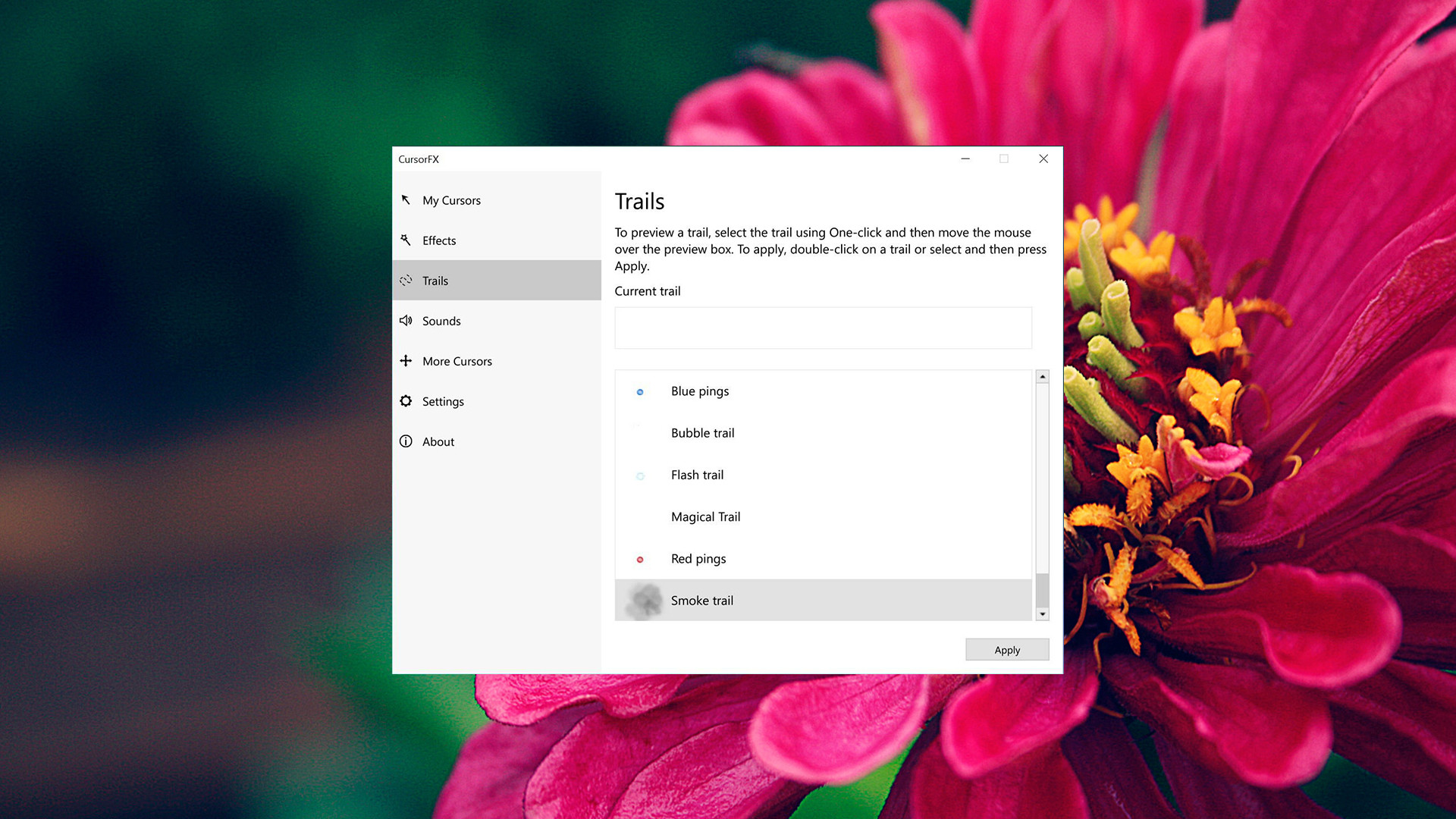
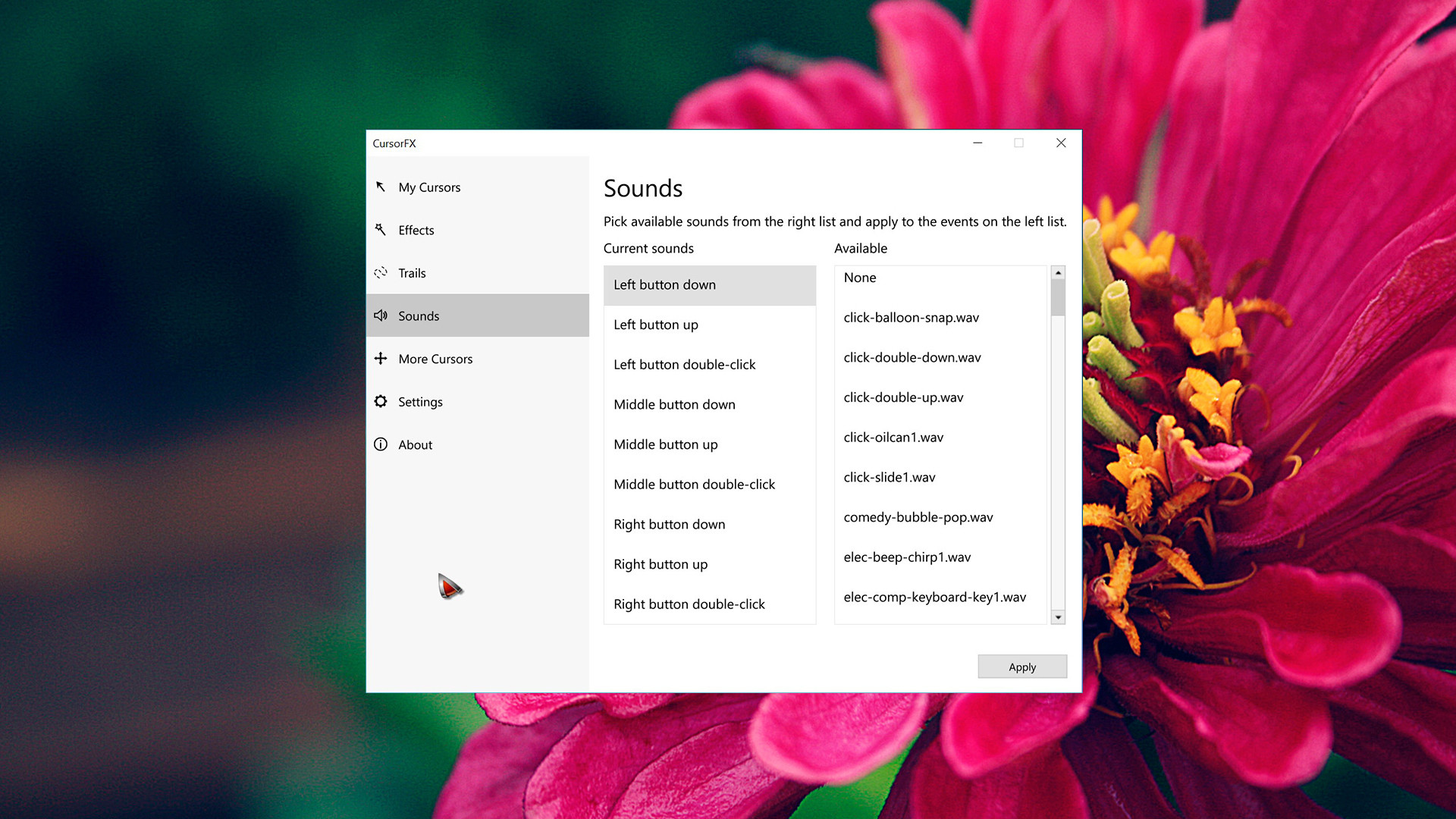
Be as particular as you want with all of the customization options CursorFX has to offer! Quickly change the size, color, or drop shadow of any cursor from the settings menu, or personalize your mouse clicks with cool sounds effects. Add unique visual style by applying different combinations of the special effects and motion trails that are included in the program.
Create
If you have a design idea in mind, CursorFX can help you achieve that! Using the theme editor, you can import your own .PNG files and easily create a custom cursor from scratch.
Top Features:
- Windows 10 support
- High DPI support
- Increased cursor drawing performance
- Several new cursor packs
- Create your own cursors
- Animated cursors and special effects
- Sound effects for your mouse clicks
系统要求
最低配置:
最低配置:
- 操作系统 *: Windows 7 / 10
- 处理器: Intel or AMD Processor
- 内存: 512 MB RAM
- 存储空间: 需要 100 MB 可用空间
游戏截图
游戏共有 5 张截图,这里显示了 4 张


