

¥52
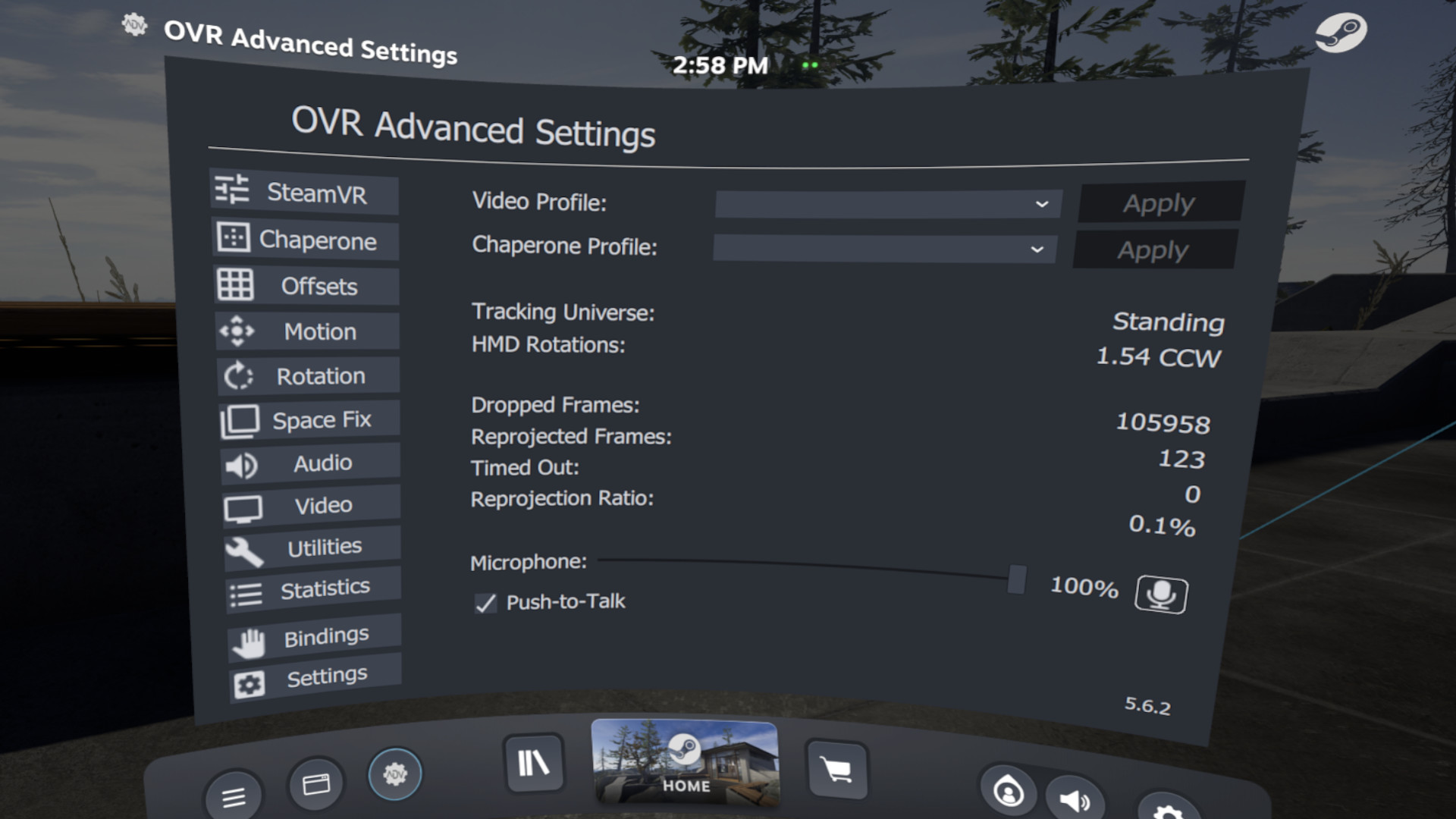
OVR Advanced Settings is a Dashboard Application for VR, that allows you to access many settings. OVRAS also has a myriad of utility features such as: simulated movement, adding smooth/snap turn to any game, video controls for the headset such as brightness, per-app bindings and much more.
游戏清单下载
请选择以下任意链接下载游戏清单文件,下载后请参考安装教程进行配置
游戏介绍
Features
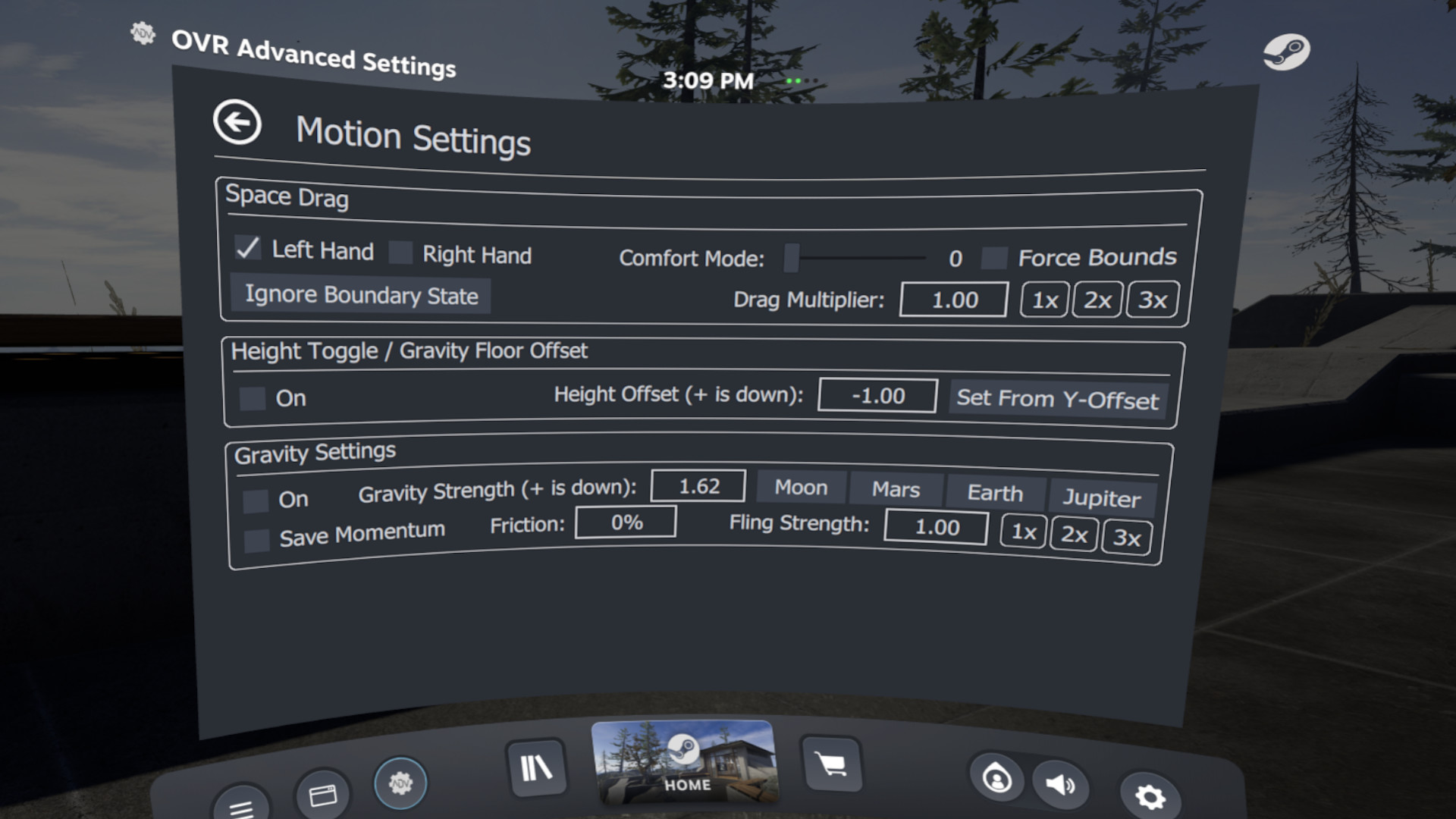
- Space Drag: The ability to virtually move yourself in VR based upon your hand position
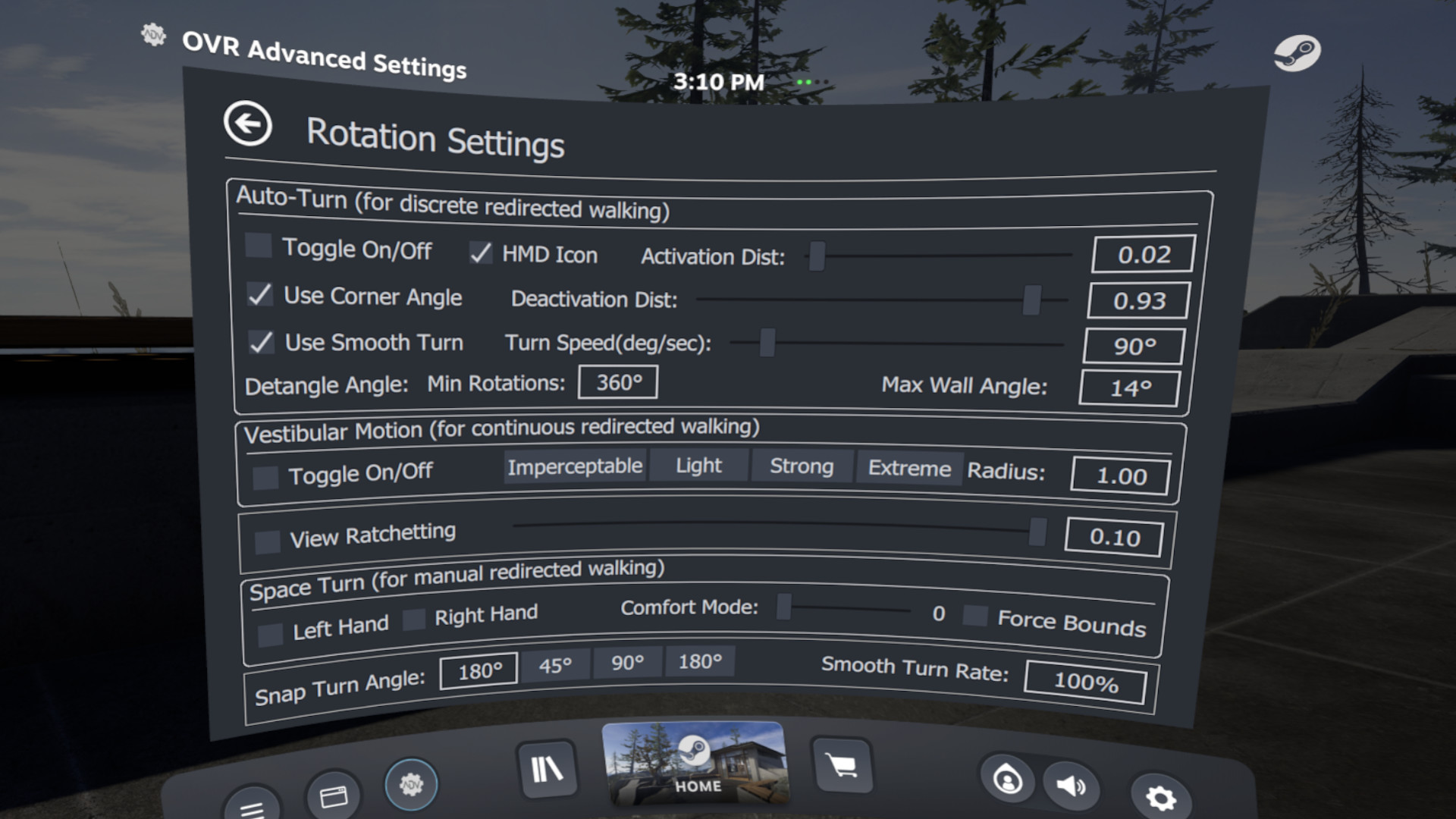
- Space Turn: The ability to virtually turn yourself based on your controller orientation
- Fix Floor: Ability to quickly set your floor height by placing your controller on the ground
- Push-To-Talk/Push-To-Mute: ability to un-mute/mute your mic on a button press
- Universal Snap/Smooth Turn: Add snap turning/smooth turning to ANY SteamVR game
- Brightness Control: Ability to Simulate different levels of brightness inside your HMD
- Lighthouse Device Pairing: Selectively pair your Lighthouse devices (index controllers, vive wands, vive trackers, tundra trackers, etc.) to your selected wireless Dongle
- Per-App Control Bindings: Create SteamVR bindings for overlay applications to apply on a per-app basis
- Player Height Toggle
- Control audio devices, volumes and mirror devices
- and much much more…
Compatibility and Disclaimers
Due to the wide-array of headsets and features, not every Feature will work with every headset.
If you encounter an issue please reach out via our , or the steam community pages.
Intel ARC GPU users – Dashboard Rendering does not properly work, and you will need to use desktop mode.
Some multi-GPU/Laptop systems will have problems rendering in the Dashboard, and you may have to run the overlay in Desktop Mode.
Trailer Music:
"Astra" By NAND关于软件
OVR Advanced Settings is a desktop overlay application for SteamVR, giving you a wide array of settings, and utilities all while in VR.
系统要求
最低配置:
最低配置:
- 需要 64 位处理器和操作系统
- 操作系统: Win 10 x64
- 处理器: i5-4590/AMD FX 8350 equivalent or better
- 内存: 4 GB RAM
- 显卡: Nvidia GTX 970/ AMD Radeon R9 290 equivalent or better.
- DirectX 版本: 10
- 存储空间: 需要 300 MB 可用空间
- 支持 VR: SteamVR
推荐配置:
推荐配置:
- 需要 64 位处理器和操作系统
- 操作系统: Win 10 x64
- 处理器: AMD Ryzen 6-core or better, Intel 8th gen 6-core or better
- 内存: 16 GB RAM
- 显卡: Nvidia GTX 970/ AMD Radeon R9 290 equivalent or better.
- DirectX 版本: 10
- 网络: 宽带互联网连接
- 存储空间: 需要 500 MB 可用空间
游戏截图
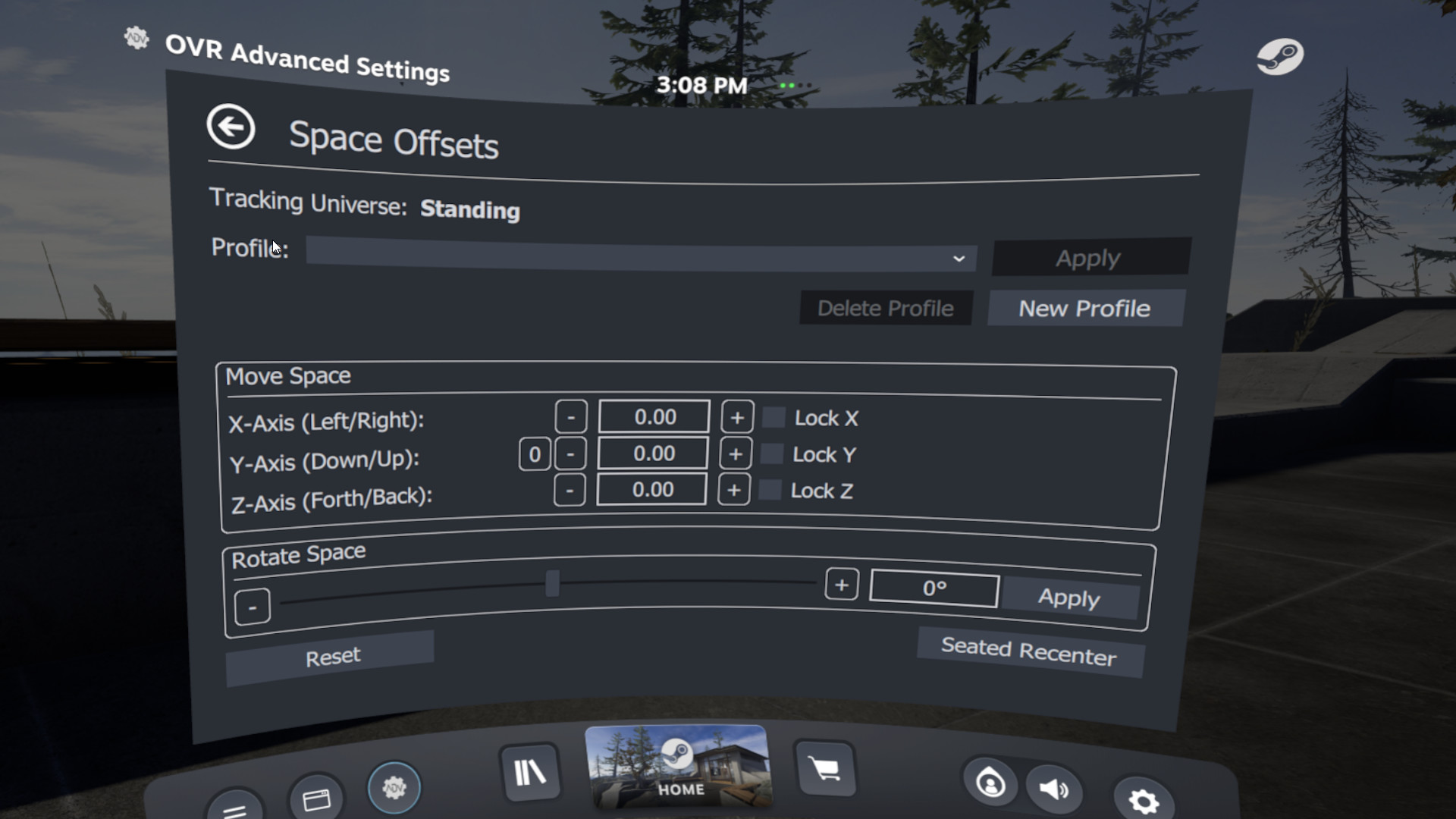
游戏共有 11 张截图,这里显示了 4 张


