游戏清单下载
请选择以下任意链接下载游戏清单文件,下载后请参考安装教程进行配置
游戏介绍
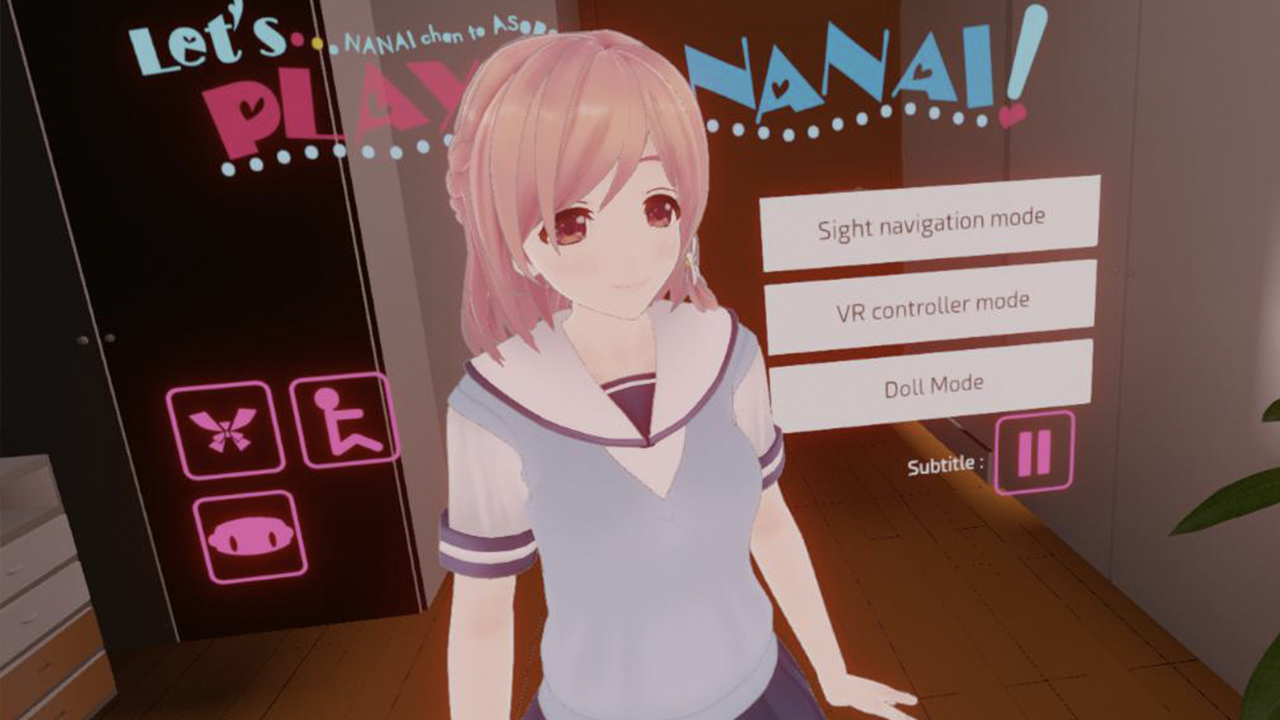
This demo is created for the purpose to check if your VR HMD and PC are compatible.
There is no action in the demo – but you are able to change Nanai’s skin color, costume (and strip her naked) and watch her from 360 angles.
Oculus Quest users can play too!
Using ALVR (free) installed on your PC, you can play completely wireless in the comfort of your own bed or couch! What it does is let you play PC-based VR games on your Oculus Quest headset! It basically streams the video and other data in real time! It takes about 5 minutes to set up and has practically zero lag on a 5 GHz network!
For installation, you will need to follow the instructions on the ALVR github page. If you do not have SteamVR, you can install it by opening Steam, Clicking “LIBRARY” and then clicking “Tools” (second from the bottom of the drop-down list). From there, find “SteamVR” and install it.
For best results, we recommend using a 5 GHz WiFi signal. This usually has the same name as your normal WiFi but with “-5G” at the end. Be sure to connect your Oculus Quest to this! From there, you can use the default settings for Video in ALVR: Codec=H.265 HEVC; Bitrate=30Mbps; Resolution=100%; Buffer size=200kB. You may need to uncheck “Steam Sound” on the Sound tab if you have error messages related to audio. If you use 2G/2.4 GHz, you may find the video quality to be unbearably poor, so we highly recommend you have 5G.
系统要求
最低配置:
最低配置:
- 操作系统 *: Windows 7,8,10
- 处理器: Corei5-4590 and above
- 内存: 8 GB RAM
- 显卡: NVIDIA GTX970 or AMD R9 290
- 存储空间: 需要 560 MB 可用空间
- 附注事项: Oculus Rift or HTC Vive. If using real-time object synching mode, needs Oculus or Vive controller, or phone that supports gyro censor.
推荐配置:
推荐配置:
- 操作系统 *: Windows 7,8,10
- 处理器: Corei5-4590 and above
- 内存: 8 GB RAM
- 显卡: NVIDIA GTX970 or AMD R9 290
- 存储空间: 需要 560 MB 可用空间
- 附注事项: Oculus Rift or HTC Vive. If using real-time object synching mode, needs Oculus or Vive controller, or phone that supports gyro censor.
游戏截图