

游戏清单下载
请选择以下任意链接下载游戏清单文件,下载后请参考安装教程进行配置
游戏介绍
Create your own 3D worlds and 3D models, set camera controllers, materials, behaviors, click ‘publish’ and your game or app is ready. As Windows or Mac OS X apps, WebGL websites, or Android apps. You can do all this without programming. The engine is free but there is also a professional edition (DLC): It adds post effects like bloom and the option to customize the splash screen logo. By buying it, you also support the further development of the engine.
High performance 3D engine
CopperCube includes manually optimized 3D engines for all supported targets, running with OpenGL, Direct3D, and WebGL.
Simple-Click game system
No programming needed: Wether you want to create a simple 3D game, a complex, epic adventure, or a first person shooter: Select from lots of created behaviors and adjust them accordingly.
Terrain Editor
Create your own 3D worlds directly in the editor, textures can be painted quickly with automatic texture blending into the terrain. There are also tools for placing grass and bushes, and creating trees.
Physics Engine
Next to the the built-in blazingly fast collision and repsonse system, there is also a full physics engine integrated when publishing as Windows .exe and Mac OS X .app.
Character Animation
You can model and animate characters using any 3D software, export it into one of the supported file formats and then import them into Coppercube. Also, it is possible to download existing 3D models from the web and use them in the editor.
Low poly editing tools
You can edit your own 3D models directly in CopperCube: It includes a simple 3D modelling tool for creating levels, models and items.
Cross Platform Script system
For advanced users, there is a Javascript API working on all publishing targets. For WebGL, there is even a second big JavaScript library with direct access available, which is even open source.
High quality Light Mapper
The editor includes a high quality light mapping tool. Place your lights, click on ‘calculate’ and your 3D levels will look great. You can mix it with the realtime lighting and shadows system as well.
Native WebGL support
Unlike in other 3D engines, CopperCube’s WebGL code is handwritten and highly optimized: Your 3D game will download quickly and run fast, even if run directly on a website. CopperCube’s WebGL client is just about incredible 200 KB in size!
Many publishing targets
Create 3D games for these targets, with one single click:
- Windows (.exe) apps
- Mac OS X (.app) apps
- WebGL websites (.html)
- Android (.apk) apps
系统要求
最低配置:
最低配置:
- 需要 64 位处理器和操作系统
- 操作系统 *: Windows Vista, 7, 8, 8.1, 10 or later
- 处理器: Intel Celeron, Athlon Sempron or better
- 内存: 1 GB RAM
- 显卡: Direct 3D 9 compatible or better
- DirectX 版本: 9.0c
- 存储空间: 需要 120 MB 可用空间
推荐配置:
推荐配置:
- 需要 64 位处理器和操作系统
- 操作系统 *: Windows 7 or better
- 处理器: Intel Core 2, Athlon 2 X2 or better
- 内存: 1 GB RAM
- 显卡: Direct 3D 9 compatible or better
- DirectX 版本: 9.0c
- 存储空间: 需要 120 MB 可用空间
游戏截图
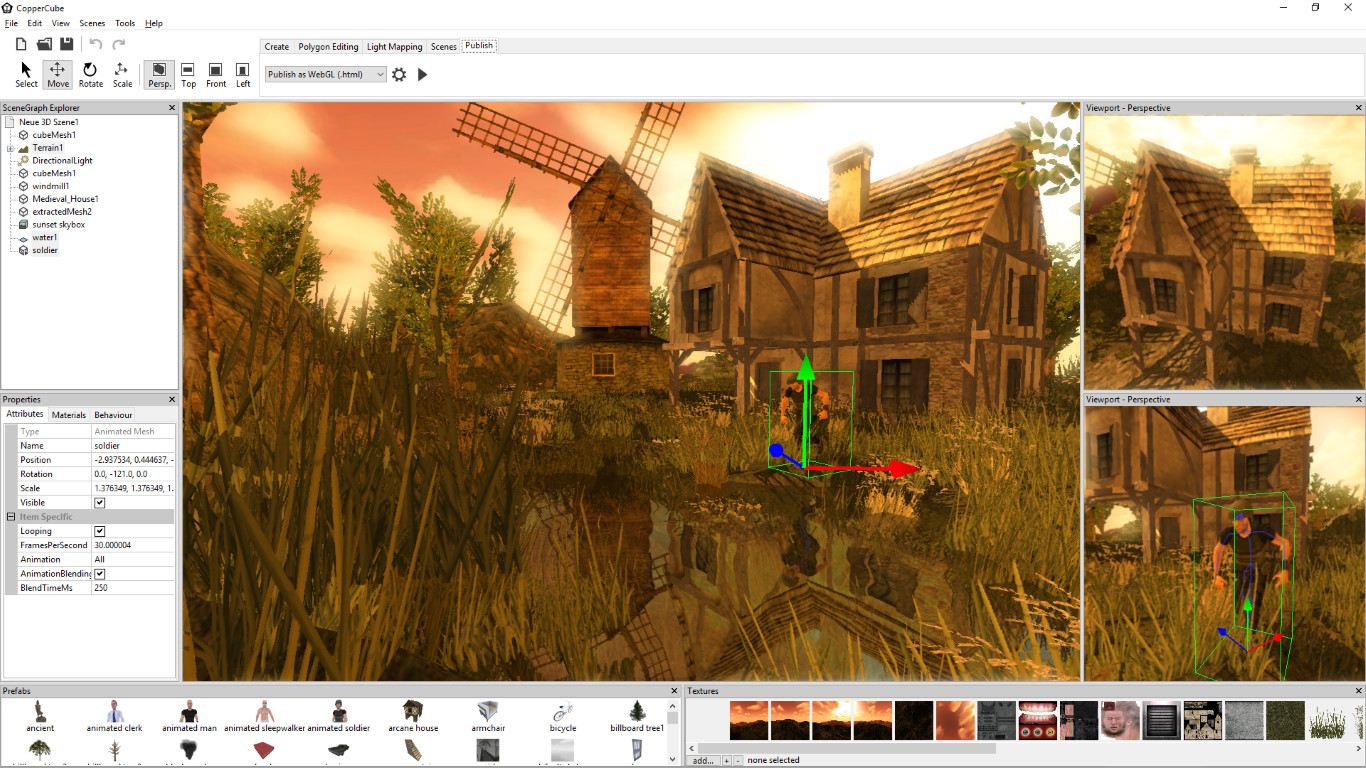
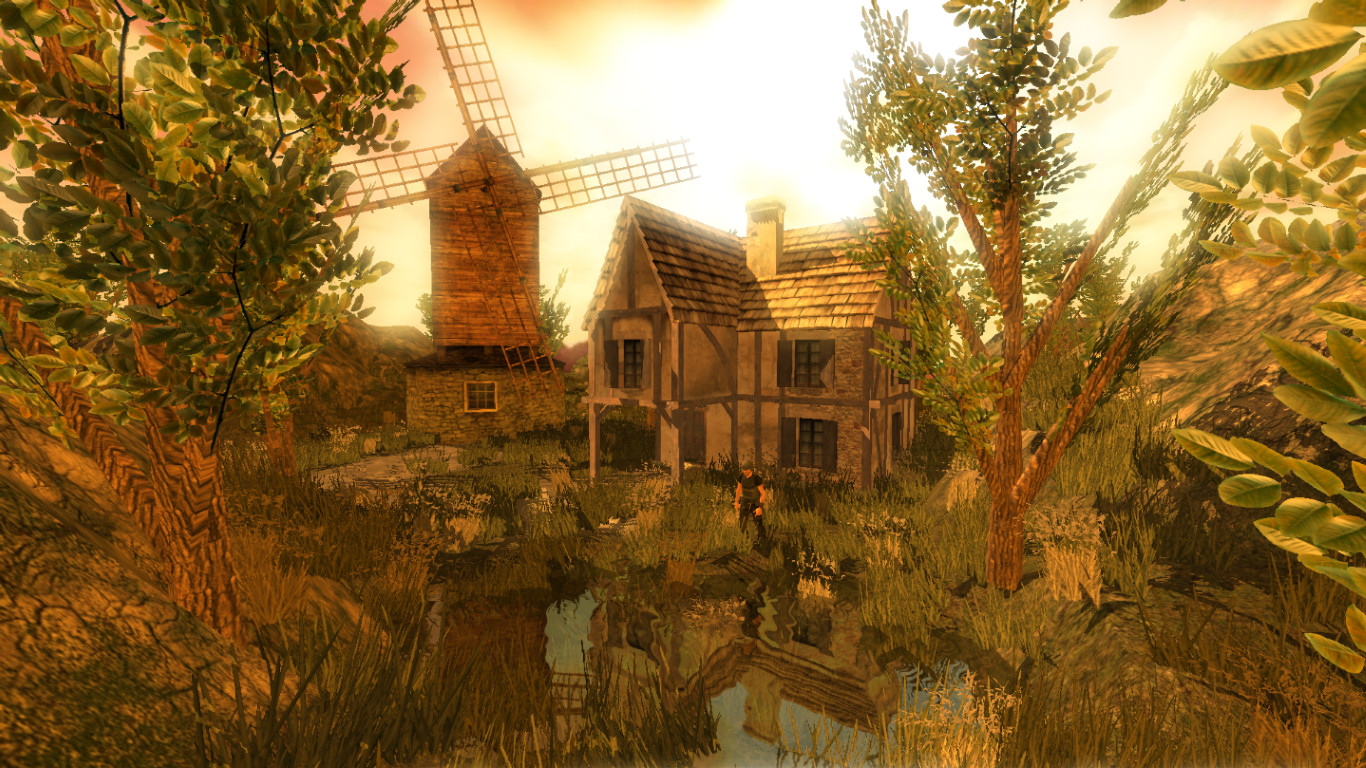
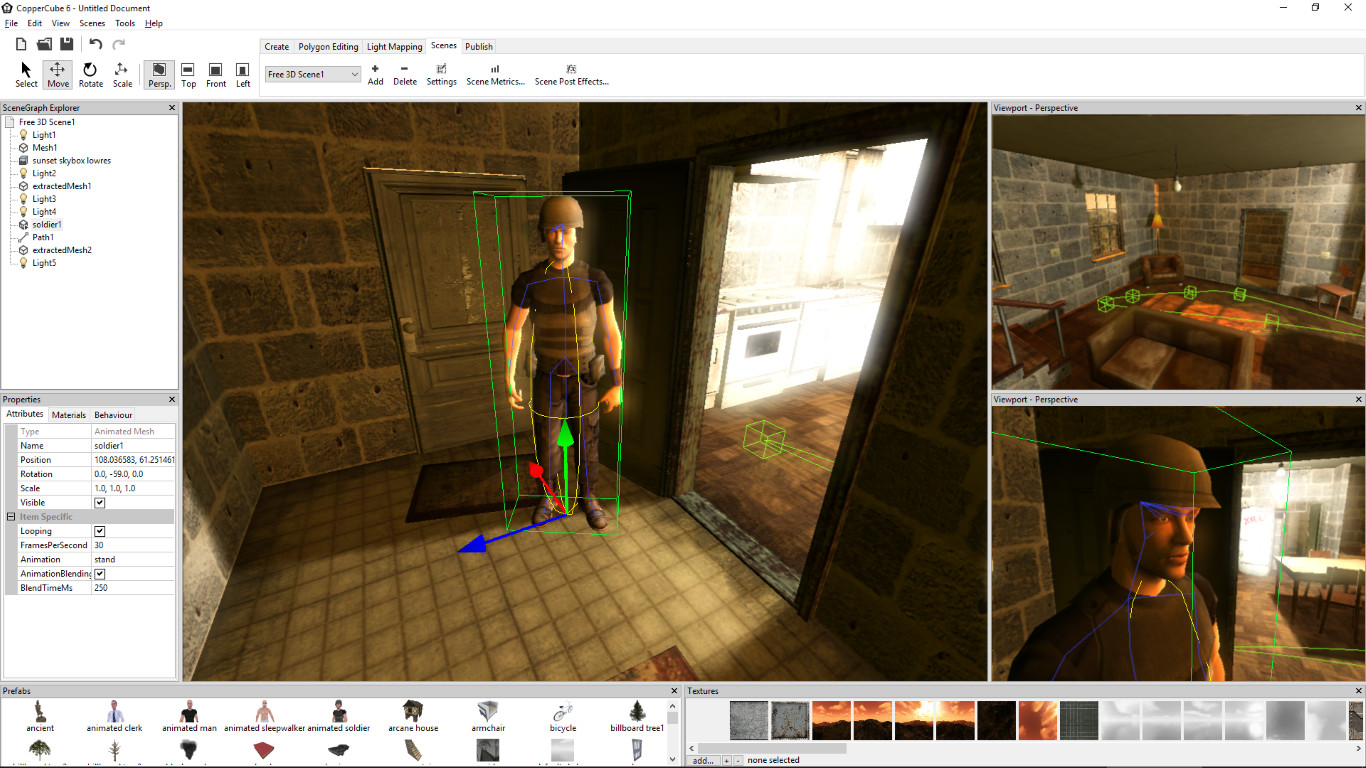
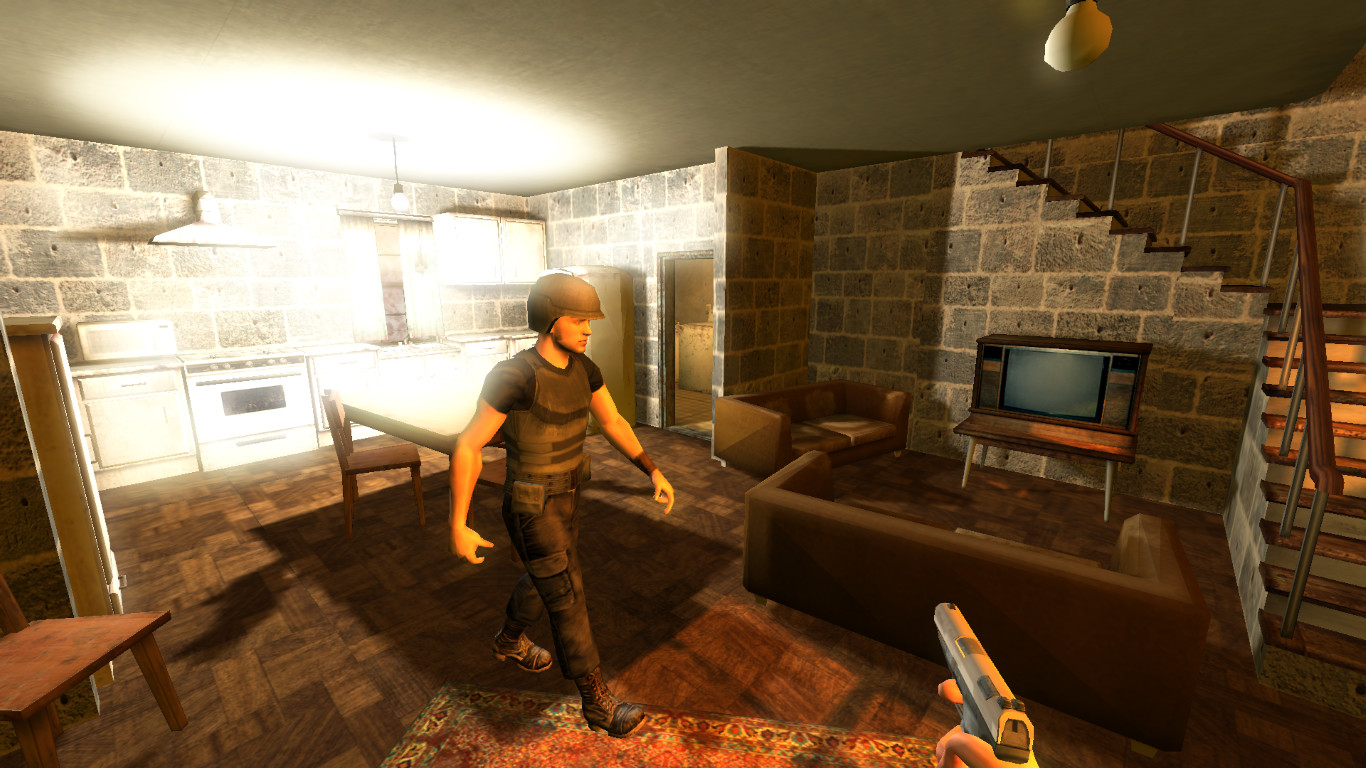
游戏共有 8 张截图,这里显示了 4 张


