


游戏清单下载
请选择以下任意链接下载游戏清单文件,下载后请参考安装教程进行配置
游戏介绍
McOsu is developed separately from and has no direct affiliation with osu! or ppy Pty Ltd.
McOsu is NOT osu!
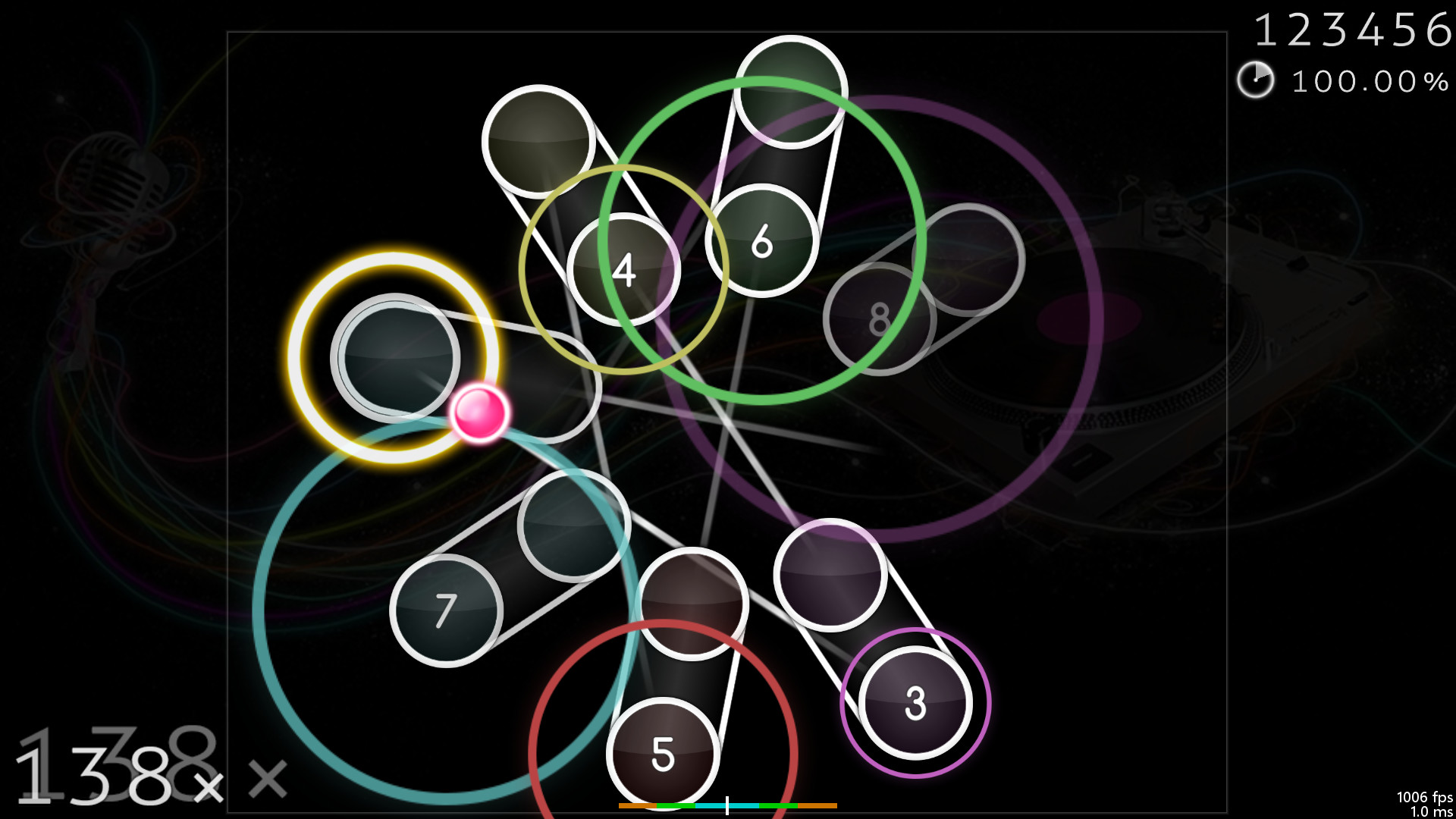
A free open-source circle-clicking rhythm game client for osu!(standard) beatmaps, with the main focus on making practicing easier and customizing gameplay.
It is primarily a practice client for getting better at the "official" game by having tools at your disposal that osu!(stable) does not provide for some reason, it’s not supposed to be a perfect copy of osu! though it does get close enough where necessary.
If you have never played osu! before, then I do not recommend using this client (except for VR players + FPoSu players of course), because there are no gameplay tutorials to be found here (just google "osu!" and play the official game which is a lot more polished and has online rankings including multiplayer support etc.).
McOsu only supports osu!(standard) beatmaps, while diffs for other gamemodes like mania/taiko/ctb/etc. are simply invisible.
Features:
-
Unlimited Customizability (Options, Console Commands via SHIFT + F1)
-
Beatmap Overrides (Approach Rate, Circle Size, Overall Difficulty, HP Drain)
-
Speed/BPM Slider
-
Scrubbing and Quicksave/load (SHIFT and F6/F7, rebindable, jump to any point in time of a beatmap)
-
Experimental Mods (Wobble, Jigsaw, First Person, Playfield Flipping, Reverse Sliders, etc.)
-
Change mods and options while playing (F1 and CTRL + O)
-
Built-in pp counter (live stats overlay + ranking screen)
-
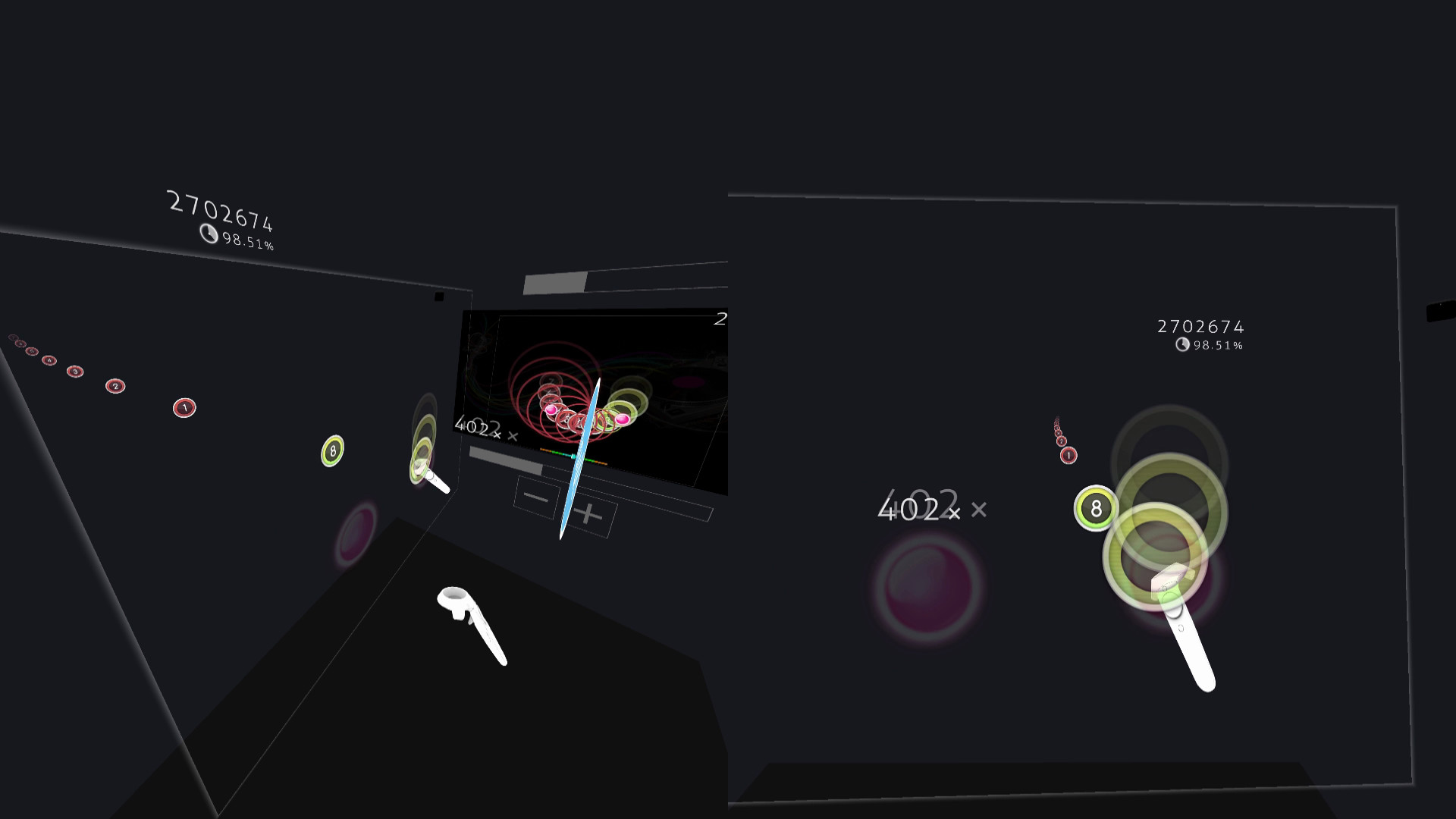
VR gamemode
-
First-Person 3D gamemode (FPoSu)
-
Steam Workshop support for skins
-
Infinite offline profiles with pp ranking
-
Customizable HP Drain + Notelock algorithms
Beatmaps
-
If you have osu!(stable) installed, then McOsu will load your beatmaps directly from the default osu!(stable) installation path, although custom paths are also possible
-
You can use McOsu without installing osu!(stable) (it is not recommended though), a guide on manual beatmap management is available in the Steam Community Guides
osu! VS McOsu
The intention of this game is neither to replace peppy’s client, nor to split the community. McOsu was created partially out of frustration, because osu! is lacking many usability features vital to practicing effectively and efficiently. This is currently being rectified in the rewrite of osu! (called osu!lazer), which is an open-source project anyone can contribute to.
Holodance VS McOsu
While Holodance is focused on providing a full VR rhythm game experience with osu! beatmap compatibility as a sideproject, McOsu tries to bring pure osu! gameplay into Virtual Reality while staying as close to the original as possible.
As a wise man once said, "plz enjoy game".
–
If you want, you can help out with McOsu development on Github, or just take a look at the source code, as this is an open-source project.
–
Skin Credits:
-
ffffffffffffffffff – "- Jaret – Mish Mosh"
-
irrlux – "Talrava XIV"
-
HazrdMC – "Phaze"
-
Redon – "Aesthetic 1.3"
-
DarkSlayer000 – "xXx_SampleSkin_xXx v1.3"
-
Inori – "Stepmania"
-
taikuta – "Murakumo"
-
Easy – "Burning_Crow V2"
-
Icomoon
-
Freepik
系统要求
最低配置:
最低配置:
- 操作系统 *: Windows 7
- 处理器: Not a Potato™
- 内存: 512 MB RAM
- 显卡: OpenGL 3.0 compatible
- 存储空间: 需要 75 MB 可用空间
- 声卡: XAudio2 / DirectSound compatible
- 支持 VR: SteamVR. Standing or Room Scale
推荐配置:
推荐配置:
- 操作系统 *: Windows 7 or newer
- 处理器: Intel® Core™ i5 or better
- 内存: 2 GB RAM
- 显卡: NVIDIA GeForce® GTX 970 (for VR) / AMD Radeon™ R9 290 or better (for VR)
- 存储空间: 需要 75 MB 可用空间
- 声卡: XAudio2 / DirectSound compatible
游戏截图

游戏共有 11 张截图,这里显示了 4 张


